
27 inch monitors
48 live deals on 27 inch monitors from the brands UK shoppers actually buy: BenQ, ASUS, LG, Samsung, AOC, ViewSonic and more. Filter by resolution, panel type and refresh rate to find the right screen for gaming, work or both, then compare prices across UK retailers in one click.
- Relevance
- Price: Low - High
- Price: High - Low
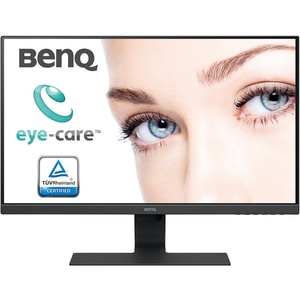
Screen size: 27 inch • Resolution: 1920 x 1080 • Refresh Rate: 60 Hz
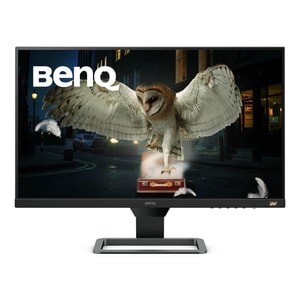
Screen size: 27 inch • Resolution: 1920 x 1080 • Refresh Rate: 75 Hz
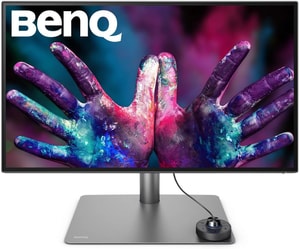
Screen size: 27 inch • Resolution: 3840 x 2160 • Refresh Rate: 60 Hz
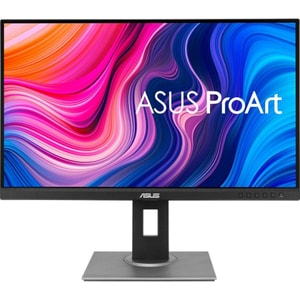
Screen size: 27 inch • Resolution: 2560 x 1440 • Refresh Rate: 75 Hz
Screen size: 27 inch • Resolution: 2560 x 1440 • Refresh Rate: 165 Hz
Screen size: 27 inch • Resolution: 1920 x 1080 • Refresh Rate: 75 Hz
Screen size: 27 inch • Resolution: 1920 x 1080 • Refresh Rate: 100 Hz
Screen size: 27 inch • Resolution: 2560 x 1440 • Refresh Rate: 240 Hz
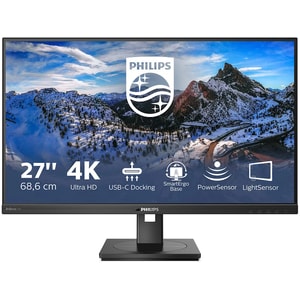
Screen size: 27 inch • Resolution: 3840 x 2160 • Refresh Rate: 60 Hz
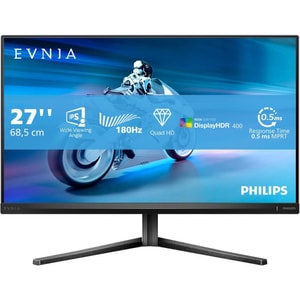
Screen size: 27 inch • Resolution: 2560 x 1440 • Refresh Rate: 180 Hz
Screen size: 27 inch • Resolution: 1920 x 1080 • Refresh Rate: 60 Hz
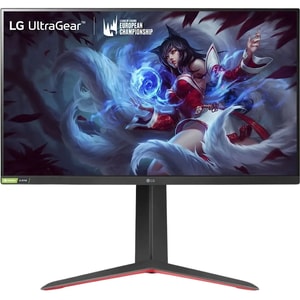
Screen size: 27 inch • Resolution: 2560 x 1440 • Refresh Rate: 180 Hz (OC)
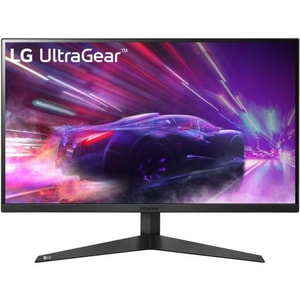
Screen size: 27 inch • Resolution: 1920 x 1080 • Refresh Rate: 165 Hz
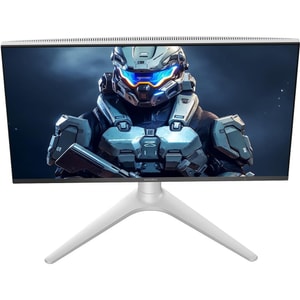
Screen size: 27 inch • Resolution: 2560 x 1440 • Refresh Rate: 240 Hz
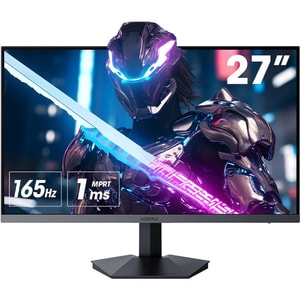
Screen size: 27 inch • Resolution: 1920 x 1080 • Refresh Rate: 165 Hz
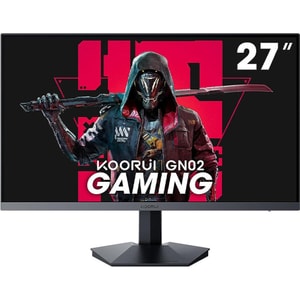
Screen size: 27 inch • Resolution: 1920 x 1080 • Refresh Rate: 240 Hz
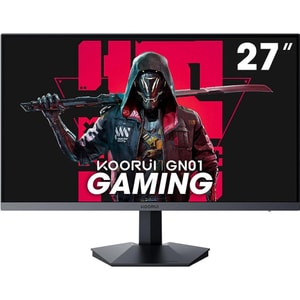
Screen size: 27 inch • Resolution: 1920 x 1080 • Refresh Rate: 165 Hz
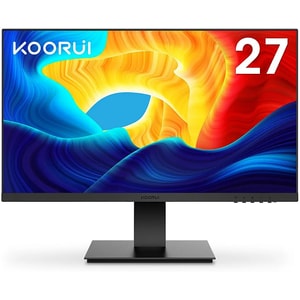
Screen size: 27 inch • Resolution: 1920 x 1080 • Refresh Rate: 75 Hz
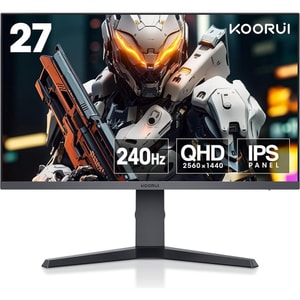
Screen size: 27 inch • Resolution: 2560 x 1440 • Refresh Rate: 240 Hz
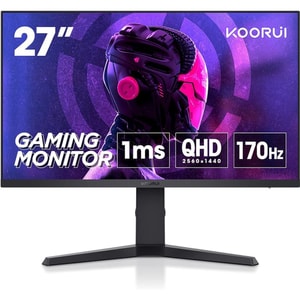
Screen size: 27 inch • Resolution: 2560 x 1440 • Refresh Rate: 170 Hz
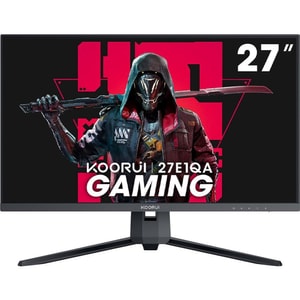
Screen size: 27 inch • Resolution: 2560 x 1440 • Refresh Rate: 144 Hz
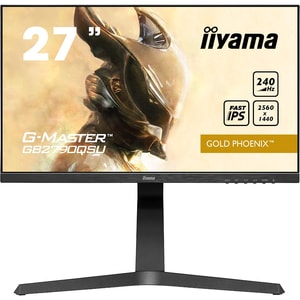
Screen size: 27 inch • Resolution: 2560 x 1440 • Refresh Rate: 240 Hz
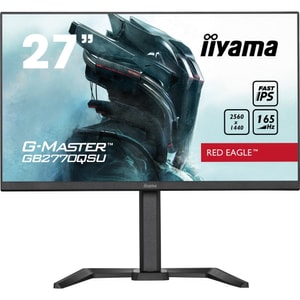
Screen size: 27 inch • Resolution: 2560 x 1440 • Refresh Rate: 165 Hz
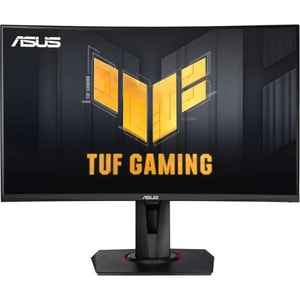
Screen size: 27 inch • Resolution: 1920 x 1080 • Refresh Rate: 240 Hz
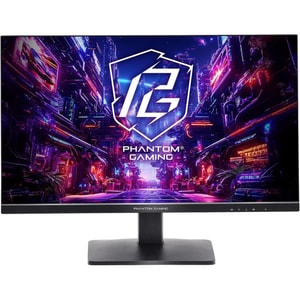
Screen size: 27 inch • Resolution: 2560 x 1440 • Refresh Rate: 180 Hz
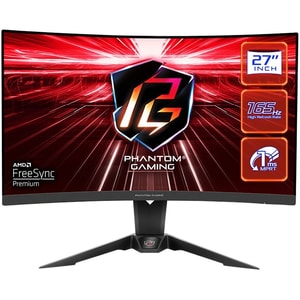
Screen size: 27 inch • Resolution: 2560 x 1440 • Refresh Rate: 165 Hz
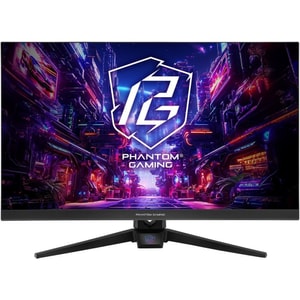
Screen size: 27 inch • Resolution: 1920 x 1080 • Refresh Rate: 180 Hz
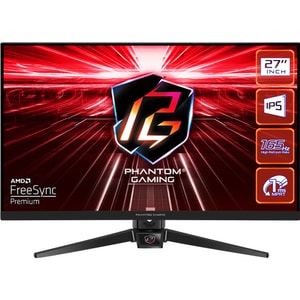
Screen size: 27 inch • Resolution: 1920 x 1080 • Refresh Rate: 165 Hz
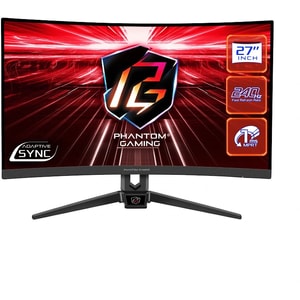
Screen size: 27 inch • Resolution: 1920 x 1080 • Refresh Rate: 240 Hz
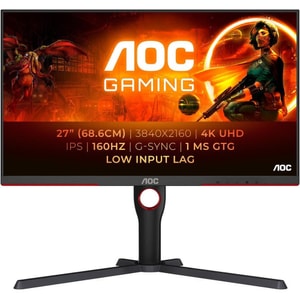
Screen size: 27 inch • Resolution: 3840 x 2160 • Refresh Rate: 160 Hz
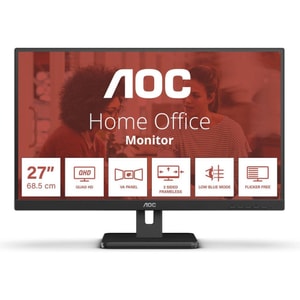
Screen size: 27 inch • Resolution: 2560 x 1440 • Refresh Rate: 75 Hz
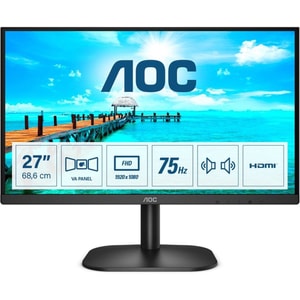
Screen size: 27 inch • Resolution: 1920 x 1080 • Refresh Rate: 75 Hz
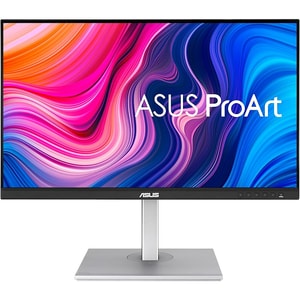
Screen size: 27 inch • Resolution: 3840 x 2160 • Refresh Rate: 60 Hz
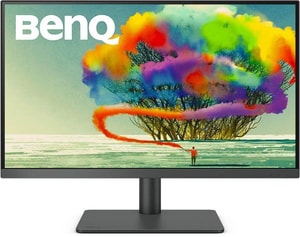
Screen size: 27 inch • Resolution: 3840 x 2160 • Refresh Rate: 60 Hz
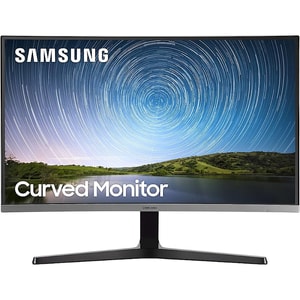
Screen size: 27 inch • Resolution: 1920 x 1080 • Refresh Rate: 60 Hz
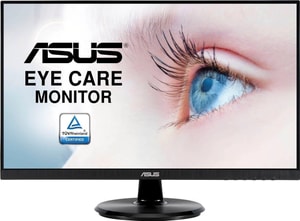
Screen size: 27 inch • Resolution: 1920 x 1080 • Refresh Rate: 75 Hz
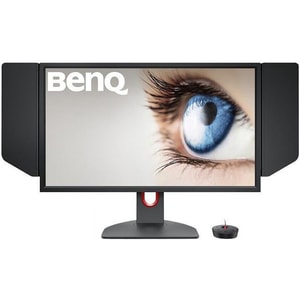
Screen size: 27 inch • Resolution: 1920 x 1080 • Refresh Rate: 240 Hz
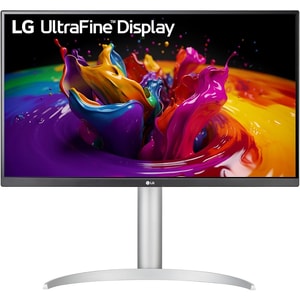
Screen size: 27 inch • Resolution: 3840 x 2160 • Refresh Rate: 60 Hz
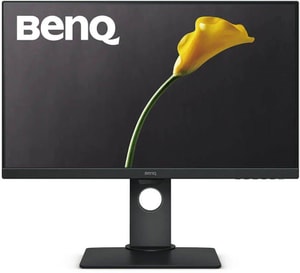
Screen size: 27 inch • Resolution: 1920 x 1080 • Refresh Rate: 60 Hz
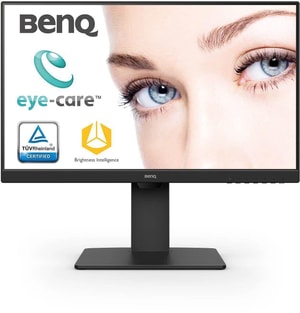
Screen size: 27 inch • Resolution: 1920 x 1080 • Refresh Rate: 75 Hz
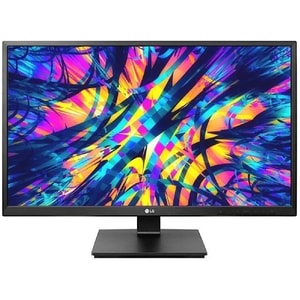
Screen size: 27 inch • Resolution: 1920 x 1080 • Refresh Rate: 75 Hz
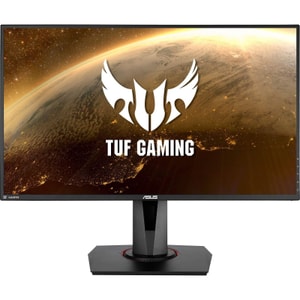
Screen size: 27 inch • Resolution: 1920 x 1080 • Refresh Rate: 280 Hz (OC)
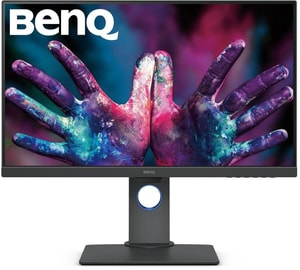
Screen size: 27 inch • Resolution: 2560 x 1440 • Refresh Rate: 60 Hz
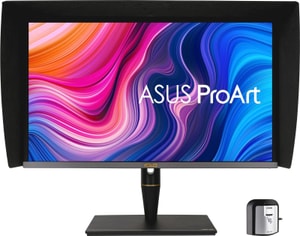
Screen size: 27 inch • Resolution: 3840 x 2160 • Refresh Rate: 60 Hz
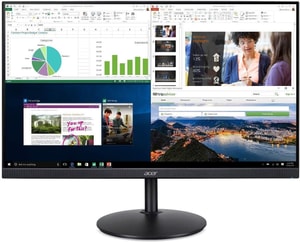
Screen size: 27 inch • Resolution: 1920 x 1080 • Refresh Rate: 75 Hz
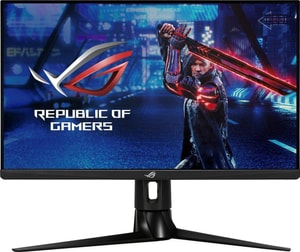
Screen size: 27 inch • Resolution: 2560 x 1440 • Refresh Rate: 170 Hz (OC)
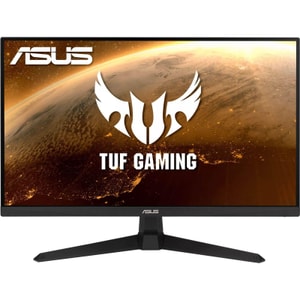
Screen size: 27 inch • Resolution: 1920 x 1080 • Refresh Rate: 165 Hz
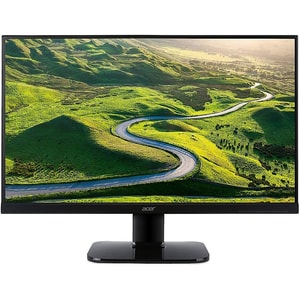
Screen size: 27 inch • Resolution: 1920 x 1080 • Refresh Rate: 60 Hz
27 inch monitor deals: choose by how you'll use it
A 27 inch monitor is the size most desks land on for a reason. It's big enough for two windows side by side, small enough that you don't lose the corners in your peripheral vision, and it covers everything from spreadsheets to 4K editing to 240Hz gaming. The price gap between the cheapest model on this page and the most expensive runs into four figures, so the right pick is rarely the headline deal. It's the one that matches your resolution, panel and refresh rate to what you actually do at the desk. Read More...
1080p, 1440p or 4K: pick the resolution your hardware can drive
Of the 48 monitors on this page, 24 are 1080p, 17 are 1440p and 7 are 4K. That spread reflects how most UK shoppers buy.
A 27 inch 1080p monitor is the budget-friendly choice and is the easiest to drive on older laptops, integrated graphics and entry-level consoles. Text is a touch softer than 1440p at this size, but it's perfectly comfortable for office work and casual gaming.
A 27 inch 1440p monitor (often listed as QHD) is the all-rounder. Sharper text, more usable desktop space, and still within reach of mid-range graphics cards at high frame rates. It's the resolution most people land on once they've owned both.
A 27 inch 4K monitor is the pick for photo and video work, and for anyone who wants the crispest text on the page. The catch: you'll need display scaling so menus stay readable, and games will lean harder on your graphics card.
Gaming or work: refresh rate and panel matter more than brand
For a 27 inch gaming monitor, refresh rate is the spec that changes how the screen feels. We list options from 60Hz right up to a 280Hz overclocked panel, with 7 monitors at 240Hz and a deeper bench at 144Hz to 180Hz. Pair that with FreeSync or G-SYNC Compatible support to match your graphics card and the difference in fast-paced games is genuine, not marketing.
For office and creative work, a 27 inch IPS monitor is the safer default (31 of the 48 here are IPS) thanks to consistent colour and wide viewing angles. The 17 VA panels in stock are worth a look if you watch films in a darker room, where deeper contrast pays off.
Curved or flat?
A 27 inch curved monitor can feel more immersive, particularly for racing and single-player games. Six of the monitors here are curved, with curvatures from a gentle 1800R to a more aggressive 1000R. For design work, where straight lines need to look straight, stick with flat.
Before you click "buy": the five things to check
A cheap 27 inch monitor is only a deal if the spec lines up with how you'll use it. Before you click through to the retailer:
- Confirm the resolution and refresh rate combination your PC or console can actually output
- Check the ports: HDMI, DisplayPort, USB-C, and whether USB-C carries video and power
- Look at stand adjustability (height, tilt, swivel) if you'll sit at it for long stretches
- Note the VESA mount pattern (typically 75 × 75 or 100 × 100) if you're using an arm
- Check which cables are in the box, especially DisplayPort and USB-C
Frequently Asked Questions
For mixed work and play, a 27 inch 1440p monitor with an IPS panel and a refresh rate of 144Hz or higher is the sweet spot at this size. If you mostly do office work, 1080p is genuinely fine and saves money. If you edit photos or video for a living, a 4K IPS panel earns its price.
A 27 inch 4K monitor gives noticeably sharper text and finer detail than 1440p, which is useful for creative work, code and reading-heavy tasks. The trade-off: you'll likely use display scaling to keep menus comfortable, and gaming at 4K demands more from your graphics card. If your hardware is mid-range, 1440p often feels better in practice.
IPS is the safer all-rounder. Colours stay consistent off-axis, which helps for shared viewing and creative work. VA panels can offer stronger contrast and deeper blacks, which some shoppers prefer for films and darker rooms. Motion handling varies by model, so check reviews of the specific monitor rather than the panel type alone.
For casual play, 75Hz to 144Hz is plenty. For competitive shooters and esports, 240Hz 27 inch monitor options will feel sharper, but only if your PC can output the frame rates to match. Check that the monitor lists FreeSync or G-SYNC Compatible support and that your graphics card supports the same standard.
It will, but only if both the monitor's USB-C port and your laptop's port support DisplayPort over USB-C for video. Some models also charge the laptop over the same cable, but power delivery wattage varies from around 60W to 100W, so confirm both video support and charging wattage on the exact model code before you buy.
A 27 inch screen is roughly 60cm wide. A desk depth of 60cm or more lets you sit at a comfortable 70 to 80cm from the screen, which is the sweet spot for eye comfort. If your desk is shallower, look for a model with strong tilt and height adjustment, or use a VESA arm to push the screen further back.
Filter by resolution, panel and refresh rate first, then sort by Best Deals. The Save % shown is the gap between the typical retailer price and the lowest live price we've found across UK retailers today, so a high saving on a model that already matches your spec list is usually the strongest buy.