
Gaming Consoles
- Relevance
- Price: Low - High
- Price: High - Low
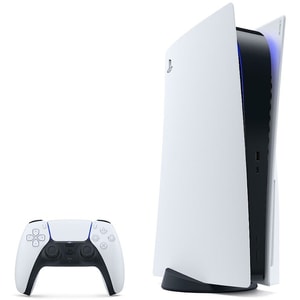
Console Type: Home Console • Storage Capacity: 825 GB SSD • Number of players: 1 or more players
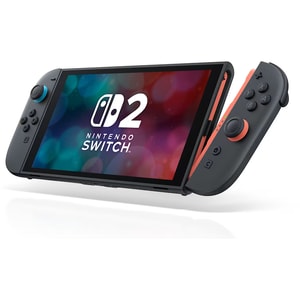
Console Type: Handheld Console • Storage Capacity: 256 GB • Number of players: 1 or more
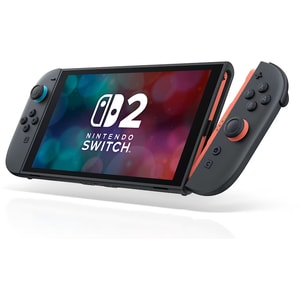
Console Type: Handheld Console • Storage Capacity: 256 GB • Number of players: 1 or more
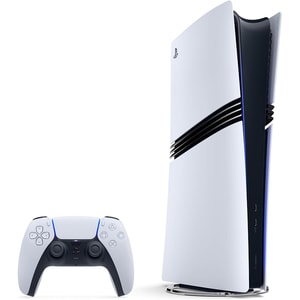
Console Type: Home Console • Storage Capacity: 2 TB SSD • Number of players: 1 or more
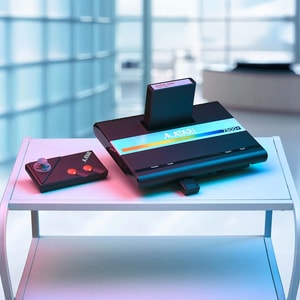
Console Type: Retro Home Console • Number of players: 2 • Games Included: 1
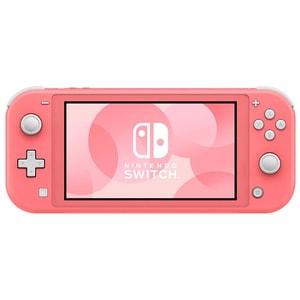
Console Type: Handheld Console • Storage Capacity: 32 GB • Number of players: 8
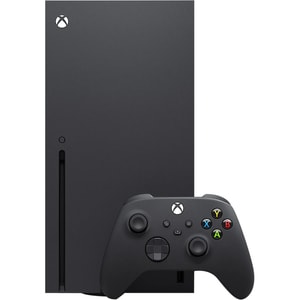
Console Type: Home Console • Storage Capacity: 1 TB SSD • Number of players: 1 or more
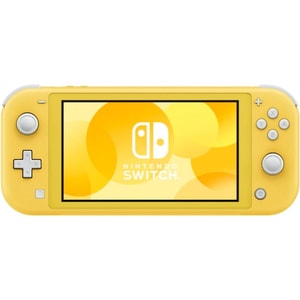
Console Type: Handheld Console • Storage Capacity: 32 GB • Number of players: 8
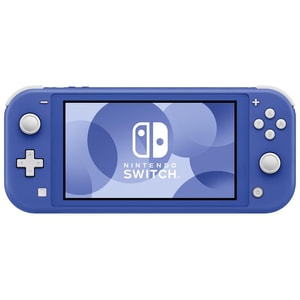
Console Type: Handheld Console • Storage Capacity: 32 GB • Number of players: 8
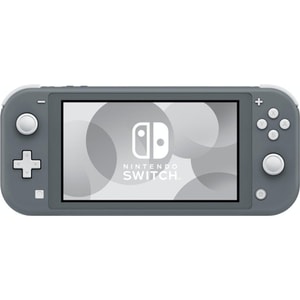
Console Type: Handheld Console • Storage Capacity: 32 GB • Number of players: 8
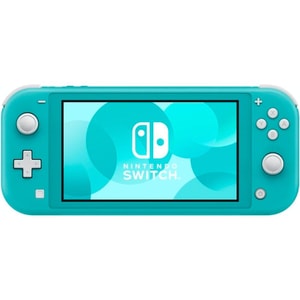
Console Type: Handheld Console • Storage Capacity: 32 GB • Number of players: 8
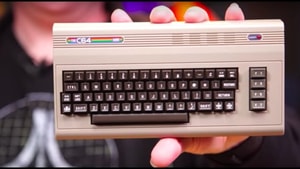
Console Type: Retro Home Console • Number of players: upto 2 players • Games Included: 64
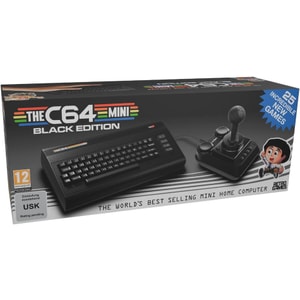
Console Type: Plug & Play • Number of players: Upto 2 players • Games Included: 25
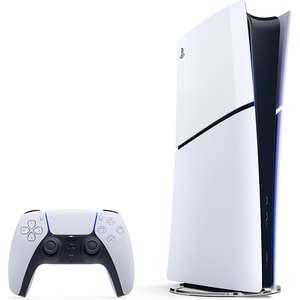
Console Type: Home Console • Storage Capacity: 825 GB SSD • Number of players: 1 or more players
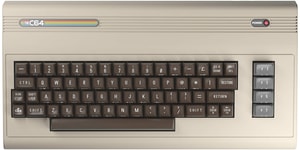
Console Type: Retro Home Console • Number of players: uupto 2 players • Games Included: 64
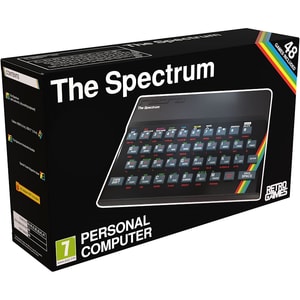
Console Type: Retro Home Console • Number of players: 2 • Games Included: 48
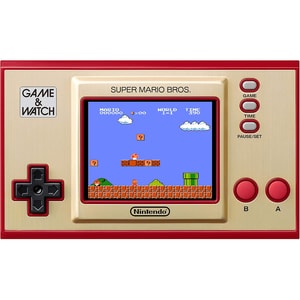
Console Type: Retro Handheld • Number of players: 1 or more players • Games Included: 3
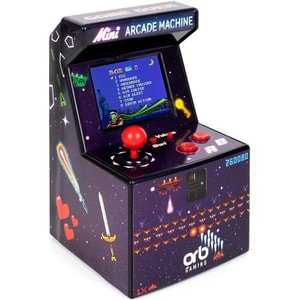
Console Type: Retro Handheld • Number of players: 1 • Games Included: 240
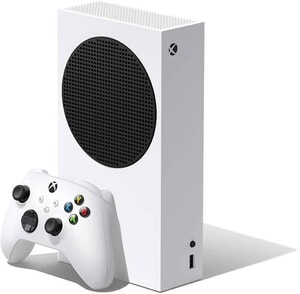
Console Type: Home Console • Storage Capacity: 512 GB NVMe SSD • Number of players: 1 or more
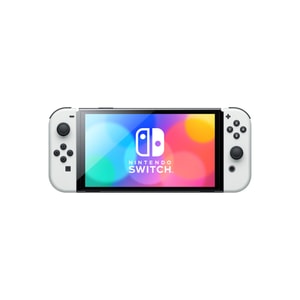
Console Type: Handheld Console • Storage Capacity: 64 GB • Number of players: 8
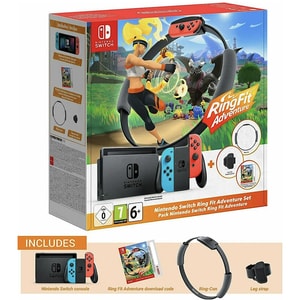
Console Type: Handheld Console • Storage Capacity: 32 GB • Number of players: 1
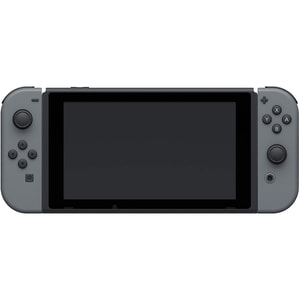
Console Type: Handheld Console • Storage Capacity: 32 GB • Number of players: 8
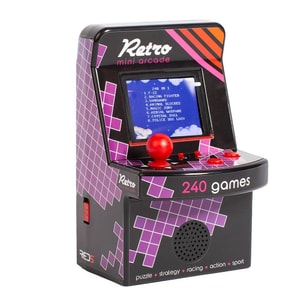
Console Type: Mini Arcade Cabinet • Number of players: 1 • Games Included: 240
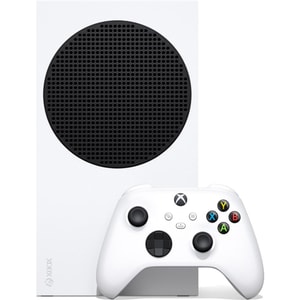
Console Type: Home Console • Storage Capacity: 1 TB NVMe SSD • Number of players: 1 or more
Gaming consoles: pick the platform that fits your home and your habits
A games console is often the simplest route into gaming: plug in, sign in, and you are ready. The best choice is the one that fits how you actually play, whether that is big-screen story games, competitive multiplayer, family co-op on the sofa, or handheld sessions on the move. This category covers modern consoles from PlayStation, Xbox and Nintendo, alongside compact retro devices and mini arcade machines for a nostalgic hit. Read More...
If you are exploring the wider category first, Gaming is a useful place to see consoles, games and accessories together, then come back once you know which direction you are leaning.
The main choices: PlayStation, Xbox and Nintendo Switch
Most buying decisions become easier once you answer three questions: which games you want access to, whether you prefer discs or downloads, and where you will play most often. After that, the differences are mainly about convenience: storage, controllers, online play, and what suits your household.
PlayStation consoles: performance-led favourites, with disc and digital options
If you are searching for a PS5 console or PlayStation console, you are usually aiming for current-generation performance and a library that includes big story-led releases as well as competitive play. One of the most practical choices is disc versus digital. A disc drive can suit households that like boxed games, lending and resale, while digital models suit players who prefer downloads and a tidier setup. If you are considering a bundle, check exactly what is included, such as a game code or disc, an extra controller, or a membership voucher.
Xbox consoles: a flexible route into current gaming, with Series X and Series S
An Xbox Series X is typically chosen when you want the most capable Xbox option, while an Xbox Series S is often chosen for a smaller, all-digital setup. Xbox buyers also tend to care about library carry-over, so backwards compatibility can be an important factor if you already own older titles. If you use membership libraries to try lots of games, storage and download speeds matter more; if you buy a smaller set of favourites, comfort with discs versus digital matters more.
Nintendo Switch: handheld flexibility, family play, and OLED or Lite choices
If your searches include Nintendo Switch OLED, Nintendo Switch Lite, or handheld gaming console, you are usually choosing for flexibility. The Switch family is built around playing docked on a TV, tabletop, or handheld, depending on the model. OLED models are often picked for a larger, more vibrant screen, while Lite models focus on portable play with integrated controls. Switch is also popular for local multiplayer and pick-up play that is easy to start.
Games, memberships and storage: the choices that change day-to-day use
After the console itself, the next decision is how you will build a library. Some players prefer owning favourites on disc, while others download everything and rely on membership libraries for variety. Storage becomes part of that decision because modern games and updates can be sizeable, so it helps to think about usable space and whether expansion is possible later.
When you are ready to explore titles, Console Games is the natural next step. Choosing the platform first makes every purchase decision simpler, and it helps avoid buying the right game for the wrong console.
Retro consoles and mini arcades: nostalgia that is easy to pick up
Not every console purchase is about the newest releases. Many shoppers look for a retro gaming console, plug and play console, mini arcade machine, or retro handheld console because they want familiar fun without a long install. These devices are often shaped around a particular era or licence and are designed to be straightforward: switch on, pick a title, play.
The trade-off is usually the library and the feel of the controls. Some devices have a fixed game list, others use cartridges, and some are better as occasional treats than daily drivers. For gifting, focus on the era of games the player enjoys, and aim for comfortable controls and a clear display.
What to check before you buy: disc drive, online play, and the screen you use
A console that fits your space tends to get used more. Start with where it will sit and how it will connect. If you play on a TV, check you have the right HDMI inputs available and that your set has a game mode or low-latency setting. If your screen is due an upgrade, TV & Audio is a useful place to explore televisions and sound bars that suit the room.
Online play is another practical check. Some games need memberships for certain features, and many households use voice chat. If you are buying for a younger player, it is also worth checking parental controls and age ratings, so the console fits the household rules.
Quick buying cues: matching the console to the player
If you are buying for a family, prioritise ease of use, local multiplayer, and a library that suits different ages. If more than one person plays at home, an extra controller is often the add-on that changes the most. Game Controllers is the best place to choose a compatible second pad without guessing.
If you are buying for a competitive player, prioritise controller feel, online stability, and a display setup that keeps motion looking smooth. If the player spends a lot of time in online matches, Gaming Headsets can help you choose a comfortable fit with clear chat and the right connection type.
If you are buying for a traveller, prioritise portability and games that work well in shorter sessions. If you are buying for nostalgia, prioritise the era of games and the quality of the controls, because that is what makes a retro device feel right from the first button press.