
Game Controllers
- Relevance
- Price: Low - High
- Price: High - Low
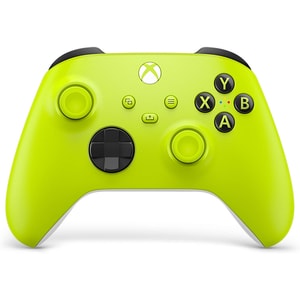
Controller Type: Gamepad • Power Source: Batteries (2 x AA) • Colour: Astral Purple, Carbon Black, Deep Pink, Electric Volt, Gold Shadow Special Edition, Nocturnal Vapor Special Edition, Pulse Red, Robot White, Shock Blue and Velocity Green
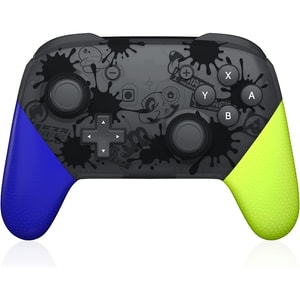
Controller Type: Gamepad • Compatible With: Nintendo Switch • Connectivity: Wireless & Wired
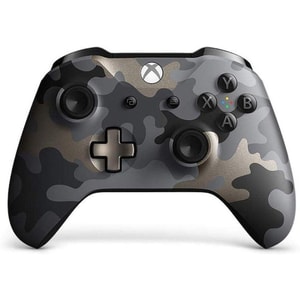
Controller Type: Gamepad • Compatible With: Xbox One; Xbox One S; Xbox One X; PC • Connectivity: Wireless
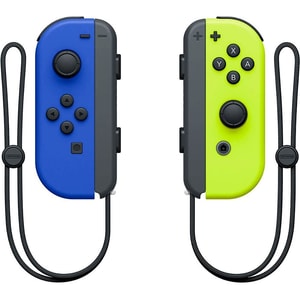
Colour: Grey, Neon Blue & Neon Yellow, Neon Green & Neon Pink, Neon Purple & Neon Orange, Neon Red & Neon Blue, Pastel Pink, Pastel Purple & Pastel Green, Skyward Sword HD Edition Blue & Purple and Yellow
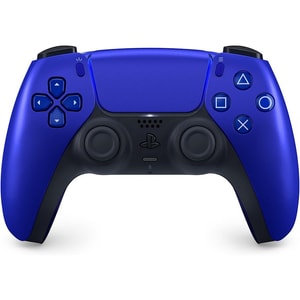
Controller Type: Gamepad • Power Source: Rechargeable battery • Colour: Cobalt Blue, Cosmic Red, Midnight Black, Nova Pink, Starlight Blue, Sterling Silver, Volcanic Red and White
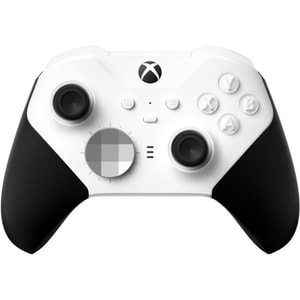
Controller Type: Gamepad • Compatible With: Xbox Series X|S, Xbox One, PC, Android, iOS • Connectivity: Wired & Wireless
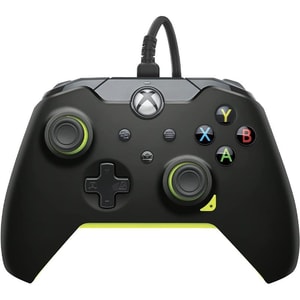
Colour: Electric Black, Electric White, Ghost White, Ion White, Neon Carbon, Neon White and Raven Black
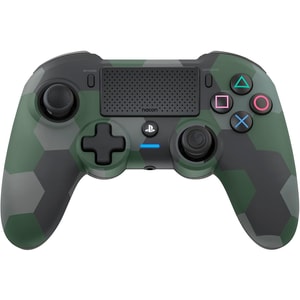
Controller Type: Gamepad • Compatible With: PlayStation 4, PC • Connectivity: Wired & Wireless
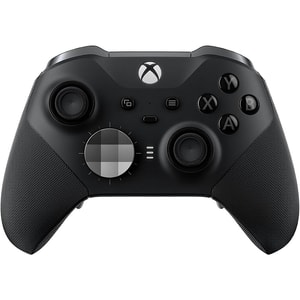
Controller Type: Gamepad • Compatible With: Xbox Series X|S, Xbox One, PC • Connectivity: Wired & Wireless
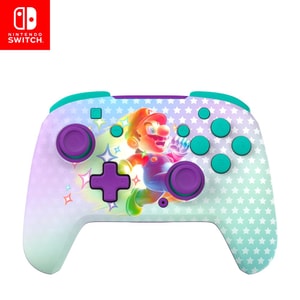
Controller Type: Gamepad • Compatible With: Nintendo Switch, Nintendo Switch Lite, Nintendo Switch OLED, Nintendo Switch 2 • Connectivity: Wireless
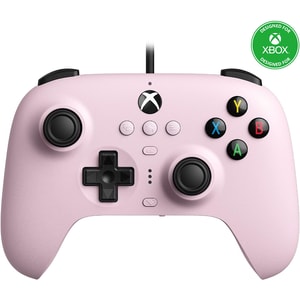
Controller Type: Gamepad • Compatible With: Xbox Series X|S, Xbox One, PC • Connectivity: Wired
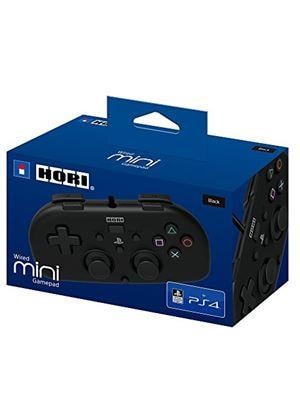
Controller Type: Gamepad • Compatible With: PS4 • Connectivity: Wired
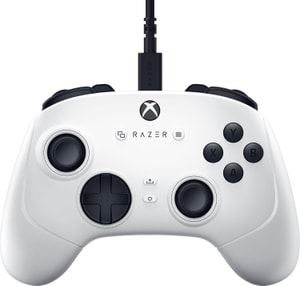
Controller Type: Gamepad • Connectivity: Wired • Power Source: USB-powered
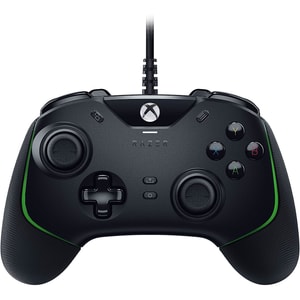
Controller Type: Gamepad • Compatible With: Xbox Series X|S, Xbox One, PC • Connectivity: Wired
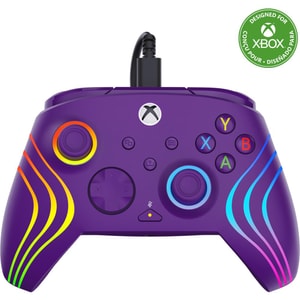
Controller Type: Gamepad • Compatible With: Xbox Series X|S, Xbox One, PC • Connectivity: Wired
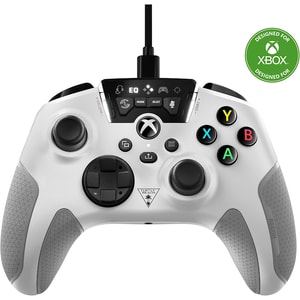
Controller Type: Gamepad • Compatible With: Xbox Series X|S, Xbox One, PC • Connectivity: Wired
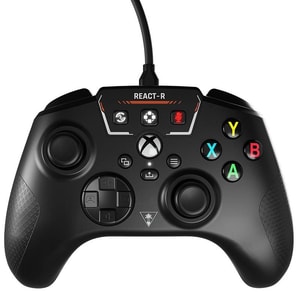
Controller Type: Gamepad • Compatible With: Xbox Series X|S, Xbox One, PC • Connectivity: Wired
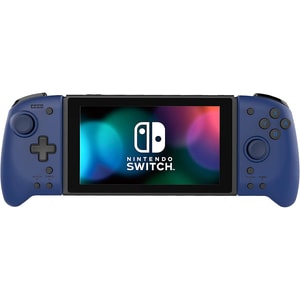
Controller Type: Handheld controller • Compatible With: Nintendo Switch • Connectivity: Wired
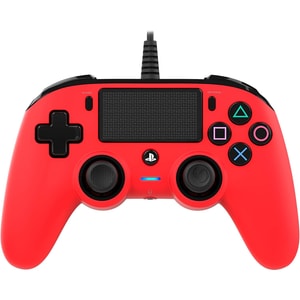
Controller Type: Gamepad • Compatible With: PS4, PC • Connectivity: Wired
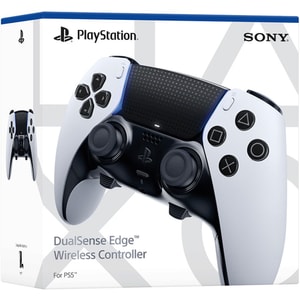
Controller Type: Gamepad • Compatible With: PS5; PC • Connectivity: Wireless & Wired
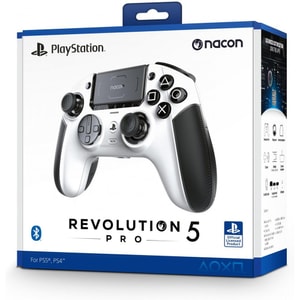
Controller Type: Gamepad • Compatible With: PS5, PS4, PC • Connectivity: Wired & Wireless
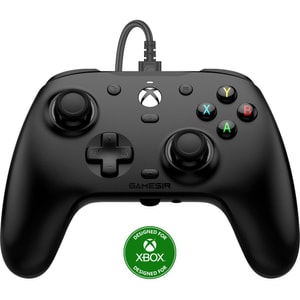
Controller Type: Gamepad • Compatible With: Xbox Series X|S, Xbox One, PC • Connectivity: Wired
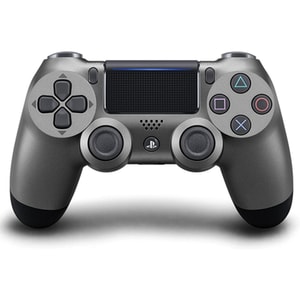
Colour: Glacier White, Green Camo, Jet Black, Magma Red, Midnight Blue, Steel Black, Titanium Blue and Wave Blue
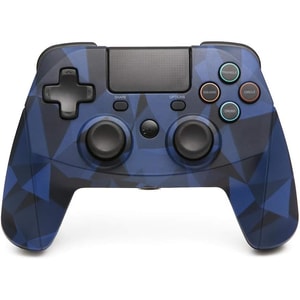
Controller Type: Gamepad • Compatible With: PlayStation 4, PlayStation 4 Slim, PlayStation 4 Pro • Connectivity: Wireless (Bluetooth)
Game controllers: comfort, connection, and control that feels natural
A good game controller disappears in your hands. Buttons land where you expect, sticks feel predictable, and longer sessions stay comfortable. This category includes console controllers, PC gamepads, wired and wireless controllers, pro controllers with extra buttons, and specialist options like fight sticks and flight controls. Read More...
A useful starting point is simple preference: do you like offset sticks, symmetrical sticks, or a smaller handheld-style pad. Once the layout feels right, details like grip texture, trigger travel, and button shape are what make a controller feel “yours”.
Compatibility first: match the controller to your platform
Start by confirming where you play: PlayStation, Xbox, Nintendo Switch, PC, or a mix. Many controllers are designed for one ecosystem, and even when a pad connects, features like haptics, motion control, or remappable buttons may only work when the platform and the game support them. For gifts, this is the single most important check, because the right controller on the wrong platform is a dead purchase.
Whether you are replacing a PS5 controller, picking up an Xbox Series X controller for co-op, or choosing between Joy-Con and a Nintendo Switch Pro Controller, confirm compatibility before you compare colours or “pro” features. If you are still choosing between consoles, Games Consoles is the quickest place to confirm the platform before you commit to accessories.
Licensed vs third-party: what it means in practice
First-party controllers are built to match the console experience, including pairing and system features. For example, the PS5 DualSense is designed around haptic feedback and adaptive triggers in supported games. Licensed third-party controllers can offer good value or specific layouts, but it is worth checking what is included, such as wireless support, rumble, motion controls, or a headset jack.
For PC, look for clear Windows support and a standard input mode such as XInput, because that is widely supported by games and can save set-up time.
Wired vs wireless: pairing, latency, and charging habits
A wired controller is the simplest option: plug in and play, with no pairing and no battery to manage. A wireless controller suits sofa play and shared rooms, and it can be the better fit when you move between screens or prefer a cleaner set-up.
Practical details decide how often a controller gets used. Look for the connection type (Bluetooth, 2.4 GHz dongle, or platform-specific wireless), charging method (USB-C, charging dock, or replaceable batteries), and cable length for wired pads. If you play online with voice chat, Gaming Headsets is a useful companion category for comfort and clearer communication.
Pro controllers: paddles, remapping, and drift-resistant designs
If you are searching for a pro controller, elite controller, or controller with paddles, you are usually aiming for extra inputs that keep your thumbs on the sticks. Back buttons and paddles can help in shooters and competitive games, and on-board profiles are useful when you switch between genres. Premium pads often add trigger stops, adjustable dead zones, and remapping software so the controller can be tuned to your preferences.
You will also see “Hall effect sticks” and other drift-resistant claims. Hall-effect designs use contactless magnetic sensing instead of a physical wiper on a resistive track, and they are often positioned as a way to reduce wear-related stick drift over time. Treat it as a model-by-model feature rather than a guarantee, and prioritise comfort, button feel, and platform support first.
Specialist controllers: fight sticks, racing wheels, and flight controls
Fight sticks and arcade controllers are popular for fighters and retro play because the layout supports fast inputs and consistent diagonals. They can feel more natural than a standard pad once you build muscle memory.
For racing fans, Steering Wheels can add a more realistic feel than any controller, especially when paired with pedals and a stable mounting setup.
A simple way to choose well
Start with platform compatibility, then decide between wired reliability and wireless flexibility. Next, prioritise comfort and the inputs you will actually use, then choose extras such as paddles, trigger stops, or interchangeable sticks based on the games you play most. If you want flight-style controls for sims, Joysticks are often a better fit than a standard pad once you get used to the layout.
If you are shopping for what to play next by platform, Console Games is the easiest way to keep game compatibility clear.