
Gaming Headsets
- Relevance
- Price: Low - High
- Price: High - Low
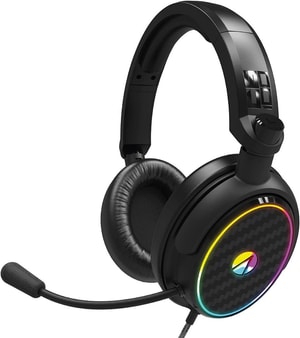
Product Type: Over-ear headset • Connection Type: Wired (3.5 mm) • Sound Output: Stereo
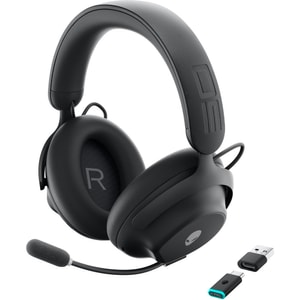
Product Type: Over-ear headset • Connection Type: Wired (USB-C); Wireless (2.4 GHz + Bluetooth) • Compatible With: PC • iPhone • iPad • Android • PlayStation 4 • PlayStation 5 • Nintendo Switch • Mobile
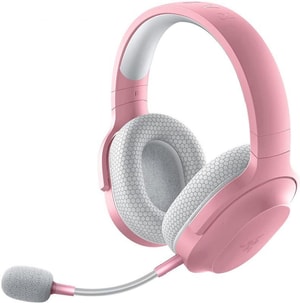
Product Type: Over-ear headset • Connection Type: Wired (3.5 mm); Wireless (USB-C 2.4 GHz + Bluetooth 5.2) • Compatible With: PC • PlayStation • Nintendo Switch • Mobile
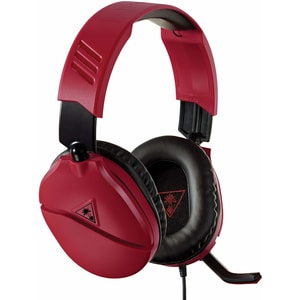
Product Type: Over-ear headset • Connection Type: Wired (3.5 mm) • Compatible With: PC • PS5 • PS4 • Xbox Series X|S • Xbox One • Nintendo Switch • Mobile
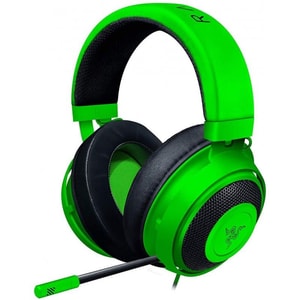
Product Type: Over-ear headset • Connection Type: Wired (3.5 mm jack) • Compatible With: PC • Mac • PS5 • PS4 • Xbox Series X|S • Xbox One • Nintendo Switch • Mobile
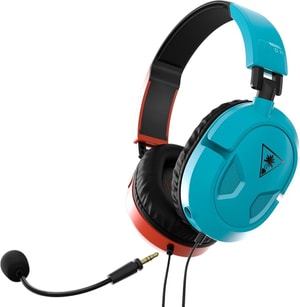
Product Type: Over-ear headset • Connection Type: Wired (3.5 mm) • Compatible With: PC • Mac • PS5 • PS4 • Xbox Series X|S • Xbox One • Nintendo Switch • Mobile
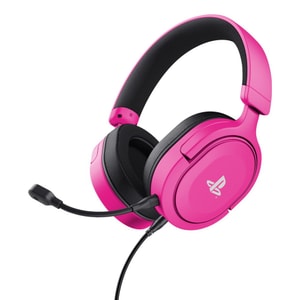
Product Type: Over-ear headset • Connection Type: Wired (3.5 mm) • Compatible With: PS5 • PS4 • PC
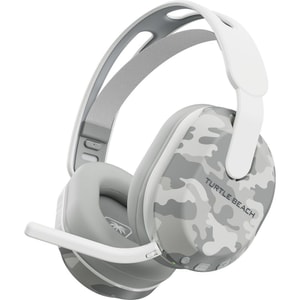
Product Type: Over-ear headset • Connection Type: Wireless (2.4 GHz + Bluetooth 5.2) • Compatible With: Xbox Series X|S • Xbox One • PC • Nintendo Switch • Mobile
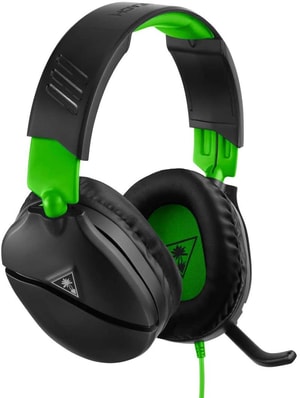
Product Type: Over-ear headset • Connection Type: Wired (3.5 mm) • Compatible With: Xbox Series X|S • Xbox One • PS5 • PS4 • Nintendo Switch • PC • Mobile
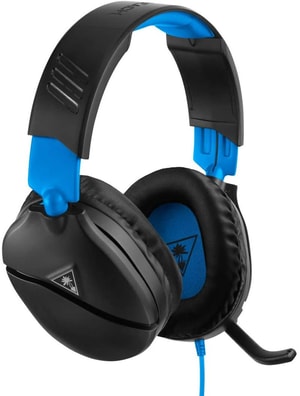
Product Type: Over-ear headset • Connection Type: Wired (3.5 mm) • Compatible With: PS5 • PS4 • Xbox Series X|S • Xbox One • Nintendo Switch • PC • Mobile
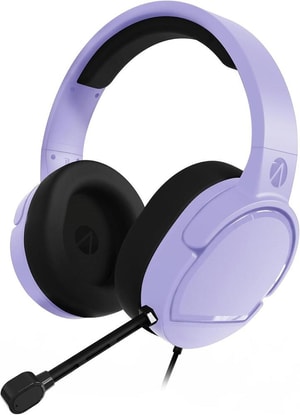
Product Type: Over-ear headset • Connection Type: Wired (3.5 mm) • Compatible With: PC • PS5 • PS4 • Xbox Series X|S • Xbox One • Nintendo Switch • Mobile
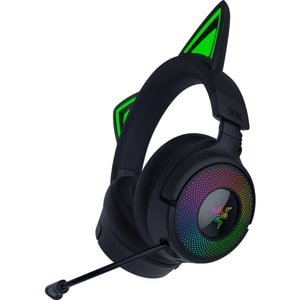
Product Type: Over-ear headset • Connection Type: Wired (USB-A); Wireless (2.4 GHz + Bluetooth 5.3) • Compatible With: PC • PlayStation 4 • PlayStation 5 • Mac • Nintendo Switch • Mobile
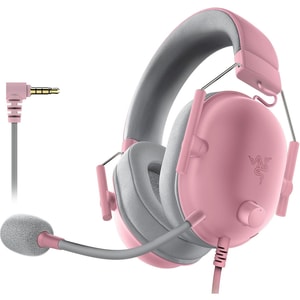
Product Type: Over-ear headset • Connection Type: Wired (3.5 mm jack) • Compatible With: PC • Mac • PS5 • PS4 • Xbox Series X|S • Xbox One • Nintendo Switch • Mobile
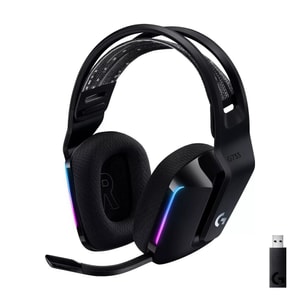
Product Type: Over-ear headset • Connection Type: Wireless (2.4 GHz) • Compatible With: PC • Mac • PS4 • PS5 • Nintendo Switch
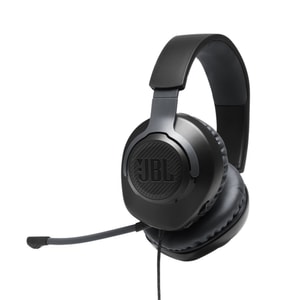
Product Type: Over-ear headset • Connection Type: Wired (3.5 mm) • Compatible With: PC • Mac • PS5 • PS4 • Xbox Series X|S • Xbox One • Nintendo Switch • Mobile • VR
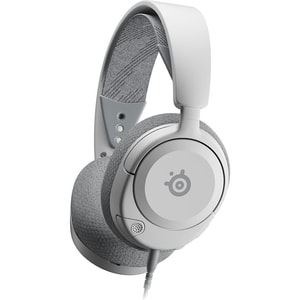
Product Type: Over-ear headset • Connection Type: Wired (3.5 mm jack) • Compatible With: PC • Mac • PS4 • PS5 • Xbox One • Xbox Series X|S • Nintendo Switch • Mobile
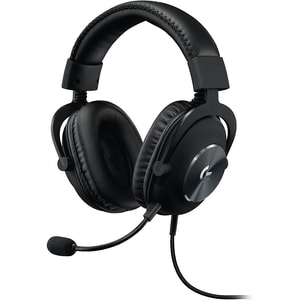
Product Type: Over-ear headset • Connection Type: Wired (USB-A); Wired (3.5 mm) • Compatible With: PC
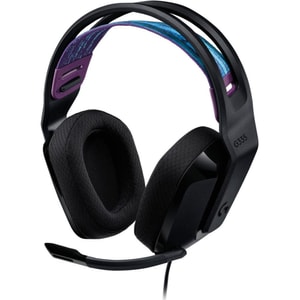
Product Type: Over-ear headset • Connection Type: Wired (3.5 mm) • Compatible With: PC • Xbox Series X|S • Xbox One • PS5 • PS4 • Nintendo Switch • Mobile
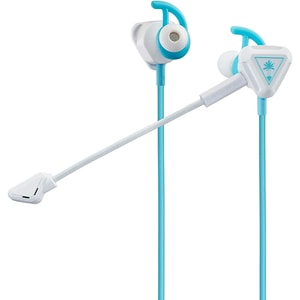
Product Type: In-ear gaming earbuds • Connection Type: Wired (3.5 mm) • Compatible With: Mobile • Xbox Series X|S • Xbox One • PS5 • PS4 • PC
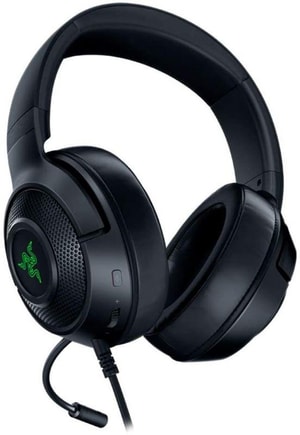
Product Type: Over-ear headset • Connection Type: Wired (USB-A) • Compatible With: PC • PS4 • PS5 • Xbox Series X|S • Xbox One • Nintendo Switch • Mobile
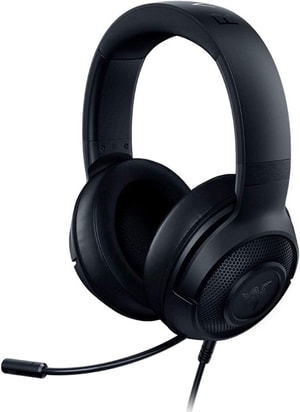
Product Type: Over-ear headset • Connection Type: Wired (3.5 mm jack) • Compatible With: PC • Mac • PS5 • PS4 • Xbox Series X|S • Xbox One • Nintendo Switch • Mobile
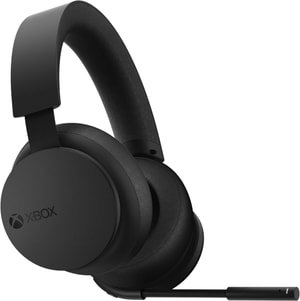
Product Type: Over-ear headset • Connection Type: Wireless (2.4 GHz + Bluetooth) • Compatible With: PC • Xbox One • Xbox Series X|S • Mobile
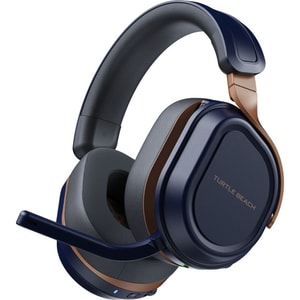
Product Type: Over-ear headset • Connection Type: Wireless (2.4 GHz + Bluetooth 5.2) • Compatible With: Xbox Series X|S • Xbox One • PC • PS5 • PS4 • Nintendo Switch • Steam Deck • Mobile
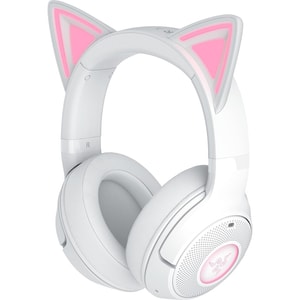
Product Type: Over-ear headset • Connection Type: Wireless (Bluetooth 5.2) • Compatible With: PC • Mac • PS5 • Nintendo Switch • Steam Deck • Mobile
Gaming headsets: clearer chat and better immersion without hassle
A gaming headset is one of the upgrades you notice immediately. Voices sound cleaner, directional cues are easier to place, and team chat stops feeling like a struggle. This category includes wired gaming headsets, wireless gaming headsets, console headsets, PC gaming headsets, and lighter in-ear options for players who want less bulk. If you are shopping for a gaming headset with microphone, prioritise comfort and mic clarity first. Read More...
If you are browsing the wider department first, Gaming is a useful place to see consoles, games and accessories together, then come back once you know what you play on most.
Start with compatibility: PS5, Xbox, Switch, PC and mobile
Most disappointment comes from compatibility assumptions. Before you compare sound profiles or brand names, confirm the platform and the connection type the headset is built for. Many headsets are described as multi-platform, but some features only work on certain systems, and some wireless models are locked to a specific console family. If you are buying as a gift, double-check whether chat, wireless pairing, and any companion app features are supported.
If you are still deciding on hardware, Games Consoles is the simplest place to confirm your platform before you commit to accessories.
Connection types that matter: 3.5 mm, USB, wireless dongle and Bluetooth
A 3.5 mm headset is usually the easiest option for controller-based play. It is typically plug-and-play and works well for sofa setups. USB headsets can add extra features through software, but they can be more platform specific. Wireless headsets typically use a USB dongle or console-specific wireless link, and some add Bluetooth for calls or mobile audio.
When you are buying for sofa co-op, remember the headset is only half the setup. A second controller can matter just as much for shared sessions, and Game Controllers is the right category when you need an extra pad that matches the console.
Wired vs wireless: choosing for reliability or freedom
Wired headsets are popular because they are simple. No pairing, no charging routine, and fewer connection variables. They can also be a practical choice for younger players who just want something that works every time.
Wireless headsets suit living-room play and longer sessions where you want to move around. Battery life matters, but so does how you charge: USB-C, a dock, or a clear battery indicator tends to be easier to live with than vague “up to” claims.
Sound that helps in real games: imaging, balance, and isolation
For competitive play, clarity and positional imaging usually matter more than exaggerated bass. Many headsets include EQ presets that emphasise mid-range detail for footsteps and callouts. If a headset offers virtual surround, treat it as a toggle you can enable per game, because some people prefer clean stereo for accuracy.
Closed-back headsets tend to isolate sound and keep game audio in, which helps in busy rooms. Open-back designs can feel more spacious, but they leak sound and let more of the room in. Either can be excellent if the fit and comfort are right.
Comfort checks: clamp force, glasses, and long sessions
Comfort is what decides whether a headset becomes your default or stays in a drawer. Look for adjustable headbands, breathable pads, and earcups that fully surround the ear rather than pressing on it. If you wear glasses, softer padding and moderate clamp force often matter more than weight. Replaceable ear pads can also extend a headset’s life.
If your gaming is mainly on a TV, your screen settings and room audio still shape the experience. TV & Audio is useful if you are also considering a better TV, a sound bar, or room-friendly listening options alongside a headset.
Microphone quality: being heard clearly without sounding harsh
A good mic reduces friction in multiplayer. Look for a boom mic that sits close to the mouth, plus noise reduction features that cut keyboard clicks or room echo. Practical controls matter: a clear mute button or flip-to-mute, easy volume control, and sidetone (mic monitoring) so you can hear your own voice naturally.
If the headset will be used by children, simple controls and a sturdy boom often beat “studio” promises. Detachable mics and included windscreens can be useful too.
A simple way to choose well
Start with platform compatibility and connection type, then decide between wired reliability and wireless freedom. Next, prioritise comfort and microphone clarity, because those determine whether you will use the headset every day. Finally, treat sound extras, such as EQ presets or virtual surround, as optional add-ons.
If you are shopping for what to play next by platform, Console Games is the easiest way to browse without mixing up compatibility.