
Televisions
- Relevance
- Price: Low - High
- Price: High - Low
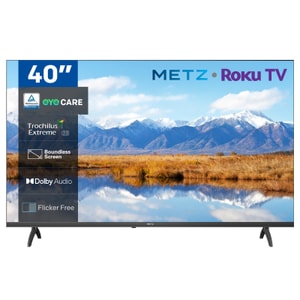
Screen Size: 40 inch • Resolution: Full HD (1920 x 1080) • Panel type: LED
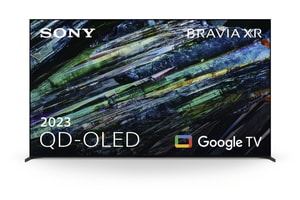
Screen Size: 77 inch • Resolution: 4K Ultra HD (3840 x 2160) • Panel type: OLED
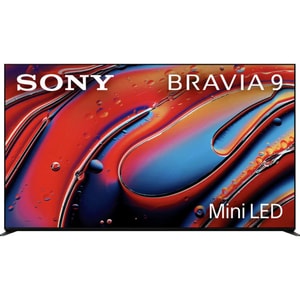
Screen Size: 65 inch • Resolution: 4K Ultra HD (3840 x 2160) • Panel type: Mini LED
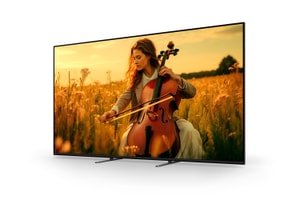
Screen Size: 98 inch • Resolution: 4K Ultra HD (3840 x 2160) • Panel type: Mini LED
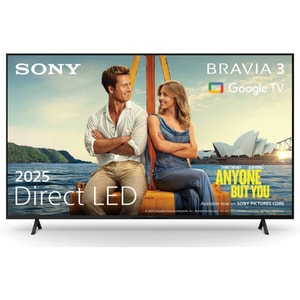
Screen Size: 75 inch • Resolution: 4K Ultra HD (3840 x 2160) • Panel type: LED
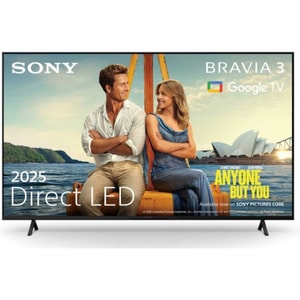
Screen Size: 65 inch • Resolution: 4K Ultra HD (3840 x 2160) • Panel type: LED
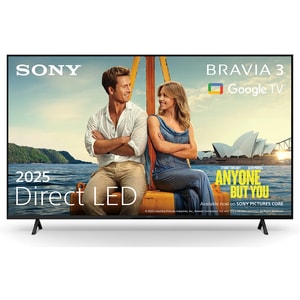
Screen Size: 55 inch • Resolution: 4K Ultra HD (3840 x 2160) • Panel type: LED
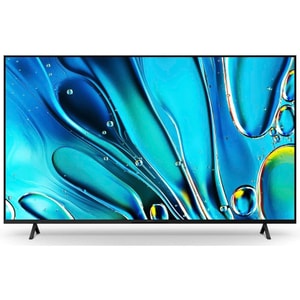
Screen Size: 43 inch • Resolution: 4K Ultra HD (3840 x 2160) • Panel type: LED
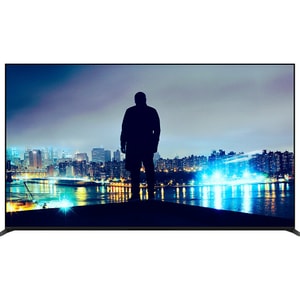
Screen Size: 65 inch • Resolution: 4K Ultra HD (3840 x 2160) • Panel type: OLED
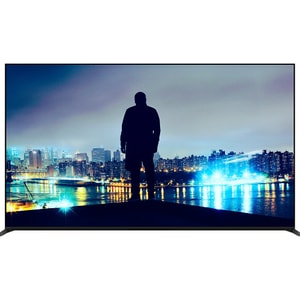
Screen Size: 55 inch • Resolution: 4K Ultra HD (3840 x 2160) • Panel type: OLED
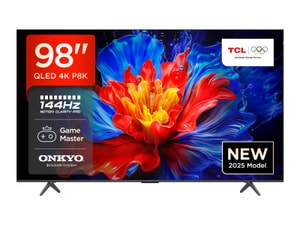
Screen Size: 98 inch • Resolution: 4K Ultra HD (3840 x 2160) • Panel type: QLED
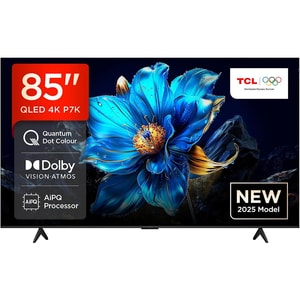
Screen Size: 85 inch • Resolution: 4K Ultra HD (3840 x 2160) • Panel type: QLED
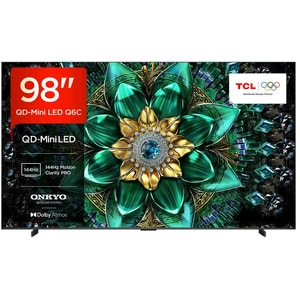
Screen Size: 98 inch • Resolution: 4K Ultra HD (3840 x 2160) • Panel type: Mini LED
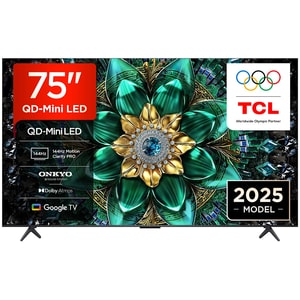
Screen Size: 75 inch • Resolution: 4K Ultra HD (3840 x 2160) • Panel type: Mini LED
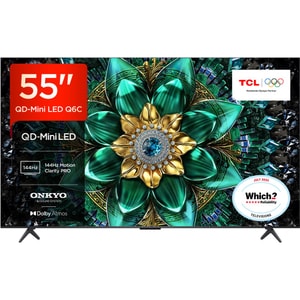
Screen Size: 55 inch • Resolution: 4K Ultra HD (3840 x 2160) • Panel type: Mini LED
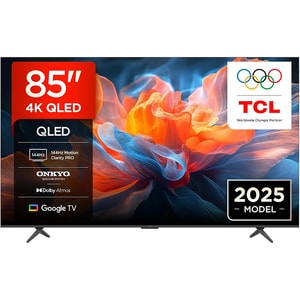
Screen Size: 85 inch • Resolution: 4K Ultra HD (3840 x 2160) • Panel type: QLED
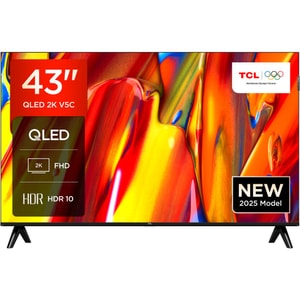
Screen Size: 43 inch • Resolution: Full HD (1920 x 1080) • Panel type: QLED
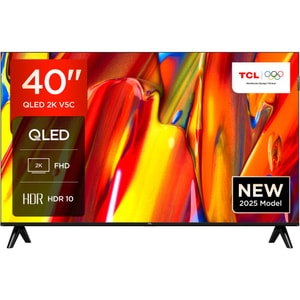
Screen Size: 40 inch • Resolution: Full HD (1920 x 1080) • Panel type: QLED
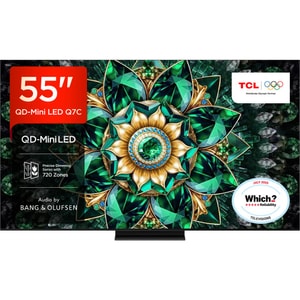
Screen Size: 55 inch • Resolution: 4K Ultra HD (3840 x 2160) • Panel type: Mini LED
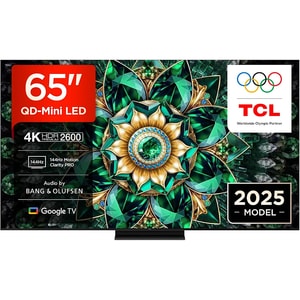
Screen Size: 65 inch • Resolution: 4K Ultra HD (3840 x 2160) • Panel type: Mini LED
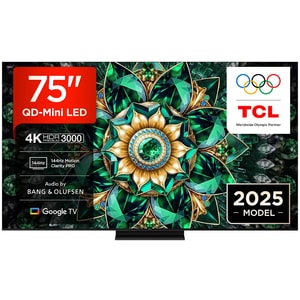
Screen Size: 75 inch • Resolution: 4K Ultra HD (3840 x 2160) • Panel type: Mini LED
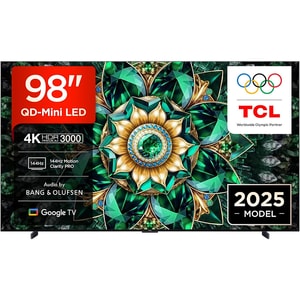
Screen Size: 98 inch • Resolution: 4K Ultra HD (3840 x 2160) • Panel type: Mini LED
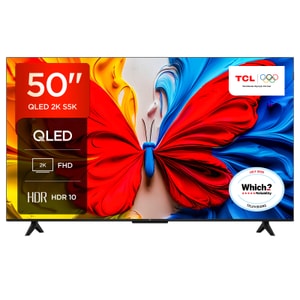
Screen Size: 50 inch • Resolution: Full HD (1920 x 1080) • Panel type: QLED
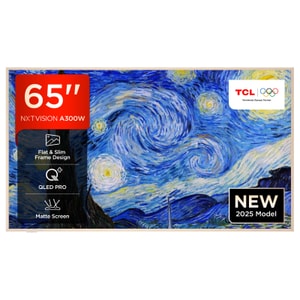
Screen Size: 65 inch • Resolution: 4K Ultra HD (3840 x 2160) • Panel type: QLED
Televisions: start with your space, then your viewing habits
Buying a TV is easier when you ignore the badge on the box and begin with your room. How bright is it during the day, where will the screen sit, and what do you watch most: films, sport, streaming box-sets, or gaming. A great picture on paper can feel disappointing if glare washes it out or the screen is too small for the sofa distance. Read More...
Within TV & Audio, televisions are the centrepiece, but they rarely work alone. Picture quality, smart features, and sound all interact, so the best choice is usually the one that fits your routine with the least friction. Get the fundamentals right first (size, panel type, ports), then worry about the extras.
Screen size and seating: pick a size that feels immersive, not overwhelming
Size is the fastest way to change how a TV feels. Too small and you end up squinting at detail. Too large and you feel like you are tracking the picture rather than relaxing. A useful way to think about it is field of view: you want the screen to fill your vision without dominating the room.
With 4K, you can generally sit closer than older HD “rules” suggested, because the extra detail holds up at shorter distances. If your seating is fixed, choose the biggest size that still looks comfortable on the wall and on the unit, then sanity-check it against your viewing distance. As a practical guide, many people land in the “close but comfortable” range when the seating distance is roughly around 1 to 1.5 times the screen size for 4K viewing.
If you already have a size in mind, these pages are useful starting points: 32 Inch Smart TV's for smaller spaces, 50 Inch Smart TV's for a balanced all-round choice, and Cheapest 65 Inch TV Deals when you want a bigger, cinema-style step up.
Panel and backlight technology: LED, QLED, Mini LED, OLED
Most TVs fall into two broad camps: LCD panels with a backlight (often sold as LED, QLED or Mini LED), or OLED panels where each pixel emits its own light. The right choice depends less on “best” and more on your room lighting and what you value: brightness, contrast, or viewing angles.
LED and QLED: versatile, bright, and widely available
Standard LED TVs are LCD screens lit by a backlight. They are common because they cover a wide price range and can look excellent with the right processing. QLED is still LCD, but with a quantum dot layer that can help colour and brightness. In bright rooms, that extra punch can keep the image looking lively, particularly for daytime sport and general TV.
Mini LED: stronger contrast in bright rooms
Mini LED is another LCD approach, but with many more, smaller backlight zones. That usually means better control around highlights and deeper blacks than basic LED designs, without giving up brightness. If your room is bright and you still want convincing contrast, Mini LED is often the practical middle ground.
OLED: film-friendly contrast and cleaner dark scenes
OLED is commonly chosen for its black levels and contrast. In dim lighting, dark scenes can look cleaner and more detailed because pixels can switch off individually. Room reflections still matter, so think about window glare and whether the screen faces a light source.
Resolution and processing: why 4K is still the sensible baseline
For most living rooms, 4K is the sweet spot: widely supported by streaming services and modern consoles, and sharp enough that bigger sizes still look clean. Upscaling also matters, because a lot of content is not native 4K. Better processing can make HD broadcasts and older streams look more natural on a larger canvas.
8K exists, but the real-world benefit is limited unless you sit very close to a very large screen and you have content that can take advantage of it. For most buyers, prioritising panel quality, HDR performance, and motion handling will deliver more visible improvement than chasing resolution numbers.
Motion and gaming: refresh rate, HDMI features, and responsiveness
A good 60Hz TV can be excellent for everyday viewing. If you watch a lot of fast sport or you game, a 120Hz panel can make motion look smoother and can unlock higher frame-rate gaming on compatible sources.
If gaming is a priority, focus on features that change feel rather than marketing terms. HDMI 2.1 often matters because it commonly enables Variable Refresh Rate (VRR) and Auto Low Latency Mode (ALLM). VRR can reduce tearing and judder by matching the display refresh rate to the source, and ALLM can switch the TV into a low-latency mode automatically when gaming starts. Aim for a TV that makes gaming feel responsive without requiring constant menu fiddling.
HDR formats: useful to know, but do not ignore real brightness and contrast
HDR can improve highlight detail and contrast, but only when the TV can deliver convincing brightness and control. Treat HDR10 as a sensible baseline. Dolby Vision and HDR10+ are valuable additions because they support dynamic metadata on compatible content, which can help the TV adapt scene by scene rather than applying one “average” set of settings.
HLG is also worth recognising because it is commonly used for broadcast HDR. Beyond the format list, picture modes matter. A cinema or filmmaker-style preset is often a good starting point for natural colour, then you can adjust brightness to suit your room.
Sound and connections: count the ports and plan the audio early
Modern TVs are thin, and thin cabinets rarely deliver rich sound. If clear dialogue and fuller impact matter to you, adding a Sound Bars upgrade is one of the most noticeable improvements you can make.
Connection planning prevents annoyance later. Count how many devices you will actually plug in: console, streaming box, disc player, and a soundbar. If you plan a soundbar, look for eARC support so the TV can send higher-quality audio back over a single HDMI cable. Also check that the HDMI ports you will use for gaming support the features you care about, rather than assuming every port is identical.
Smart TV experience: the interface you will use every day
A smart TV is only as good as its interface in daily life. Look for a platform that is responsive, has the services you use, and stays simple to navigate. Small things matter here: quick app loading, a remote that feels intuitive, and menus that do not lag.
If you watch live TV and catch-up regularly, Freeview Play can be useful on compatible models because it combines an electronic programme guide with on-demand players in one place.
Alternatives and setup realities: stands, wall mounts, and projectors
Before you commit, do a physical check. Stand width matters if your TV unit is narrow. If you plan to wall mount, confirm the VESA pattern and leave room for cable management. Consider viewing angles too: if you have seating off to the side, some panels hold colour and contrast better than others.
If your main goal is occasional big-screen film nights rather than an always-on panel, Projectors can be worth considering, especially when wall space is limited.
Quick checklist: shortlist televisions with confidence
Use this to narrow choices without overthinking it:
- Room first: bright room versus dim room, and where reflections will land
- Size next: choose a size that suits your seating distance and wall space
- Panel type: OLED for dark-room contrast, Mini LED or QLED for bright-room punch, LED for value
- Motion and gaming: 120Hz if you will use it, plus HDMI features such as VRR and ALLM for smoother play
- HDR support: HDR10 baseline, plus Dolby Vision or HDR10+ if it matters to your viewing
- Audio plan: consider a soundbar, and check for eARC plus enough HDMI ports