
Laptops
- Relevance
- Price: Low - High
- Price: High - Low
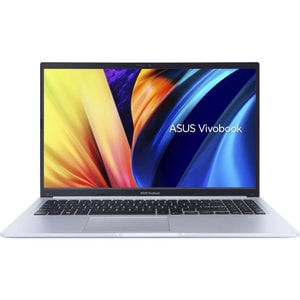
Screen Type: IPS • Processor: Intel Core i3-1220P • Graphics: Intel UHD Graphics
Screen Type: OLED • Processor: Intel Core i5-13500H • Graphics: Intel Iris Xe Graphics
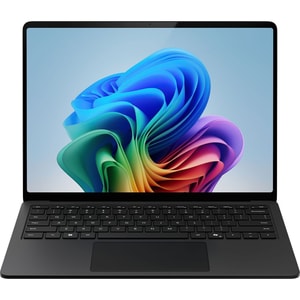
Screen Type: IPS • Processor: Qualcomm Snapdragon X Elite (12-core) X1E-80-100 • Graphics: Qualcomm Adreno GPU
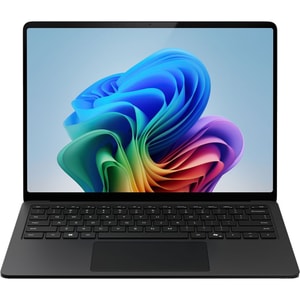
Screen Type: IPS • Processor: Qualcomm Snapdragon X Elite (12-core) X1E-80-100 • Graphics: Qualcomm Adreno GPU
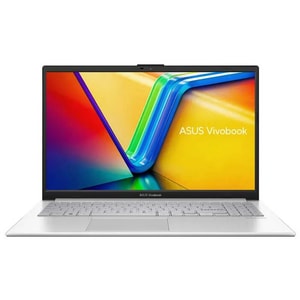
Processor: AMD Ryzen 5 7520U • Graphics: AMD Radeon 610M • RAM: 8 GB LPDDR5
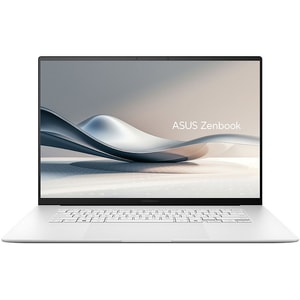
Screen Type: OLED • Processor: AMD Ryzen AI 9 HX 370 • Graphics: AMD Radeon 890M
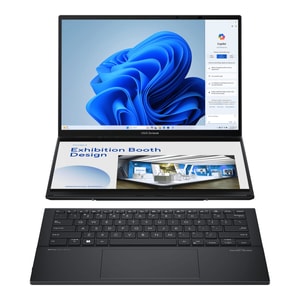
Screen Type: OLED • Processor: Intel Core Ultra 9 185H • Graphics: Intel Arc Graphics
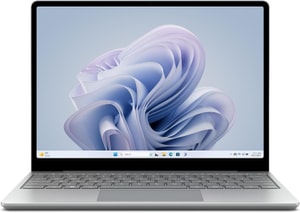
Screen Type: IPS • Processor: Intel Core i5-1235U • Graphics: Intel Iris Xe Graphics
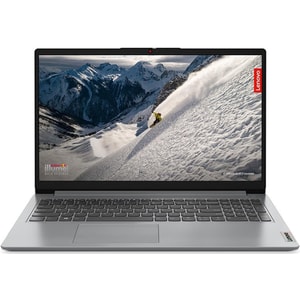
Screen Type: TN • Processor: AMD Ryzen 5 7520U • Graphics: Integrated AMD Radeon 610M Graphics
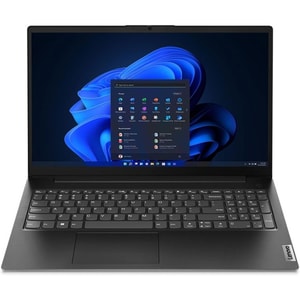
Screen Type: TN • Processor: AMD Ryzen 5 7520U • Graphics: AMD Radeon 610M
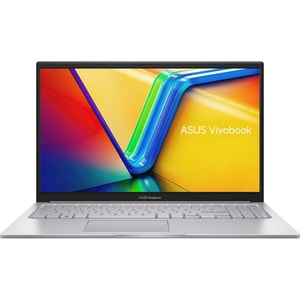
Screen Type: TN • Processor: Intel Core i5-1235U • Graphics: Intel Iris Xe Graphics
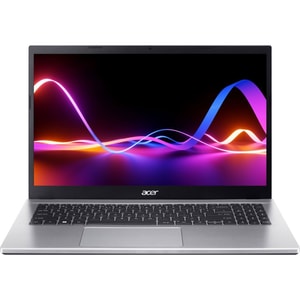
Screen Type: TN • Processor: Intel Core i5-1235U • Graphics: Intel Iris Xe Graphics
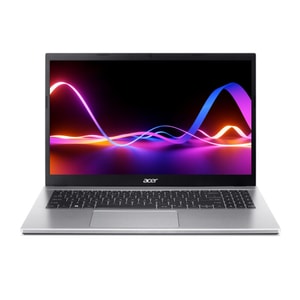
Screen Type: IPS • Processor: Intel Core i7-1255U • Graphics: Intel Iris Xe Graphics
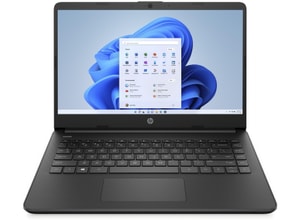
Screen Type: IPS • Processor: Intel Celeron N4120 • Graphics: Intel UHD Graphics 600
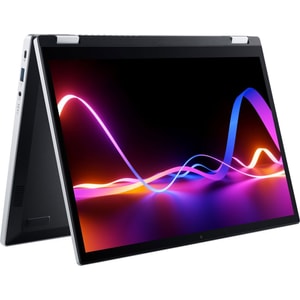
Screen Type: IPS • Processor: Intel Core i3-N305 • Graphics: Intel UHD Graphics
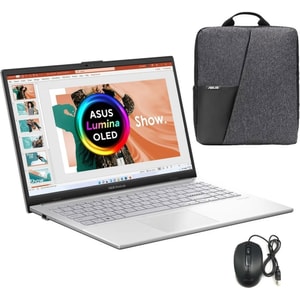
Screen Type: OLED • Processor: AMD Ryzen 5 7520U • Graphics: AMD Radeon 610M
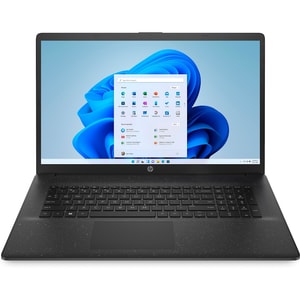
Screen Type: IPS • Processor: Intel Pentium Silver N5030 • Graphics: Intel UHD Graphics 605
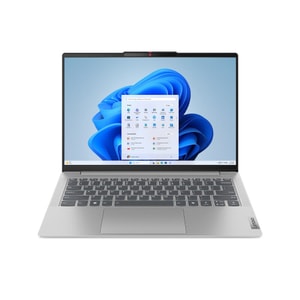
Screen Type: OLED • Processor: Intel Core Ultra 7 155H • Graphics: Intel Arc integrated graphics
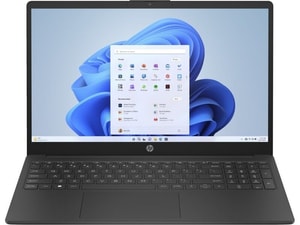
Screen Type: IPS • Processor: AMD Ryzen 3 7320U • Graphics: AMD Radeon Graphics
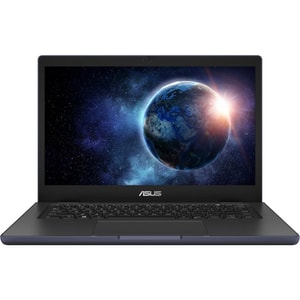
Screen Type: TN • Processor: Intel Core i3-N305 • Graphics: Intel UHD Graphics
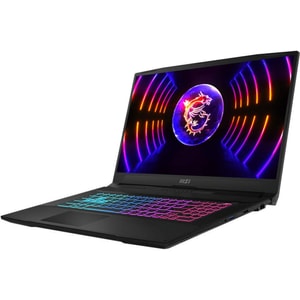
Screen Type: IPS • Processor: Intel Core i7-13620H • Graphics: NVIDIA GeForce RTX 4050
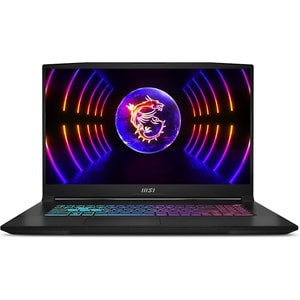
Screen Type: IPS • Processor: Intel Core i5-12450H • Graphics: NVIDIA GeForce RTX 3050
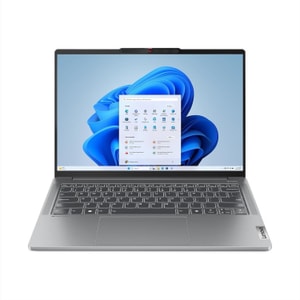
Screen Type: OLED • Processor: AMD Ryzen 7 8845HS • Graphics: NVIDIA GeForce RTX 3050
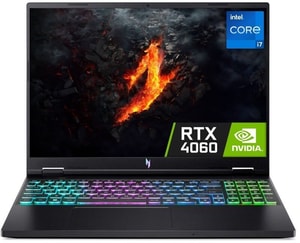
Screen Type: IPS • Processor: Intel Core i7-14650HX • Graphics: NVIDIA GeForce RTX 4060
Laptops: choose the one that fits your day
Buying a laptop gets simpler when you start with your routine. A laptop for emails, spreadsheets and video calls is not the same as one for lectures, commuting, creative work, or proper gaming. This guide helps you pick the right type and check specs that affect daily use. Read More...
If you are chasing laptop deals or cheap laptops, set a baseline first. It stops a low price hiding an underpowered machine.
Start with your use case, then set a sensible baseline
Quick minimums most people are happy with
- Everyday and home office: 16GB RAM and 512GB SSD
- Student and portable: 16GB and 512GB, prioritise weight and battery
- Gaming: 16GB, dedicated graphics, cooling that can hold performance
- Creative work: 32GB if budget allows, 1TB SSD, and a strong display
Everyday and home office laptops
For day to day work, comfort matters. If you type a lot, a good keyboard and touchpad are worth more than a small processor upgrade. If you work at a desk, pairing with the right computer peripherals can make long sessions easier, and a second screen can lift productivity without buying a huge machine.
Student laptops and life on the move
With student laptops, a lightweight laptop and good battery life usually win. If it is going in a rucksack most days, you will notice the weight, and you will notice if you are hunting for a socket by lunchtime. Many people like 2-in-1 laptops or a touchscreen laptop for note-taking, but only if the hinge feels solid and the keyboard still works for proper typing.
Business laptops and travel
Business laptops are about reliability. Prioritise build quality, a screen that stays readable in mixed lighting, and ports that match your routine. If calls are daily life, stable Wi-Fi and decent microphones matter just as much as the webcam.
Gaming and performance laptops
With gaming laptops, dedicated graphics and cooling are the difference between “runs” and “runs well”. Choose around the games you actually play, then pick the screen size you want to sit with.
The specs that matter, explained in plain English
Memory and storage: avoid the slow, cramped feeling
An 8GB RAM laptop can suit light browsing, but if you regularly juggle lots of tabs, streaming, and office apps, 16GB is usually the comfortable sweet spot. For heavier creative work, data tasks, or virtual machines, a 32GB RAM laptop can be worth it. Many laptops cannot be upgraded later, so buy for the next couple of years. If you are comparing compatible upgrades, browsing computer memory and RAM can help.
SSD storage keeps everything feeling snappy. A 512GB SSD laptop is often fine for documents and cloud-first storage. If you keep games or lots of photos locally, 1TB is easier. For a grab-and-go backup, look at hard drives and SSDs too.
Processor, graphics, display and operating system
Processor names can feel like alphabet soup, so think workload instead. For everyday work, a modern mid-range chip is usually enough. For creative apps, you benefit from sustained performance. For gaming and some creative workloads, graphics is the deciding factor: integrated graphics are fine for everyday tasks, while dedicated graphics matters for serious gaming.
On the display side, choose what makes your eyes and posture happy. Decent brightness and a comfortable screen size are things you notice every day. On operating system, pick what fits your apps and habits: many shoppers prefer a Windows 11 laptop for broad support, a Chromebook for browser-first work, or a MacBook for a macOS workflow.
Screen size, comfort and portability trade-offs
A 14 inch laptop suits portability and smaller bags. A 15.6 inch laptop or 16 inch laptop gives you more breathing room for side by side windows. If you work at a desk regularly, you might prefer a lighter laptop and add an external screen instead. Browsing computer monitors can help you build a setup that feels spacious without turning your laptop into a brick.
Beyond size, pay attention to the basics that affect comfort: keyboard feel, hinge stability, and a screen you enjoy looking at. Battery life varies with brightness, streaming and calls, so consider how you really use the laptop.
A quick “no regrets” checklist before you buy a laptop
- Choose the laptop type first, then confirm memory and storage are not borderline.
- If portability matters, prioritise weight, charging convenience, and screen size before small spec differences.
- If you game or create, check graphics capability and cooling, not just the processor name.
- If you live on calls, prioritise webcam, microphones, and Wi-Fi.
Trust checks that protect your money
Before you click buy, check the warranty terms, the returns window, and who the retailer is. If you are considering refurbished, check the grade, battery health expectations, and whether you get a proper warranty rather than “sold as seen”.
Getting better value on PricePop without overthinking it
Start with filters that reflect your baseline, then shortlist only laptops that meet it. From there, compare a small set and focus on what changes day to day use: keyboard comfort, port selection, screen size, and whether the machine suits how you move between home, work and travel. If a product page includes price history, use it as a sense check for timing, not as a promise of what happens next.
You will also see newer “AI PC” laptops and Copilot+ PCs that include an NPU for on-device AI features. If that matters to you, check what those features actually do and what is supported, because the label alone does not guarantee you will use those capabilities day to day.
If you are still deciding between a laptop and a desktop setup, browsing computers can help you clarify what matters most, then you can come back here with a sharper shortlist.