
Computer Memory - RAM
- Relevance
- Price: Low - High
- Price: High - Low
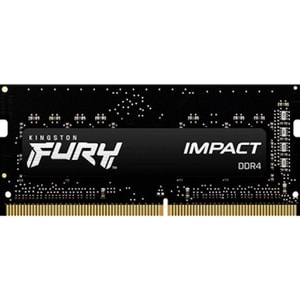
Capacity (kit): 8 GB (1 x 8 GB) • Memory Type: DDR4 • Module Type: SO-DIMM
Capacity (kit): 32 GB (1 x 32 GB) • Memory Type: DDR5 • Module Type: DIMM
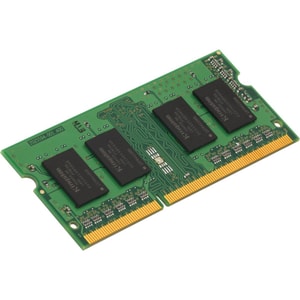
Capacity (kit): 16 GB (1 x 16 GB) • Memory Type: DDR4 • Module Type: SO-DIMM
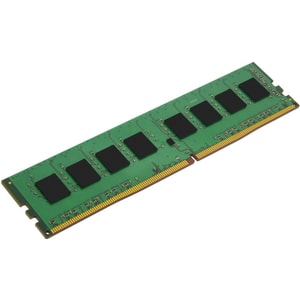
Capacity (kit): 32 GB (1 x 32 GB) • Memory Type: DDR4 • Module Type: DIMM
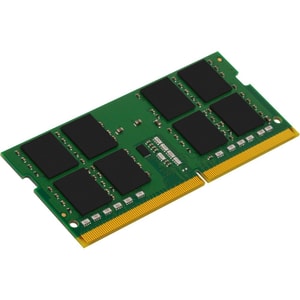
Capacity (kit): 32 GB (1 x 32 GB) • Memory Type: DDR4 • Module Type: SO-DIMM
Capacity (kit): 16 GB (1 x 16 GB) • Memory Type: DDR4 • Module Type: SO-DIMM
Capacity (kit): 16 GB (1 x 16 GB) • Memory Type: DDR4 • Module Type: SO-DIMM
Capacity (kit): 8 GB (1 x 8 GB) • Memory Type: DDR4 • Module Type: SO-DIMM
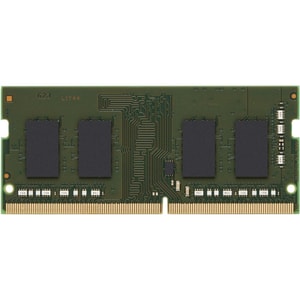
Capacity (kit): 8 GB (1 x 8 GB) • Memory Type: DDR4 • Module Type: DIMM
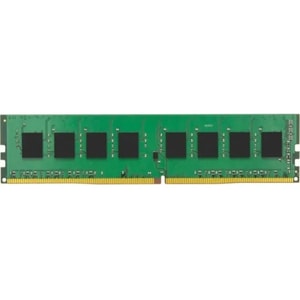
Capacity (kit): 16 GB (1 x 16 GB) • Memory Type: DDR4 • Module Type: DIMM
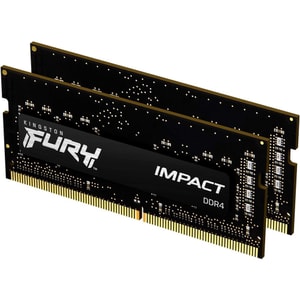
Capacity (kit): 32 GB (2 x 16 GB) • Memory Type: DDR4 • Module Type: SO-DIMM
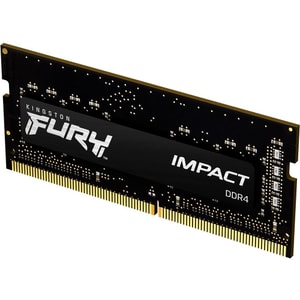
Capacity (kit): 16 GB (1 x 16 GB) • Memory Type: DDR4 • Module Type: SO-DIMM
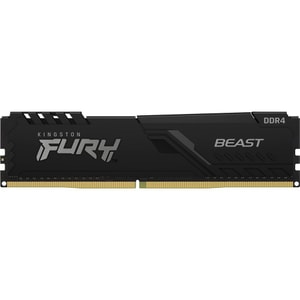
Capacity (kit): 16 GB (1 x 16 GB) • Memory Type: DDR4 • Module Type: DIMM
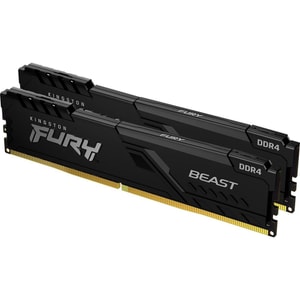
Capacity (kit): 16 GB (2 x 8 GB) • Memory Type: DDR4 • Module Type: DIMM
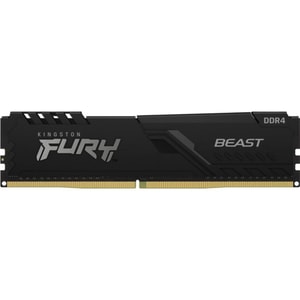
Capacity (kit): 32 GB (1 x 32 GB) • Memory Type: DDR4 • Module Type: DIMM
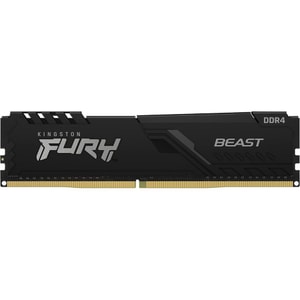
Capacity (kit): 8 GB (1 x 8 GB) • Memory Type: DDR4 • Module Type: DIMM
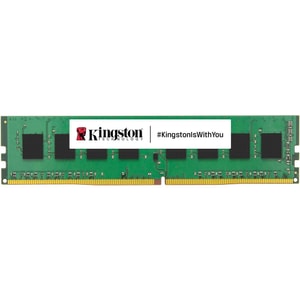
Capacity (kit): 16 GB (1 x 16 GB) • Memory Type: DDR4 • Module Type: DIMM
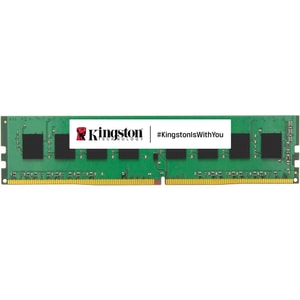
Capacity (kit): 8 GB (1 x 8 GB) • Memory Type: DDR4 • Module Type: DIMM
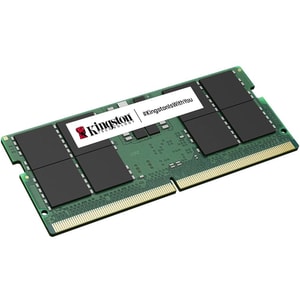
Capacity (kit): 32 GB (1 x 32 GB) • Memory Type: DDR5 • Module Type: SO-DIMM
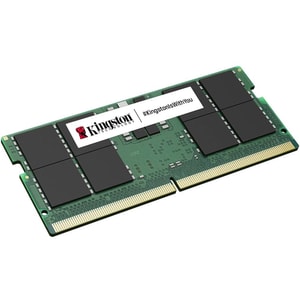
Capacity (kit): 8 GB (1 x 8 GB) • Memory Type: DDR5 • Module Type: SO-DIMM
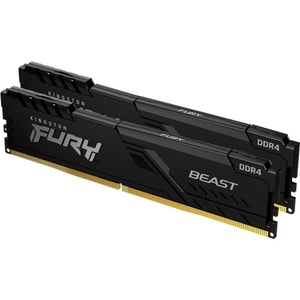
Capacity (kit): 16 GB (2 x 8 GB) • Memory Type: DDR4 • Module Type: DIMM
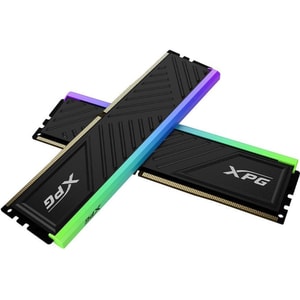
Capacity (kit): 16 GB (2 x 8 GB) • Memory Type: DDR4 • Module Type: DIMM
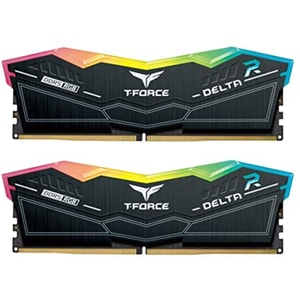
Capacity (kit): 32 GB (2 x 16 GB) • Memory Type: DDR5 • Module Type: DIMM
Capacity (kit): 32 GB (2 x 16 GB) • Memory Type: DDR5 • Module Type: DIMM
Computer memory and RAM: the part that keeps everything feeling responsive
RAM is your computer’s short-term working space. It holds the things your PC needs to access quickly, such as open apps, browser tabs, and the data a game loads while you play. When you have enough RAM, your system feels smooth because it is not constantly shuffling data around. When you do not, you notice the pauses: tabs reload, programs hesitate, and multitasking starts to feel like hard work. Read More...
It also helps to separate RAM from computer storage. RAM is temporary workspace, while storage is where your files, games, and photos live long term. If your PC is slow when you are doing several things at once, RAM is often part of the story. If you are simply running out of space, that is usually a storage issue.
How much RAM do you need for your PC: choose capacity for what you actually do
Capacity is the simplest decision because it directly affects headroom. There is no prize for buying far more than you use, but there is also no joy in living on the edge with constant slowdowns.
Everyday use, study, and general home PCs
For light browsing, email and basic documents, 8GB can be workable. The reality, though, is that modern browsing habits are heavy. Lots of tabs, video calls, and a few apps running together can make 8GB feel tight. 16GB is widely recommended as a comfortable level for smoother everyday multitasking and general productivity. If you want your PC to feel calm rather than “fine”, 16GB is usually where that happens.
Gaming, streaming, and the modern “always multitasking” setup
For gaming, many mainstream recommendations still point to 16GB as the sensible baseline. It gives you room for the game, voice chat, launchers and the background tasks most people keep running. If you game while streaming, run heavy mods, or keep demanding apps open at the same time, 32GB can make the whole experience steadier, especially when you alt-tab or load into busy areas.
Creative work and heavier projects
If you work with large photos, video timelines, music projects, or content creation tools, extra RAM can remove friction. A sensible rule is to buy for the size of files you handle and how often you keep multiple tools open. 32GB is a common starting point for creative workloads, and 64GB can make sense for heavier projects or longer-term headroom.
DDR4 vs DDR5 RAM: the compatibility rule that matters
The first rule of RAM shopping is simple: DDR4 and DDR5 are not interchangeable. The slots are keyed differently, and your platform decides what you can use.
Computer motherboards decide which generation you can use, so treat this as a compatibility purchase first and a performance purchase second. If your board is DDR4, buy DDR4 RAM. If your board is DDR5, buy DDR5 RAM.
DDR5 does bring meaningful platform changes. Kingston describes DDR5 as running at 1.1V versus DDR4 at 1.2V, which supports improved efficiency.
Independent technical coverage also highlights architectural changes such as two 32-bit channels per module and on-module power management, plus on-die ECC for reliability inside the chip.
The important practical point is this: for most people, the biggest real-world improvement comes from having enough capacity. Once you have enough, faster RAM can help in some tasks, but the “feel” of the PC is often more about headroom than chasing the highest speed number.
Desktop DIMM vs laptop SO-DIMM: get the right shape
The second common mistake is form factor. Desktops typically use DIMMs. Laptops usually use SO-DIMMs, which are physically smaller. You need the right shape for the slot you have.
One laptop reality check: some laptops have upgradeable memory slots, and some have memory soldered to the board. Before buying SO-DIMM RAM, it is worth checking whether your model can be upgraded. If you are buying a new machine, it is often easiest to choose laptops with the memory capacity you want from day one.
RAM speed and timings: what the numbers really mean
After generation and capacity, speed is the next lever. RAM speeds are usually listed in MT/s, although many retailers label them as MHz. You will also see timings such as CL. In plain English, speed and timings work together, and neither tells the whole story on its own.
A practical way to think about it:
- Capacity prevents slowdowns caused by running out of working space.
- Speed can improve performance in certain tasks once capacity is already sufficient.
- Stability matters more than a headline number if you use your PC every day.
XMP and EXPO profiles: rated speeds and real-world stability
Many kits advertise Intel XMP or AMD EXPO. These are pre-set profiles stored on the RAM that allow the memory to run at its advertised speed and timings rather than default JEDEC settings. Intel notes that enabling XMP is a type of memory overclocking, and it provides compatibility guidance that includes checking motherboard support. AMD describes EXPO as a user-friendly path to DDR5 memory overclocking on supported Ryzen platforms.
The sensible approach is simple: if your kit advertises XMP or EXPO speeds, check your computer processors and motherboard support, then confirm against the motherboard’s memory support list, often called a QVL. XMP and EXPO are overclocking profiles, so stability depends on the full combination, not just the kit.
2x8GB, 2x16GB, and why matching kits are popular
You will often see RAM sold as kits such as 2x8GB or 2x16GB. That is because many mainstream platforms benefit from running matched sticks in dual channel configurations. In simple terms, a matched kit is the easiest route to predictable performance and fewer odd compatibility behaviours.
Mixing different brands, speeds, and capacities can work, but it can also force everything to run at the lowest common settings. If you are upgrading an existing system and want the calm option, matched kits are usually it.
ECC, on-die ECC, and what to believe on the label
You may see “on-die ECC” mentioned with DDR5. It helps reliability inside the memory chip, but it is not the same as traditional ECC RAM used in some workstations and servers. If you specifically need ECC, you still need ECC-labelled memory and a platform that supports ECC. Tom’s Hardware makes this distinction clearly when discussing DDR5 features and adoption.
Compatibility checks that prevent returns
A few quick checks can save you buying the wrong thing:
- Confirm your RAM generation: DDR4 or DDR5, based on your computer motherboards.
- Confirm form factor: DIMM for desktops, SO-DIMM for laptops.
- Confirm how many slots you have and the maximum capacity supported.
- If you are buying RAM for its advertised XMP or EXPO speed, use the motherboard QVL as your best reality check and keep expectations realistic about plug-and-play stability.
- If you use a large air cooler or a compact case, check RAM height clearance, as some heat spreaders are taller than others.
- If your PC feels slow, sanity check whether you are also constrained by computer storage. Running out of storage space can create its own slowdowns and frustration.
If you get the generation, form factor, and capacity right, you are most of the way there. After that, you can treat speeds and profiles as the finishing touches, rather than the foundation.