
Computer Motherboards
- Relevance
- Price: Low - High
- Price: High - Low
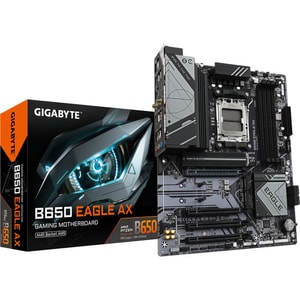
Socket: AM5 • Chipset: AMD B650 • Form Factor: ATX
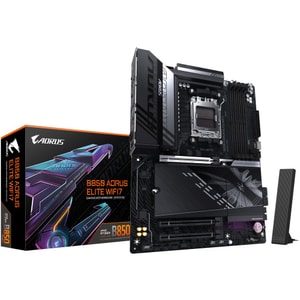
Socket: AM5 • Chipset: AMD B850 • Form Factor: ATX
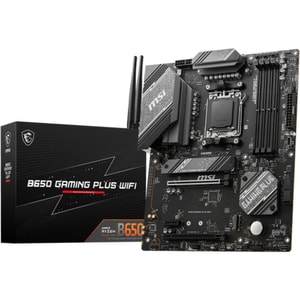
Socket: AM5 • Chipset: AMD B650 • Form Factor: ATX
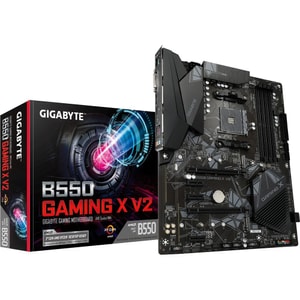
Socket: AM4 • Chipset: AMD B550 • Form Factor: ATX
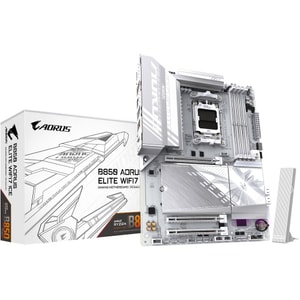
Socket: AM5 • Chipset: AMD B850 • Form Factor: ATX
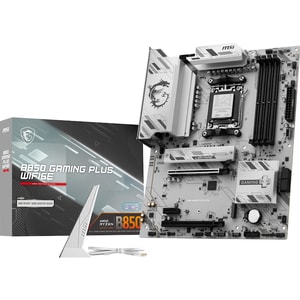
Socket: AM5 • Chipset: AMD B850 • Form Factor: ATX
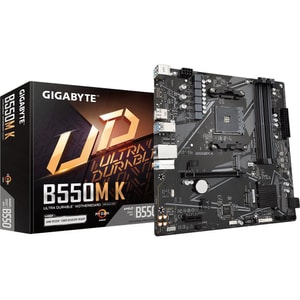
Socket: AM4 • Chipset: AMD B550 • Form Factor: Micro-ATX
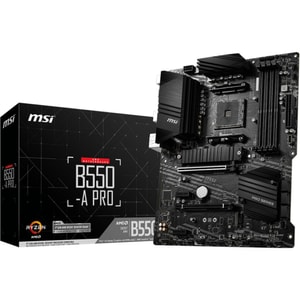
Socket: AM4 • Chipset: AMD B550 • Form Factor: ATX
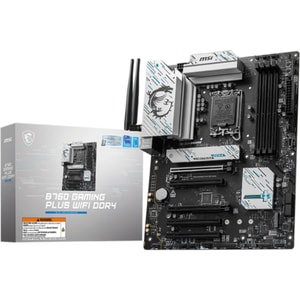
Socket: LGA1700 • Chipset: Intel B760 • Form Factor: ATX
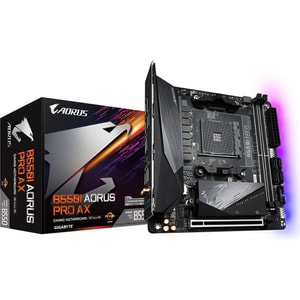
Socket: AM4 • Chipset: AMD B550 • Form Factor: Mini-ITX
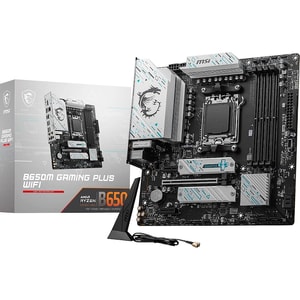
Socket: AM5 • Chipset: AMD B650 • Form Factor: Micro-ATX
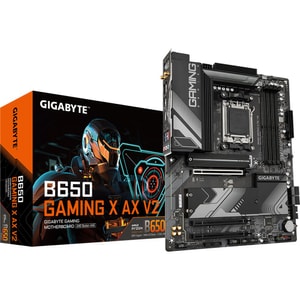
Socket: AM5 • Chipset: AMD B650 • Form Factor: ATX
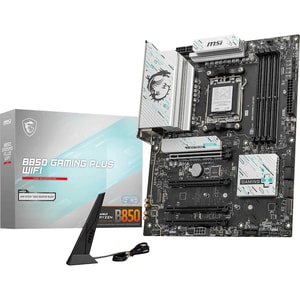
Socket: AM5 • Chipset: AMD B850 • Form Factor: ATX
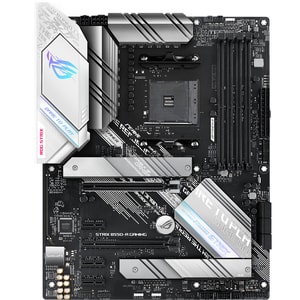
Socket: AM4 • Chipset: AMD B550 • Form Factor: ATX
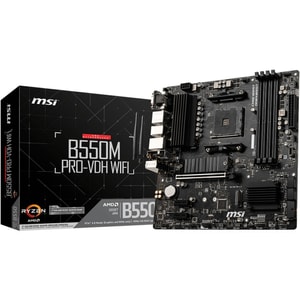
Socket: AM4 • Chipset: AMD B550 • Form Factor: Micro-ATX
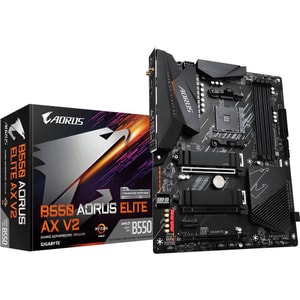
Socket: AM4 • Chipset: AMD B550 • Form Factor: ATX
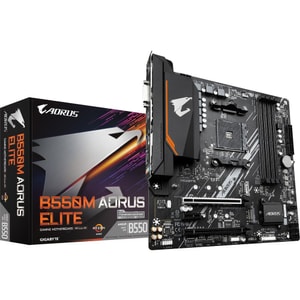
Socket: AM4 • Chipset: AMD B550 • Form Factor: Micro-ATX
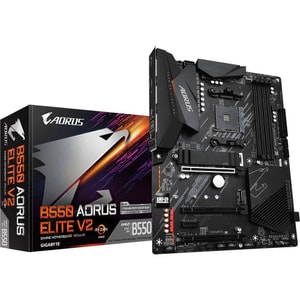
Socket: AM4 • Chipset: AMD B550 • Form Factor: ATX
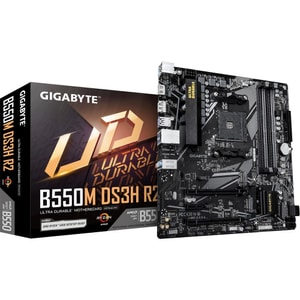
Socket: AM4 • Chipset: AMD B550 • Form Factor: Micro-ATX
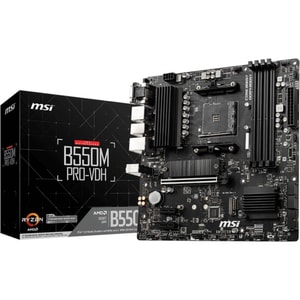
Socket: AM4 • Chipset: AMD B550 • Form Factor: Micro-ATX
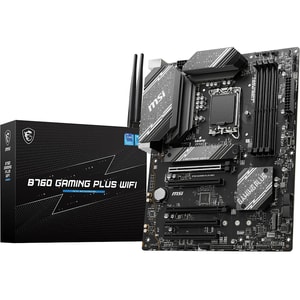
Socket: LGA1700 • Chipset: Intel B760 • Form Factor: ATX
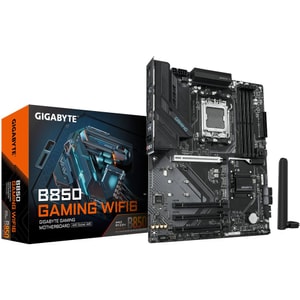
Socket: AM5 • Chipset: AMD B850 • Form Factor: ATX
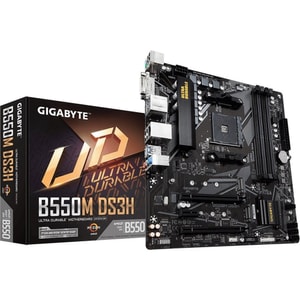
Socket: AM4 • Chipset: AMD B550 • Form Factor: Micro-ATX
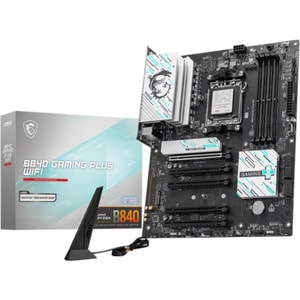
Socket: AM5 • Chipset: AMD B840 • Form Factor: ATX
Computer motherboards: where compatibility starts
A motherboard is the part that turns a pile of components into a PC that boots first time and stays stable. It decides what CPU you can use, what RAM generation fits, how many fast drives you can add, and what ports you live with every day. Read More...
Start with the platform: CPU socket, chipset, and support
The first decision is the CPU family you are building around. That sets the socket, and the socket sets the motherboard.
Right now, common desktop choices include AMD AM5 boards, often paired with chipsets like B650 and X670, and newer Intel boards built around the LGA1851 socket with 800-series chipsets such as Z890 and B860. You will also see previous-generation platforms still widely sold.
Socket first, then features
Intel and AMD sockets are not interchangeable, and even within a brand, sockets change over time. The most reliable approach is to decide on your computer processors first, then choose a motherboard that matches that exact socket and generation. Once the socket is right, focus on the practical features you will actually use.
Chipset tier: pay for what you will actually use
Chipsets are feature tiers. Higher tiers often bring more connectivity and more flexibility for tuning, while mainstream tiers can still be perfect for a sensible gaming PC or home workstation. If you know you will never overclock, do not pay for overclocking features.
DDR4 vs DDR5: choose the right memory generation
Motherboards support either DDR4 or DDR5, and the sticks are not interchangeable. This is one of the biggest return risks in PC building.
A practical rule is: choose the motherboard first, then buy computer memory and RAM that matches the board’s supported generation. After that, prioritise capacity. For most people, enough memory improves day-to-day smoothness more than chasing the fastest kit speed.
XMP and EXPO profiles: stability expectations
You may see XMP or EXPO mentioned on RAM kits and motherboard specs. These are performance profiles that can help RAM run at its rated speed. Treat them as an overclocking profile rather than a guarantee, and check the motherboard’s memory support list, often called a QVL, if you are aiming for higher speeds.
Size and fit: ATX, micro ATX, and Mini-ITX
Form factor is the motherboard’s physical size. It affects case compatibility, expansion room, and how easy the build is to work on.
ATX for flexibility
ATX boards usually give you more room for expansion and connectivity, which is handy if you want multiple SSDs and plenty of USB.
micro ATX for value and practicality
micro ATX often hits a sweet spot. It keeps costs reasonable and still covers what most people need for a single-GPU gaming build.
Mini-ITX for compact builds
Mini-ITX is for small PCs where space is the priority. You trade some expansion and ease of building for a smaller footprint, so clearance planning matters.
Whatever size you choose, match it to PC cases that are designed to take that exact form factor. That avoids the classic frustration of standoffs not lining up or front-panel leads being awkward.
Storage, ports, and everyday features: M.2, USB-C, Wi-Fi
Once the platform and size are right, motherboard choice becomes very practical.
You will see PCIe 5.0 mentioned a lot. In real terms, it matters most for the fastest SSD support on certain M.2 slots and for longer-term expandability. For many everyday builds, having enough M.2 slots and the right ports has more impact than chasing the newest lane standard.
M.2 slots and storage flexibility
Most modern builds use NVMe SSDs in M.2 slots. One slot is fine for a simple build. Two is a comfortable target if you like separating your system drive from games or projects. If you still use 2.5-inch SSDs or hard drives, check SATA ports too.
USB, rear I/O, and front-panel headers
Count the ports you actually use, then check the rear I/O for a sensible mix of USB-A and USB-C. If your case has front USB-C, confirm the motherboard has the internal header to support it. It is also worth checking fan headers and ARGB headers if you care about neat cable routing and lighting control.
Wi-Fi and Ethernet
A motherboard with Wi-Fi can make a setup cleaner when the router is not nearby. Ethernet is still the most dependable option if you can run a cable.
Power delivery and cooling: stability without drama
VRM quality and cooling matter most with higher-power CPUs or sustained workloads. Even without overclocking, good power delivery helps stability under load and can make a system feel calmer in long gaming sessions or heavy exports.
This is also where the wider build matters. Stable power from your PSU and sensible airflow make the whole system behave better. If you are planning a higher-end CPU or GPU, it is worth choosing PSUs with enough headroom, because stability problems are rarely fun to diagnose.
BIOS, updates, and build confidence checks
Motherboards sometimes need BIOS updates to support certain CPUs, particularly when a CPU launches after the board model is already in circulation. This is normal, and it is why motherboard CPU support lists and minimum BIOS versions are worth checking before you buy. Features like BIOS flashback can make updates easier if you ever need them.
A quick confidence checklist:
- CPU socket and generation match the board.
- DDR4 or DDR5 matches the board, and capacity suits your routine.
- Board size matches the case.
- You have enough M.2 slots and the right headers, including front USB-C if you want it.
- Networking fits your setup.
- Power and cooling are sensible for the CPU you plan to run.
Get those right and your motherboard becomes the quiet foundation of the build, not the part that causes surprises.