
Computer Processors - CPU's
- Relevance
- Price: Low - High
- Price: High - Low
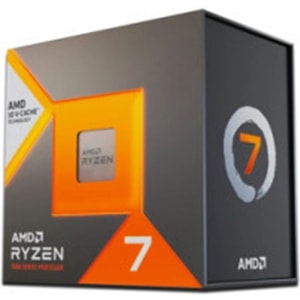
Socket: AM5 • Cores / Threads: 8 cores / 16 threads • Max Turbo Frequency: 5.00 GHz
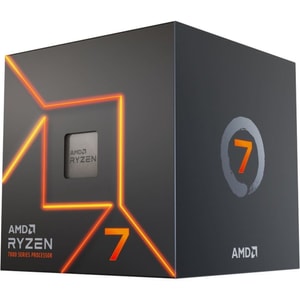
Socket: AM5 • Cores / Threads: 8 cores / 16 threads • Max Turbo Frequency: 5.3 GHz
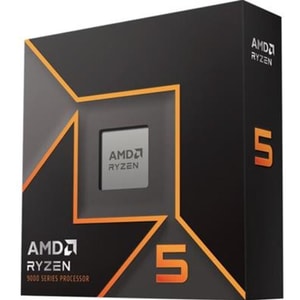
Socket: AM5 • Cores / Threads: 6 cores / 12 threads • Max Turbo Frequency: 5.4 GHz
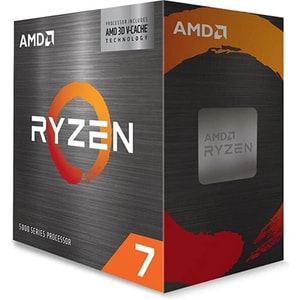
Socket: AM4 • Cores / Threads: 8 cores / 16 threads • Max Turbo Frequency: 4.1 GHz
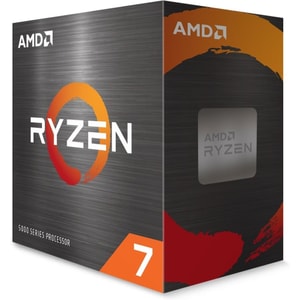
Socket: AM4 • Cores / Threads: 8 cores / 16 threads • Max Turbo Frequency: 4.7 GHz
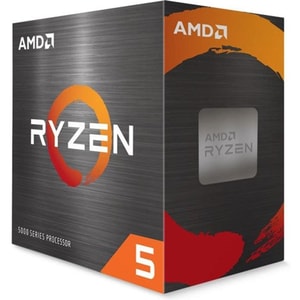
Socket: AM4 • Cores / Threads: 6 cores / 12 threads • Max Turbo Frequency: 4.6 GHz
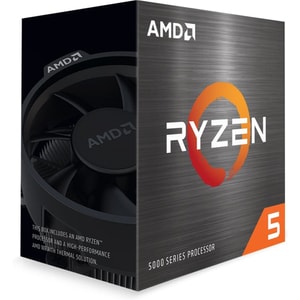
Socket: AM4 • Cores / Threads: 6 cores / 12 threads • Max Turbo Frequency: 4.4 GHz
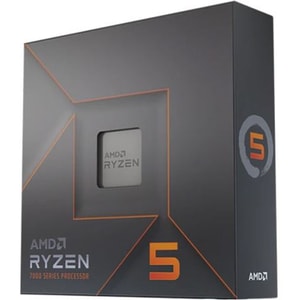
Socket: AM5 • Cores / Threads: 6 cores / 12 threads • Max Turbo Frequency: 5.3 GHz
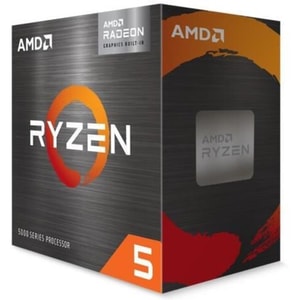
Socket: AM4 • Cores / Threads: 6 cores / 12 threads • Max Turbo Frequency: 4.4 GHz
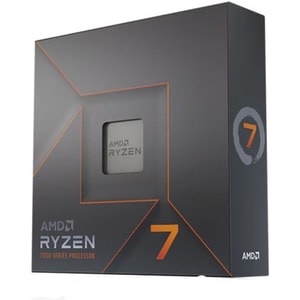
Socket: AM5 • Cores / Threads: 8 cores / 16 threads • Max Turbo Frequency: 5.4 GHz
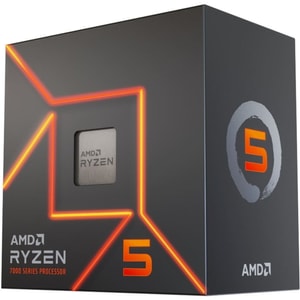
Socket: AM5 • Cores / Threads: 6 cores / 12 threads • Max Turbo Frequency: 5.1 GHz
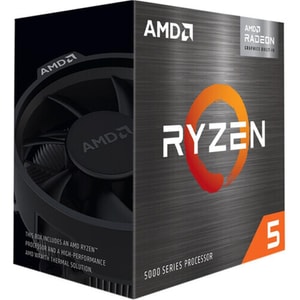
Socket: AM4 • Cores / Threads: 6 cores / 12 threads • Max Turbo Frequency: 4.4 GHz
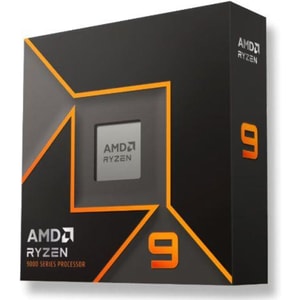
Socket: AM5 • Cores / Threads: 16 cores / 32 threads • Max Turbo Frequency: 5.7 GHz
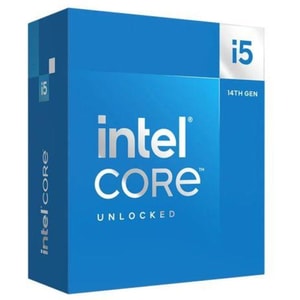
Socket: LGA1700 • Cores / Threads: 14 cores / 20 threads • Max Turbo Frequency: P 5.3 GHz / E 4.0 GHz
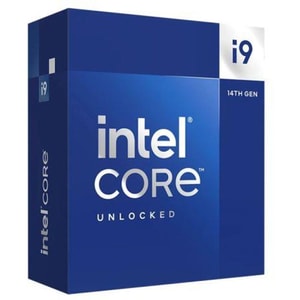
Socket: LGA1700 • Cores / Threads: 24 cores / 32 threads • Max Turbo Frequency: P 5.6 GHz / E 4.4 GHz
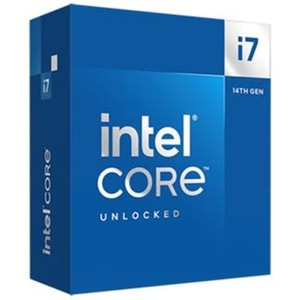
Socket: LGA1700 • Cores / Threads: 20 cores / 28 threads • Max Turbo Frequency: P 5.5 GHz / E 4.3 GHz
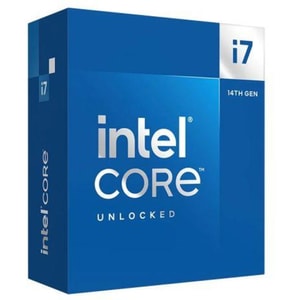
Socket: LGA1700 • Cores / Threads: 20 cores / 28 threads • Max Turbo Frequency: P 5.5 GHz / E 4.3 GHz
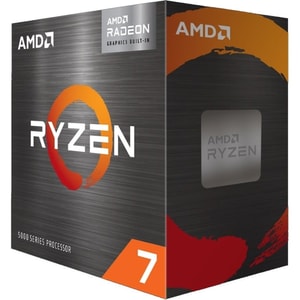
Socket: AM4 • Cores / Threads: 8 cores / 16 threads • Max Turbo Frequency: 4.6 GHz
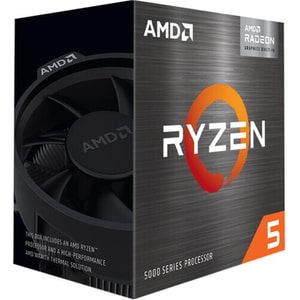
Socket: AM4 • Cores / Threads: 6 cores / 12 threads • Max Turbo Frequency: 4.6 GHz
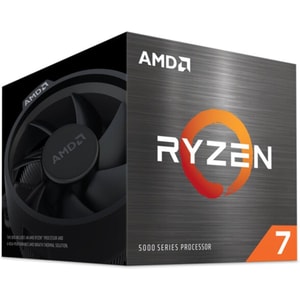
Socket: AM4 • Cores / Threads: 8 cores / 16 threads • Max Turbo Frequency: 4.6 GHz
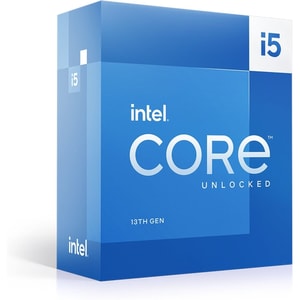
Socket: LGA1700 • Cores / Threads: 10 cores / 16 threads • Max Turbo Frequency: P 4.6 GHz / E 3.3 GHz
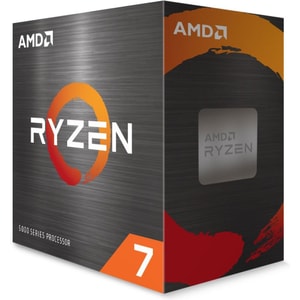
Socket: AM4 • Cores / Threads: 8 cores / 16 threads • Max Turbo Frequency: 4.8 GHz
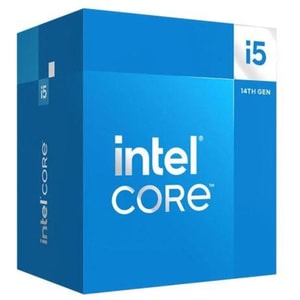
Socket: LGA1700 • Cores / Threads: 14 cores / 20 threads • Max Turbo Frequency: P 5.0 GHz / E 3.7 GHz
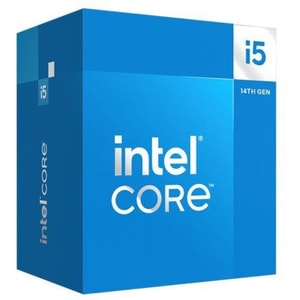
Socket: LGA1700 • Cores / Threads: 10 cores / 16 threads • Max Turbo Frequency: P 4.7 GHz / E 3.5 GHz
Computer processors: the part that sets the pace for your whole PC
A CPU is the engine of your computer. It decides how snappy everyday tasks feel, how smoothly games feed frames to your graphics card, and how quickly heavier work finishes when you export a video or compile a project. It is also the component that locks in your platform, because the CPU you choose determines the socket and the motherboard you need. Read More...
If you want a simple way to buy well: choose the job first, choose the platform second, and only then worry about model numbers. Get those two decisions right and everything else becomes a tidy, confident build rather than a compatibility puzzle.
Choose the job first: everyday work, gaming, or heavy projects
Everyday use, study, and home office
For browsing, email, Office work and a steady day of apps and tabs, you are paying for responsiveness and consistency. A modern mid-range processor is usually the sweet spot. It keeps things feeling quick without running hot and loud, and it will handle video calls and light editing without turning your PC into a fan test rig.
If your PC feels like it pauses to take a breath when you multitask, this is where a better CPU and enough memory can make the whole experience feel calmer.
Gaming and high frame rates
For gaming, think about your resolution and the kind of games you play. At 1080p with high frame rates, the CPU matters more because it has to feed the GPU quickly and consistently. At 1440p and 4K, the load shifts towards the GPU, so the CPU choice becomes more about balance and avoiding obvious bottlenecks than buying the most expensive chip in the stack.
A practical way to stay balanced is to treat computer graphics cards as part of the same decision. If your GPU is doing the heavy lifting at higher resolutions, a sensible CPU that keeps up is often the smarter spend.
Video editing, 3D, coding, and heavy multitasking
For creators and productivity workloads, more cores and threads can reduce waiting around, especially in tasks that scale well. Here you are paying for sustained performance, stability, and the ability to keep working while something heavy is running in the background. This is also where memory matters. A strong CPU can still feel sluggish if your RAM is tight and the system is constantly shuffling data.
Small form factor and quiet builds
If you want a compact build or a quiet PC, power behaviour matters as much as raw performance. In smaller PC cases, heat builds up faster, so choosing a CPU you can cool comfortably is a genuine quality-of-life win. The best quiet builds are the ones where the CPU is strong enough for the job, but not constantly pushing the cooling system to the edge.
AMD and Intel CPU platforms: choose the socket first
A CPU purchase is also a platform choice. The socket must match the board, and the board influences memory generation, connectivity, and upgrade options.
AMD Ryzen: AM4 versus AM5
AM4 is the older platform with a huge back catalogue and plenty of value options still on sale. AM5 is AMD’s current mainstream desktop platform, and AMD explicitly states that with Ryzen 600 and 800 series chipsets, all Socket AM5 motherboards are compatible with all Socket AM5 processors, covering Ryzen 7000, 8000 and 9000 series, with a BIOS update sometimes required on 600-series boards for newer chips. That is useful clarity if you like the idea of upgrading later without rebuilding the whole PC.
Intel desktop: LGA1700 versus LGA1851
Intel has multiple recent desktop platforms in the market. LGA1700 covers several past Core generations. LGA1851 is used for Intel Core Ultra desktop processors (Series 2) and pairs with Intel 800-series chipsets, which Intel positions as the platform for Core Ultra 200S series processors. The simple takeaway is: decide the CPU generation first, then choose computer motherboards that explicitly support that socket and generation.
Cores, threads, and modern designs: what matters without the jargon
Cores and threads for multitasking
More cores and threads help when you run multiple heavier tasks at once, or when your software scales across many threads. It is also useful for streamers, because gaming, encoding and background tools can all compete for CPU time.
P-cores and E-cores on Intel hybrid CPUs
Some modern Intel processors use a hybrid layout, mixing Performance-cores (P-cores) and Efficient-cores (E-cores). In everyday use it can help keep background tasks tidy while leaving faster cores free for games and heavy work. It is a very practical design choice if you multi-task heavily, because the system has more flexibility about where it puts the quieter jobs.
Single-core performance for everyday speed
A lot of everyday “feel” and plenty of gaming performance is still influenced by strong single-core behaviour, because not everything scales perfectly across many cores. This is why a well-chosen mid-range chip can feel brilliant for most people, even if it is not the flagship model.
Cache and why some gaming CPUs feel smoother
Cache helps the CPU access frequently used data quickly. You do not need to chase cache numbers directly, but it is worth knowing that gaming-focused CPUs sometimes lean heavily on extra cache. AMD’s 3D V-Cache technology is designed around stacking additional cache to enable faster gaming processors. In the right games, that can improve smoothness and lift frame rates without needing sky-high clock speeds.
Integrated graphics: when it matters and when it does not
Integrated graphics can be useful even if you plan to buy a dedicated GPU. It helps with troubleshooting, basic display output while you wait for a graphics card, or a simple PC build that does not need gaming performance.
On AM5, AMD has highlighted integrated RDNA 2 graphics in Ryzen 7000 series desktop processors, which can be handy for basic display duties. On the Intel side, it is also worth watching for naming variants. Intel’s own processor suffix guidance states that “F” desktop processors require discrete graphics, so they are not a great choice if you want an easy fallback display output. If you are building without a dedicated GPU, integrated graphics becomes a core requirement, not a bonus.
Cooling and power: keep the performance you paid for
Sustained performance depends on power limits and cooling. A CPU can look fantastic on paper and then throttle if it cannot stay cool enough under load. That is why a decent cooler often feels like part of the CPU purchase, not an optional extra.
Also check whether a CPU includes a stock cooler. Some models do, many higher-end chips do not, and that changes the true cost of the build. AMD has been scaling back bundled coolers on certain Ryzen models, so it is worth confirming what is included on the specific listing you are buying. If you plan to overclock, Intel’s own support guidance notes that K-series and X-series processors have unlocked multipliers, and you should also expect higher heat output and a stronger cooling requirement.
A simple rule is to match your CPU to PC cooling you are happy to live with. A good air cooler is excellent for most builds. Liquid coolers can make sense for higher-power CPUs or tight thermal targets, as long as your case supports the radiator size comfortably.
Compatibility checks that prevent returns
Before you buy, a quick checklist can save you hassle:
- Socket match: CPU socket must match the motherboard socket.
- BIOS support: check the board’s CPU support list, especially if the CPU launched after the board model.
- RAM generation: DDR4 and DDR5 are not interchangeable, so match computer memory and RAM to what the motherboard supports.
- Cooling clearance: confirm your cooler fits the case, and that the case fits the cooler height or radiator.
- Build space: check PC cases for airflow and clearance if you are pairing a higher-power CPU with a compact chassis.
- If you plan to buy an F-suffix Intel CPU, remember it requires a dedicated GPU for display output.
If you tick those boxes, CPU choice becomes much easier. You end up with a processor that fits your platform, stays cool enough to perform properly, and feels quick for the things you actually do.