
PC Cooling
- Relevance
- Price: Low - High
- Price: High - Low
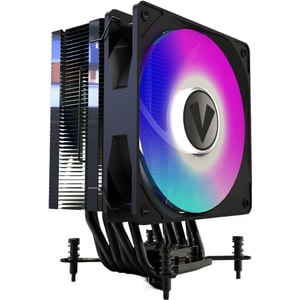
Type: Air CPU cooler • Compatibility: Intel: LGA115x, LGA1200, LGA1366, LGA1700, LGA2011, LGA2066; AMD: AM2, AM2+, AM3, AM3+, AM4, AM5, FM1, FM2 • Airflow: 20 to 73 CFM
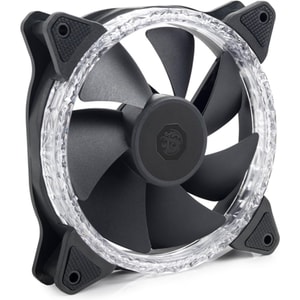
Type: Case fan • Compatibility: Header: PWM 4-pin; ARGB 3-pin 5V • Airflow: 41-44 CFM
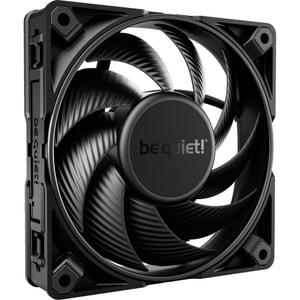
Type: Case fan • Compatibility: Header: PWM 4-pin • Airflow: 83.9 CFM
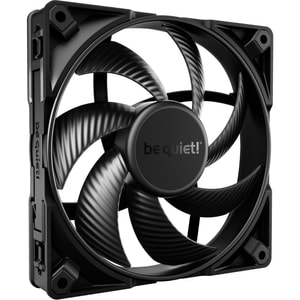
Type: Case fan • Compatibility: Header: PWM 4-pin • Airflow: 97.41 CFM
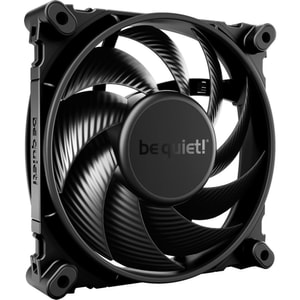
Type: Case fan • Compatibility: Header: PWM 4-pin • Airflow: 76.7 CFM
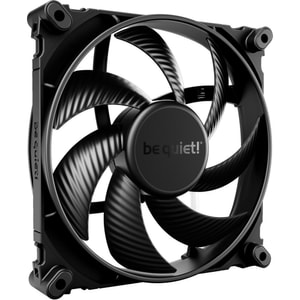
Type: Case fan • Compatibility: Header: PWM 4-pin • Airflow: 51.3 CFM
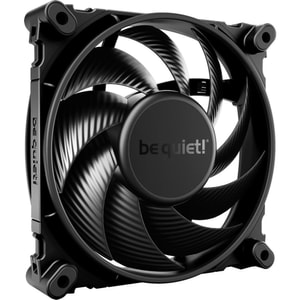
Type: Case fan • Compatibility: Header: PWM 4-pin • Airflow: 48.7 CFM
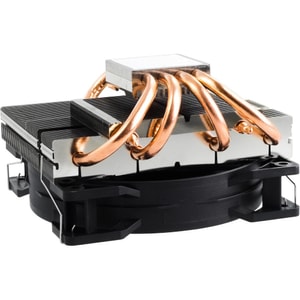
Type: Air CPU cooler • Compatibility: Intel: LGA1700, LGA1200, LGA1150, LGA1151, LGA1155, LGA2011 Square ILM; AMD: AM5, AM4 • Airflow: 51.4 CFM
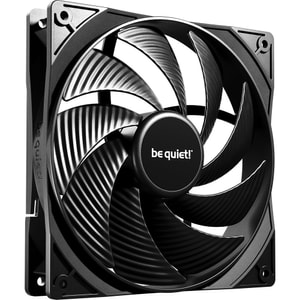
Type: Fan kit • Compatibility: Header: PWM 4-pin • Airflow: 72.2 CFM
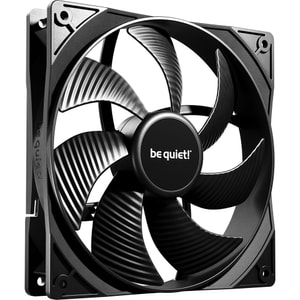
Type: Fan kit • Compatibility: Header: PWM 4-pin • Airflow: 57.4 CFM
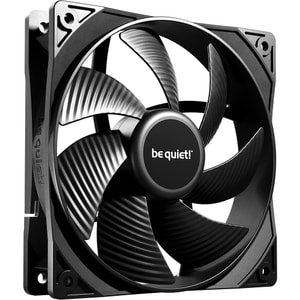
Type: Fan kit • Compatibility: Header: PWM 4-pin • Airflow: 49.9 CFM
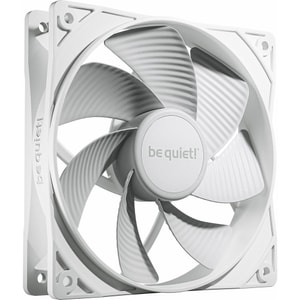
Type: Fan kit • Compatibility: Header: PWM 4-pin • Airflow: 47.1 CFM
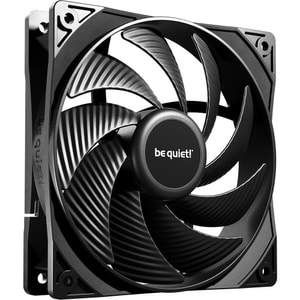
Type: Fan kit • Compatibility: Header: PWM 4-pin • Airflow: 59.6 CFM
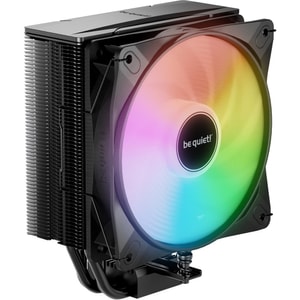
Type: Air CPU cooler • Compatibility: Intel: LGA1851, LGA1700, LGA1200, LGA1150, LGA1151, LGA1155; AMD: AM4, AM5 • Airflow: 61.8 CFM
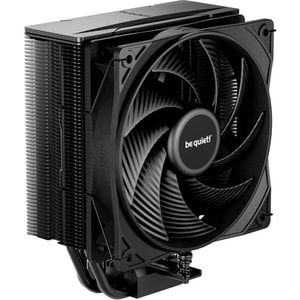
Type: Air CPU cooler • Compatibility: Intel: LGA1851, LGA1700, LGA1200, LGA1150, LGA1151, LGA1155, LGA1156, LGA2011, LGA2066; AMD: AM4, AM5 • Airflow: 59.6 CFM
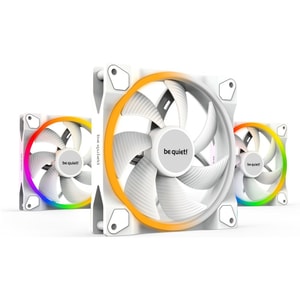
Type: Fan kit • Compatibility: Header: PWM 4-pin; ARGB 3-pin 5V • Airflow: 56 CFM
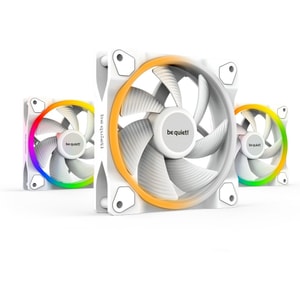
Type: Fan kit • Compatibility: Header: PWM 4-pin; ARGB 3-pin 5V • Airflow: 41.51 CFM
Type: Fan kit • Compatibility: Header: PWM 4-pin; ARGB 3-pin 5 V • Airflow: 75.3 CFM
Type: Fan kit • Compatibility: Header: PWM 4-pin; ARGB 3-pin 5 V • Airflow: 75.3 CFM
Type: Fan kit • Compatibility: Header: PWM 4-pin; ARGB 3-pin 5 V • Airflow: 51.5 CFM
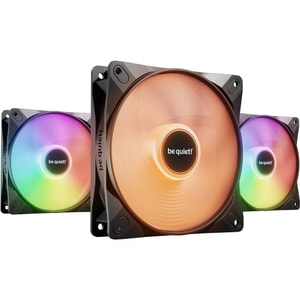
Type: Fan kit • Compatibility: Header: PWM 4-pin; ARGB 3-pin 5 V • Airflow: 51.5 CFM
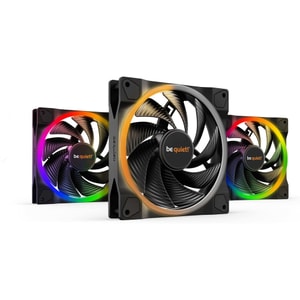
Type: Fan kit • Compatibility: Header: PWM 4-pin; ARGB 3-pin 5V • Airflow: 71.7 CFM
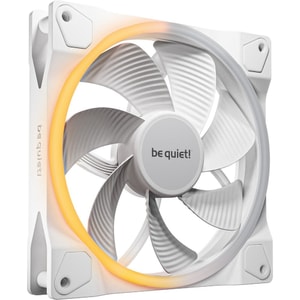
Type: Case fan • Compatibility: Header: PWM 4-pin; ARGB 3-pin 5V • Airflow: 51.4 CFM
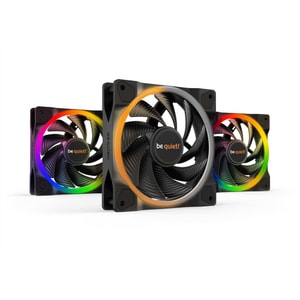
Type: Fan kit • Compatibility: Header: PWM 4-pin; ARGB 3-pin 5V • Airflow: 41.51 CFM
PC cooling: keep performance consistent and noise under control
Cooling is what keeps a PC feeling stable. It is the difference between a system that stays smooth in a long gaming session and one that slowly gets louder as fans ramp up. Good PC cooling is not only about chasing the lowest temperatures. It is about keeping temperatures steady, keeping noise sensible, and making the build easy to live with. Read More...
This category covers the main pieces most people actually buy: CPU air coolers, AIO liquid coolers, case fans, and fan kits. If you are building new or upgrading, start with what you are trying to achieve. Do you want lower temperatures, lower noise, or a more reliable airflow path that stops heat building up?
Start with what you are cooling: CPU heat, GPU heat, and case airflow
CPU cooling and the heat your processor produces
Your CPU cooler choice depends on how much heat your computer processors produce under the work you do. Light office work is easy to cool, but sustained gaming, streaming, and creative exports can push temperatures higher for longer. A stronger cooler is not only about performance. It can also make the PC quieter because the fan does not have to spin as fast to keep the CPU comfortable.
This is not only about comfort. When temperatures climb high enough, processors can throttle, which means they reduce clock speeds to protect themselves and performance drops.
GPU heat and why airflow matters even with a good CPU cooler
A powerful GPU can dump a lot of heat into the case, and that heat does not politely stay in one corner. If you are running high-power computer graphics cards, case airflow becomes part of the cooling solution. A good CPU cooler in a hot case can still end up fighting warm air, which makes temperatures and noise worse than they need to be.
The simplest airflow path that usually works
For most builds, a clean front-to-back airflow path is the calm option: cool air in from the front, warm air out through the rear and top. If you keep that path clear, many cooling problems solve themselves. If the airflow path is blocked, you can add fans forever and still feel like the case is running warm and noisy.
One extra airflow detail is case pressure. Slightly positive pressure, which means a bit more intake than exhaust, can help reduce dust being pulled in through unfiltered gaps. It is not something to obsess over, but it is a useful tie-breaker when choosing how many intake and exhaust fans to run.
CPU air coolers vs AIO liquid coolers: which suits your build
Air coolers for simple, dependable cooling
A tower air cooler is often the easiest win. They are straightforward, reliable, and usually excellent value. They can also be surprisingly quiet when paired with a good fan, because the heat moves into a large fin stack that does not need high fan speed to work well. Air coolers are ideal if you want a build that is simple to maintain and easy to install without planning radiator placement.
AIO liquid coolers for clearance, looks, and certain thermal targets
An AIO liquid cooler can be a neat choice when space around the CPU socket is tight or when you want to move heat towards a front or top radiator. They can also suit builds where aesthetics matter and you want a cleaner view of the motherboard area. The practical considerations are radiator size, mounting position, and making sure the tubes and fittings are not strained.
Radiator size and placement in plain English
Radiators commonly come in sizes like 240mm, 280mm, and 360mm. Bigger radiators can cool more quietly, but only if the case supports them properly. Top mounting is popular for keeping the radiator out of the way, but clearance can be tight above the motherboard heatsinks. Front mounting is often easier for size, but you need to consider whether it reduces GPU space or changes the case airflow balance.
For AIOs, mounting orientation matters. The reliable goal is to keep the pump lower than the top of the loop so air collects in the radiator rather than the pump, and to avoid awkward tube strain. If you are front-mounting, tube-down is commonly recommended because it helps keep air away from the pump over time.
Case fans: 120mm, 140mm, PWM, and noise
120mm vs 140mm and why bigger can be quieter
Fan size matters because airflow and noise are linked. A 140mm fan can often move a similar amount of air at a lower speed than a 120mm fan, which can reduce noise. That is not a rule that always holds, but it is a useful principle when you want a quiet PC. If your case supports both, it is worth considering which size gives you the best balance for your build.
Airflow vs static pressure, and when each makes sense
You will see “airflow” and “static pressure” used to describe fans. Static pressure fans are generally better when pushing air through resistance, such as radiators or dense filters, while airflow fans suit more open case ventilation. If you are putting fans on a radiator, static pressure models are often the safer bet.
PWM vs DC control and what you actually feel
A PWM fan allows more precise speed control, which can help keep noise down at idle and ramp smoothly under load. DC control can still be fine, but PWM tends to give you more flexibility. The best setup is one where fans do not suddenly surge in speed. They should gently increase as temperatures rise, so the PC stays calm rather than jumpy.
Compatibility checks that prevent cooling regrets
Fit in the case and clearance around components
Cooling upgrades can fail for boring reasons: cooler height is too tall, the radiator does not fit where you want it, or the front fans reduce GPU clearance. If you are planning a new cooler or a fan layout, start with PC cases and confirm radiator support, cooler height limits, and fan mount positions. That one check prevents the most common “it looked fine online” problem.
Motherboard fan headers and ARGB connections
Cooling is not only physical fit. It is also control and connectivity. Check your computer motherboards for how many fan headers you have, whether you have a dedicated pump header for an AIO, and what lighting headers are supported if you are buying ARGB fans. If you have more fans than headers, you may need a hub, and it is better to plan that than to daisy-chain cables in a way that becomes untidy.
Maintenance that keeps cooling performance consistent
Dust is the slow, quiet enemy. It builds up over time, reduces airflow, and pushes fans to spin faster to compensate. Cases with decent filters are easier to keep clean, but even without perfect filters, a regular quick clean makes a noticeable difference to noise and temperatures.
Fan curves also matter. A sensible curve keeps fans slow at idle and only ramps up when temperatures genuinely rise. The goal is consistency. You want the system to stay comfortable in the background, not to sound like it is reacting to every small spike.
A quick checklist before you buy PC cooling
- Choose the cooling goal: lower temps, lower noise, or a steadier airflow path.
- Match the cooler to your CPU heat and your case space.
- Plan a simple front-to-back airflow path and avoid blocking intakes.
- If using an AIO, confirm radiator size and placement, plus tube clearance.
- Choose fan size and control type that suits your noise expectations.
- Check your computer motherboards for fan headers, pump headers, and ARGB support.
- Confirm clearances, especially if you run high-power computer graphics cards.
If you tick those boxes, cooling becomes the easiest kind of upgrade. The PC stays steadier, quieter, and more predictable, which is exactly what most people want.