
Computer Graphics Cards
- Relevance
- Price: Low - High
- Price: High - Low
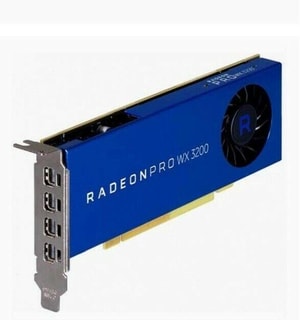
VRAM: 4 GB GDDR5 • Boost Clock: 1295 MHz • PC Connection: PCIe 3.0 x16
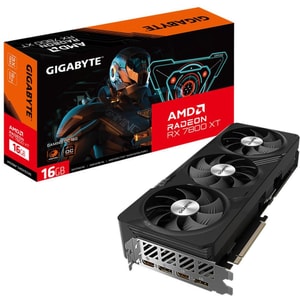
VRAM: 16 GB GDDR6 • Boost Clock: 2565 MHz • PC Connection: PCIe 4.0 x16
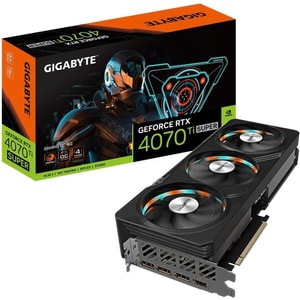
VRAM: 16 GB GDDR6X • Boost Clock: 2655 MHz • PC Connection: PCIe 4.0 x16
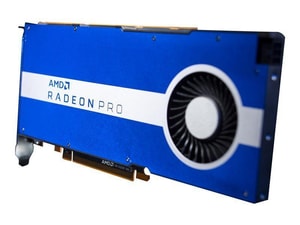
VRAM: 8 GB GDDR6 • Boost Clock: 1855 MHz • PC Connection: PCIe 4.0 x8
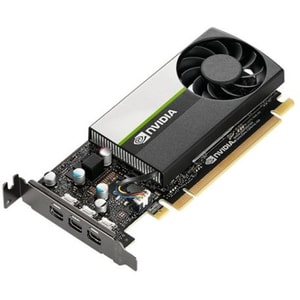
VRAM: 4 GB GDDR6 • Boost Clock: 1425 MHz • PC Connection: PCIe 3.0 x16
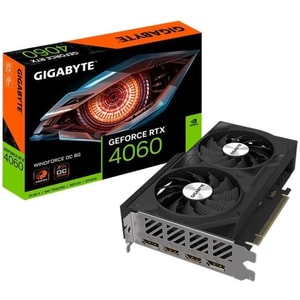
VRAM: 8 GB GDDR6 • Boost Clock: 2475 MHz • PC Connection: PCIe 4.0 x8
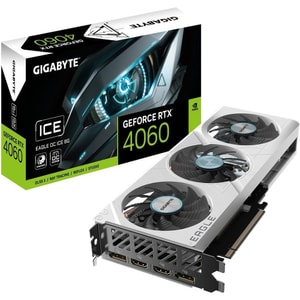
VRAM: 8 GB GDDR6 • Boost Clock: 2505 MHz • PC Connection: PCIe 4.0 x8
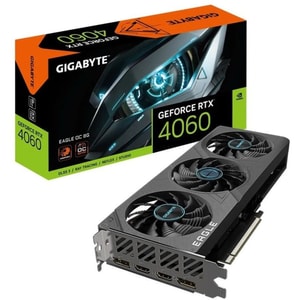
VRAM: 8 GB GDDR6 • Boost Clock: 2505 MHz • PC Connection: PCIe 4.0 x8
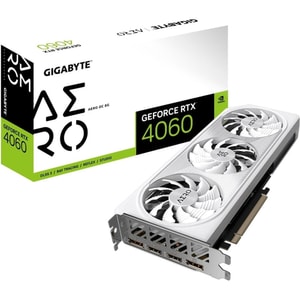
VRAM: 8 GB GDDR6 • Boost Clock: 2550 MHz • PC Connection: PCIe 4.0 x8
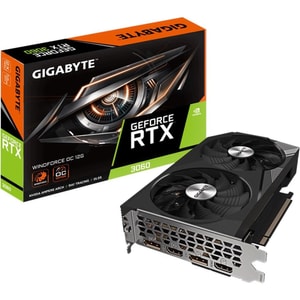
VRAM: 12 GB GDDR6 • Boost Clock: 1792 MHz • PC Connection: PCIe 4.0 x16
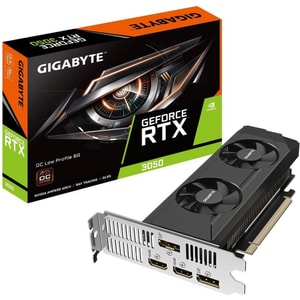
VRAM: 6 GB GDDR6 • Boost Clock: 1477 MHz • PC Connection: PCIe 4.0 x8
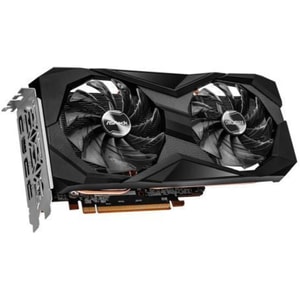
VRAM: 8 GB GDDR6 • Boost Clock: 2491 MHz • PC Connection: PCIe 4.0 x8
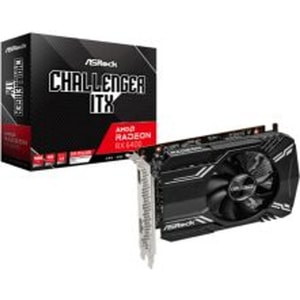
VRAM: 4 GB GDDR6 • Boost Clock: 2321 MHz • PC Connection: PCIe 4.0 x4
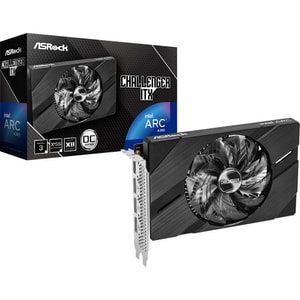
VRAM: 6 GB GDDR6 • Boost Clock: 2250 MHz • PC Connection: PCIe 4.0 x8
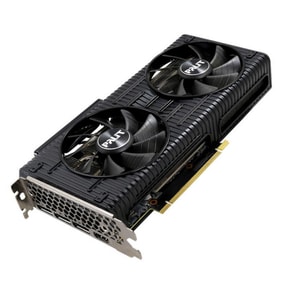
VRAM: 8 GB GDDR6 • Boost Clock: 1777 MHz • PC Connection: PCIe 4.0 x8
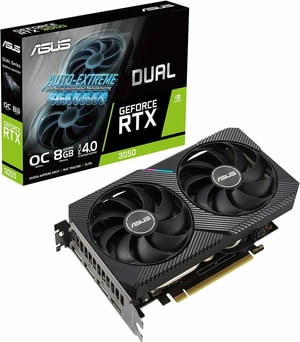
VRAM: 8 GB GDDR6 • Boost Clock: 1852 MHz • PC Connection: PCIe 4.0 x16
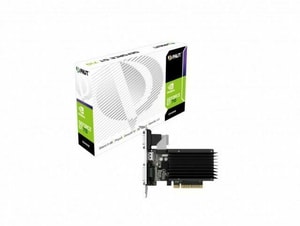
VRAM: 2 GB GDDR3 • Boost Clock: 954 MHz • PC Connection: PCIe 2.0 x8
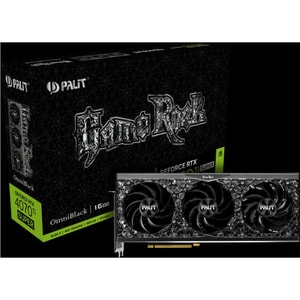
VRAM: 16 GB GDDR6X • Boost Clock: 2610 MHz • PC Connection: PCIe 4.0 x16
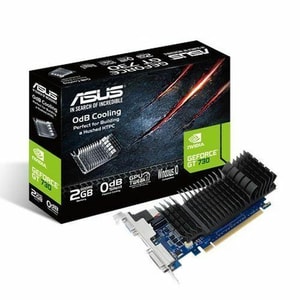
VRAM: 2 GB GDDR5 • Boost Clock: 902 MHz • PC Connection: PCIe 2.0 x16
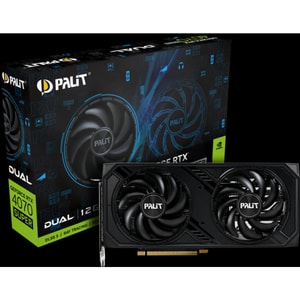
VRAM: 12 GB GDDR6X • Boost Clock: 2475 MHz • PC Connection: PCIe 4.0 x16
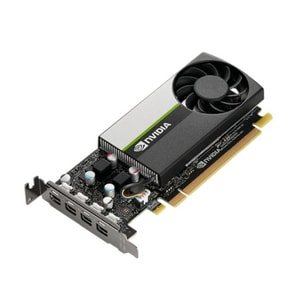
VRAM: 4 GB GDDR6 • Boost Clock: 1395 MHz • PC Connection: PCIe 3.0 x16
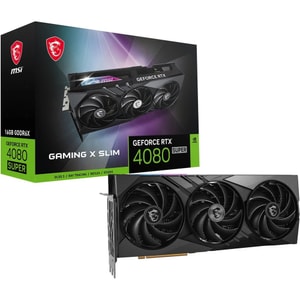
VRAM: 16 GB GDDR6X • Boost Clock: 2610 MHz • PC Connection: PCIe 4.0 x16
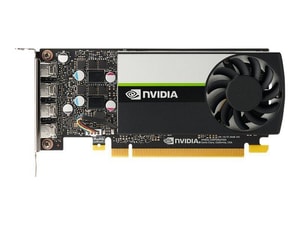
VRAM: 8 GB GDDR6 • PC Connection: PCIe 3.0 x16 • Total Board Power: 50 W
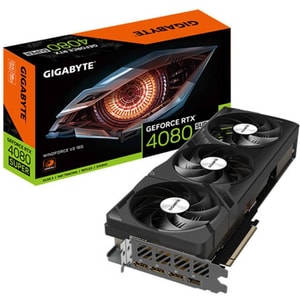
VRAM: 16 GB GDDR6X • Boost Clock: 2550 MHz • PC Connection: PCIe 4.0 x16
Computer graphics cards: the upgrade that changes what your PC can do
A graphics card is the part that turns “it runs” into “it runs well”. It drives gaming performance, smooths creative previews, and helps your PC handle higher resolutions and higher refresh rates without feeling strained. It is also one of the most satisfying upgrades when it is chosen properly, because you feel the difference straight away. Read More...
Most buyers end up choosing between NVIDIA GeForce, AMD Radeon, and Intel Arc. The right choice depends less on brand loyalty and more on what you do most often: your target resolution, whether you stream or edit, and whether you want modern features like upscaling, frame generation, and AV1 encoding.
Start with your goal: gaming, creative work, or smooth multi-screen use
Gaming at 1080p, 1440p, or 4K
Start with the screen you play on. 1080p is usually about high frame rates and a responsive feel. 1440p is the popular middle ground where you want smooth performance without constantly dropping settings. 4K is where image quality and memory headroom become more important, and where features like upscaling and frame generation can help a card feel stronger than its raw numbers suggest.
If you are buying a card for high refresh gaming, your display matters as much as the GPU. The same graphics card can feel completely different on different computer monitors, depending on resolution, refresh rate, and whether you play fast competitive titles or slower cinematic games.
Video editing, 3D work, and GPU acceleration
For creative work, a good GPU can make timelines smoother, scrubbing more responsive, and previews less frustrating. Here, stability and memory headroom matter, along with the media engine that handles encode and decode. If you export often or work with modern codecs, the GPU’s hardware acceleration support can be a quiet time-saver that you notice every week.
Streaming and recording without stressing the system
Streaming is where “nice-to-have” features become quality of life. A solid encoder keeps your stream clean without making your whole PC feel sluggish. AV1 is increasingly relevant for creators because it can deliver good quality at lower bit rates, and OBS has supported AV1 streaming in modern versions when the platform supports it, with YouTube being a common example. If streaming is part of your routine, treat AV1 hardware encoding support as a meaningful tick rather than a buzzword.
Graphics card specs that matter in real life: VRAM, upscaling, encoders
VRAM: why it matters more at higher settings
VRAM is the graphics card’s dedicated memory. It matters most when you push higher resolutions, higher texture settings, and heavier workloads. When VRAM is tight, you can see the symptoms as stutters, hitching, or sudden drops in smoothness as the system juggles assets. A sensible mindset is to buy enough VRAM for your target resolution and the kind of games or work you actually do, rather than buying on one headline benchmark.
Ray tracing, upscaling, and frame generation
Ray tracing can improve lighting and reflections, but it can also be demanding. Upscaling and frame generation exist to help you get a smoother experience at higher settings.
NVIDIA DLSS is positioned as an AI-powered suite designed to boost frame rates and improve image quality. AMD’s FSR technologies cover upscaling and frame generation. Intel XeSS is similarly positioned as an AI-based upscaling approach designed to increase performance while maintaining image quality. The practical takeaway is simple: if you are aiming for 1440p or 4K, these features can help you stay smooth without sacrificing everything else. If you play lighter titles at 1080p, you may rarely need them.
Encoders and AV1: a creator-friendly win
If you stream, record gameplay, or export video regularly, the encoder matters. NVIDIA has highlighted AV1 hardware encoding on GeForce RTX 40 Series GPUs, and Intel publishes codec support documentation for Intel Arc GPUs that includes AV1. In plain terms, AV1 support can mean better quality at a given bit rate, and it is increasingly supported in creator workflows.
Fit and power checks: case clearance and 16-pin connectors
Size, thickness, airflow, and noise
Here is the bit people forget until the box arrives: will it actually fit? Many modern cards are long, thick, and heavy. Length is only half the story. Thickness affects whether the card sits too close to the side panel, which can restrict airflow and increase noise. If you care about a quiet build, cooler design and case airflow matter as much as raw performance. Before buying, check the clearance and airflow in your PC cases, and leave yourself enough room for sensible cable routing.
Power connectors, 12VHPWR, and 12V-2x6
Power is not only about wattage. Some cards use familiar 8-pin PCIe connectors, while others use a 16-pin connector. You may see the newer 12V-2x6 naming, which is part of the industry’s move to improve connection reliability over earlier 12VHPWR implementations.
The calm, practical advice is to keep it simple: use the right cable from your PSU maker where possible, make sure the connector is fully seated, and avoid tight bends right at the plug. Do not force a right-angled connector that does not physically fit your GPU shroud. If your card uses a 16-pin connector, make sure your PSUs have the right connectors available and that you have the clearance to route the cable without strain.
Outputs and multi-monitor setups: HDMI, DisplayPort, and real-world compatibility
Most modern graphics cards offer a mix of DisplayPort and HDMI outputs. That sounds straightforward until you realise your monitor, your TV, and your cables might not all match what you want to do.
If you are running multiple screens, check how many displays the card supports and what ports are actually on the back. If you plan to connect a PC to a TV for living-room gaming, HDMI support is often the deciding port. If you use high refresh PC monitors, DisplayPort is commonly the workhorse connection. And if you are building a dual-monitor work setup, port count and cable convenience can matter more than a tiny difference in benchmark score.
Platform match: motherboard slot, CPU balance, and the rest of the build
A graphics card needs a compatible PCIe x16 slot, which is standard on modern computer motherboards. While PCIe generations get plenty of attention, most people feel bigger improvements from buying the right performance tier and ensuring the build is balanced.
Balance matters most at very high frame rates. If you are chasing competitive FPS at 1080p, your computer processors can become the limiter. If you are aiming for higher resolutions and image quality, the GPU usually does more of the heavy lifting.
A quick checklist that prevents surprises
- Decide your target: 1080p, 1440p, or 4K, and buy the GPU for that screen.
- Choose enough VRAM for your resolution and the type of games or work you do.
- Treat DLSS, FSR, and XeSS as practical tools for smoother play at 1440p and 4K.
- If you create content, check for AV1 hardware encoding support and a strong media engine.
- Confirm the card fits your case for length and thickness, and plan airflow, not just clearance.
- Confirm the correct power connectors, and ensure 16-pin plugs are fully seated with no sharp bends.
- Check output ports match your monitor or TV setup, especially if you run multiple screens.
- Sanity-check platform balance so your computer processors are not holding back what you paid for.