
Computer Power Supply Units (PSU's)
- Relevance
- Price: Low - High
- Price: High - Low
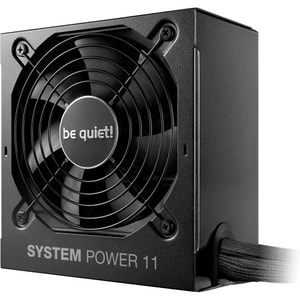
Wattage: 750 W • 80 PLUS certification: 80 PLUS Bronze • Modularity: Non-modular
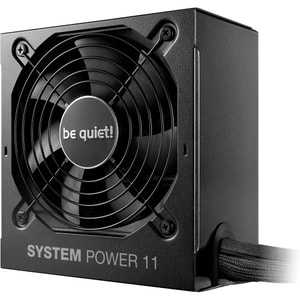
Wattage: 650 W • 80 PLUS certification: 80 PLUS Bronze • Modularity: Non-modular
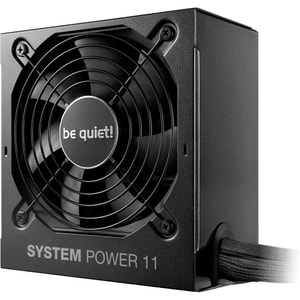
Wattage: 550 W • 80 PLUS certification: 80 PLUS Bronze • Modularity: Non-modular
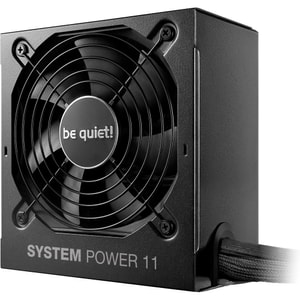
Wattage: 450 W • 80 PLUS certification: 80 PLUS Bronze • Modularity: Non-modular
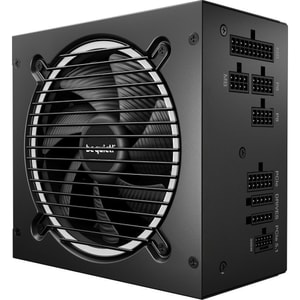
Wattage: 550 W • 80 PLUS certification: 80 PLUS Gold • Modularity: Fully modular
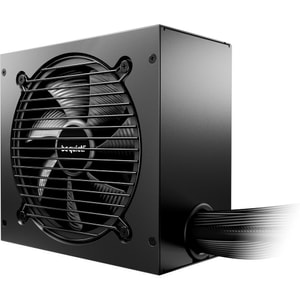
Wattage: 650 W • 80 PLUS certification: 80 PLUS Gold • Modularity: Non-modular
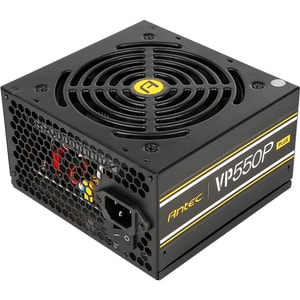
Wattage: 550 W • 80 PLUS certification: 80 PLUS (230V Standard) • Modularity: Non-modular
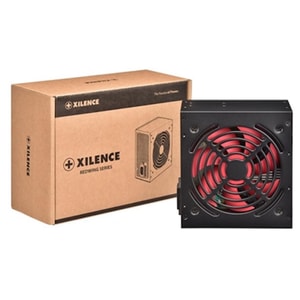
Wattage: 500 W • Modularity: Non-modular • ATX Standard: ATX 12V v2.31
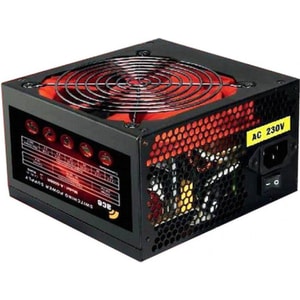
Wattage: 600 W • Modularity: Non-modular • ATX Standard: ATX 2.2/2.3
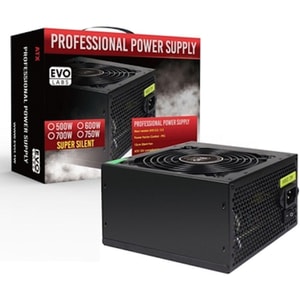
Wattage: 500 W • Modularity: Non-modular • ATX Standard: ATX 2.2/2.3
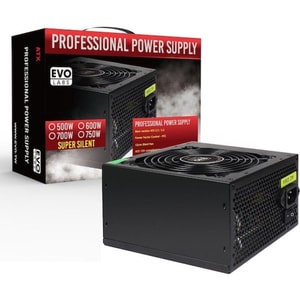
Wattage: 750 W • Modularity: Non-modular • ATX Standard: ATX 2.2/2.3
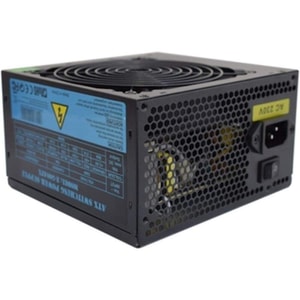
Wattage: 500 W • Modularity: Non-modular • ATX Standard: ATX 2.2/2.3
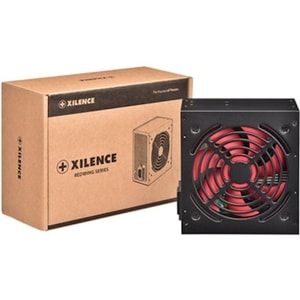
Wattage: 600 W • Modularity: Non-modular • ATX Standard: ATX 12V v2.31
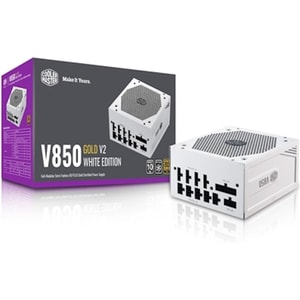
Wattage: 850 W • 80 PLUS certification: 80 PLUS Gold • Modularity: Fully modular
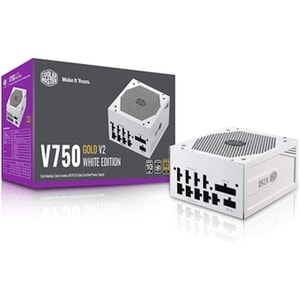
Wattage: 750 W • 80 PLUS certification: 80 PLUS Gold • Modularity: Fully modular
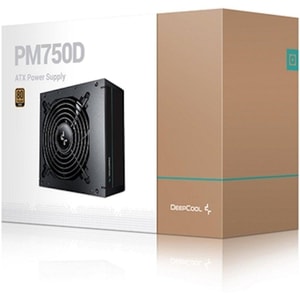
Wattage: 750 W • 80 PLUS certification: 80 PLUS Gold • Modularity: Non-modular
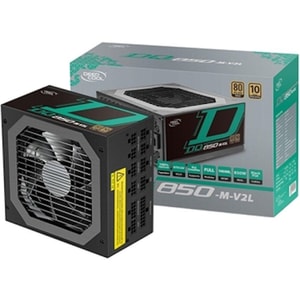
Wattage: 850 W • 80 PLUS certification: 80 PLUS Gold • Modularity: Fully modular
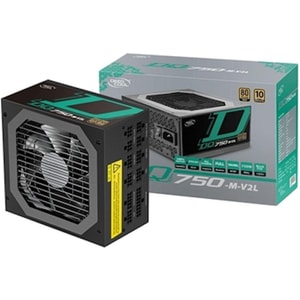
Wattage: 750 W • 80 PLUS certification: 80 PLUS Gold • Modularity: Fully modular
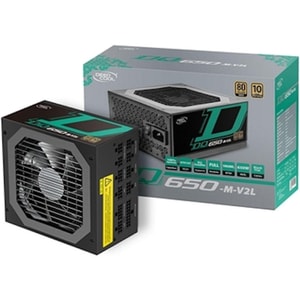
Wattage: 650 W • 80 PLUS certification: 80 PLUS Gold • Modularity: Fully modular
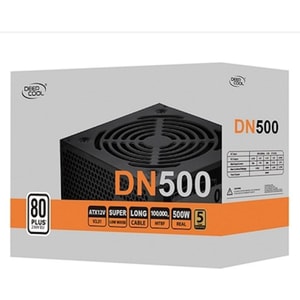
Wattage: 500 W • 80 PLUS certification: 80 PLUS • Modularity: Non-modular
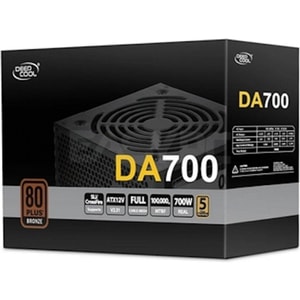
Wattage: 700 W • 80 PLUS certification: 80 PLUS Bronze • Modularity: Non-modular
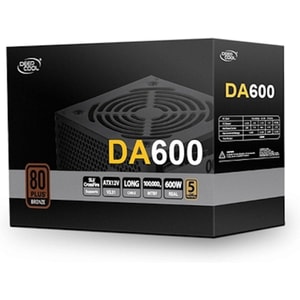
Wattage: 600 W • 80 PLUS certification: 80 PLUS Bronze • Modularity: Non-modular
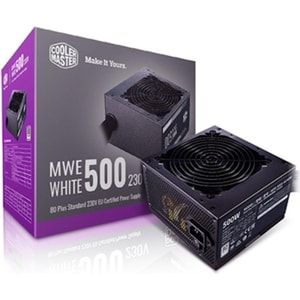
Wattage: 500 W • 80 PLUS certification: 80 PLUS Standard 230V EU • Modularity: Non-modular
Computer power supply units: stable, quiet power for your PC
A PSU is the part most people only notice when it is wrong. When it is right, your PC boots first time, stays stable under load, and runs quietly without drama. When it is not, you can see random restarts, coil noise that drives you up the wall, or a build that becomes temperamental the moment you install a stronger graphics card. Read More...
A good power supply is not about chasing the biggest wattage number. It is about delivering clean, consistent power with the right connectors, in the right form factor, with the protections you want quietly working in the background.
Wattage and headroom: size it for the build you have, plus realistic upgrades
Modern PCs do not draw power in a perfectly smooth line. GPUs and CPUs can ramp quickly, so headroom matters. If you are building around a higher-performance GPU, treat computer graphics cards as the anchor of the PSU choice, then add the CPU and the rest of the system on top.
What buyers usually mean by 650W, 750W, and 850W
Searches like 650W PSU, 750W PSU, and 850W PSU are common because they sit in the range where many gaming and productivity builds land. The right choice depends on your GPU tier, CPU tier, and how much you care about noise. A PSU that is not constantly running near its limit often stays calmer and quieter, and it leaves room for the upgrade you will actually do later, rather than the one you talk about doing.
Why headroom matters in real life
Headroom helps in three practical ways. First, it reduces the chance of shutdowns under sudden load changes. Second, it can keep the PSU fan from ramping up constantly, which makes the whole PC feel calmer. Third, it gives you flexibility if you later add drives, upgrade your GPU, or move to a higher-power CPU. In other words, headroom is not just about safety. It is about how pleasant the machine feels to live with.
Efficiency and noise: 80 PLUS is useful, but it is not the full story
Efficiency is about how much power the PSU wastes as heat. Higher efficiency can mean less heat inside the PSU, which can help fan noise and case temperatures. That is why many shoppers compare 80 PLUS Bronze and 80 PLUS Gold models.
Treat efficiency labels as a signal, not a guarantee. Two PSUs can share the same badge and still differ in noise, cable quality, protections, and long-term reliability. If you care about quiet operation, the combination of sensible wattage, good airflow, and a well-designed fan curve is what you will actually notice.
If you want a deeper signal than an efficiency badge alone, you may also see independent testing and certification schemes such as Cybenetics ETA (efficiency) and LAMBDA (noise). They are not required for a good PSU, but they can be a helpful tie-breaker if you care about low noise and real-world test depth.
Some models include a “zero RPM” or fan-stop mode where the PSU fan stays off at low temperatures and only spins up when needed. It can make an everyday PC feel quieter for light work and browsing, as long as overall case airflow is sensible.
PSU connectors and standards: 8-pin, 16-pin, ATX 3.0 and ATX 3.1
Wattage alone does not tell you whether a PSU suits your build. Connectors matter just as much.
The basics most desktop builds need
Most builds use a 24-pin motherboard cable and one or two 8-pin CPU power cables. Graphics cards commonly use 8-pin PCIe connectors, and higher-power cards may need two or three. Storage and accessories use SATA power.
The practical check is simple: make sure the PSU includes the connectors you need, in the quantities you need, without relying on awkward splitters. This is also where the board choice matters. Different computer motherboards can need different CPU power connections, especially on higher-end boards.
16-pin GPU power, 12VHPWR, and 12V-2x6
Some newer GPUs use a 16-pin connector. You will see this described as 12VHPWR, and also as the newer 12V-2x6 design. You will also see PSUs marketed as ATX 3.0 or ATX 3.1, which is often tied to handling modern GPU power behaviour and providing a native 16-pin cable.
The people-first advice is deliberately boring: use the correct cable from the PSU manufacturer where possible, push the connector in fully until it is properly seated, and avoid tight bends right at the plug. If you are building into a tight case, plan the cable route before you close the side panel.
For 12V-2x6 cables specifically, manufacturers commonly recommend leaving a short straight section near the connector before bending and avoiding harsh 90-degree bends close to the housing. If your build is cramped, a clean cable route matters more than you think.
Fit and cables: ATX vs SFX, length, and modular sanity
PSU fit is partly about form factor and partly about cable space.
ATX and SFX, plus real clearance
Most standard builds use an ATX PSU. Compact builds sometimes require SFX, which is shorter and designed for small form factor cases. Also check PSU length. Some cases are fine with a long PSU until you add a front radiator or a thick bundle of cables behind the PSU shroud.
If you want the build to feel straightforward, match the PSU choice to your PC cases and the space available for cable routing. A tidy route is not only cosmetic. It can make airflow cleaner and maintenance less annoying.
Fully modular, semi-modular, and non-modular
A fully modular PSU lets you connect only the cables you need. Semi-modular models fix the essentials and let you add the rest. Non-modular models can be fine, but you may have spare cables to hide, which is harder in compact builds. If you care about airflow and tidy routing, modular cabling is one of the simplest quality-of-life upgrades you can make.
One cable warning that matters: modular PSU cables are not universal. Even if the plugs look the same, the pinouts can differ between brands and sometimes between series, so only use cables that are listed as compatible for that exact PSU. This is one of the fastest ways people accidentally damage components, and it is not worth the risk.
Reliability signals: protections, rails, and calm long-term behaviour
A PSU’s job is not only to power the PC. It should also protect it.
Protection features
Reputable PSUs usually list protections such as over-current, over-voltage, under-voltage, over-power, over-temperature, and short-circuit protection. You do not need to memorise acronyms. You just want to see that the basics are covered, because it is part of what makes a build stable long term.
Single rail and multi-rail, kept simple
You will see single-rail and multi-rail designs mentioned. Both can be good when properly engineered. If you are unsure, prioritise reputable models with clear protections, sensible cabling, and a warranty that matches the class of hardware you are powering.
A quick checklist before you buy a PSU
- Wattage suits your GPU and computer processors with sensible headroom.
- Form factor matches the case: ATX or SFX, plus length clearance.
- Connectors match your hardware, especially GPU power connectors and CPU power cables.
- If you want a native 16-pin cable, check for ATX 3.0 or ATX 3.1 and a 12VHPWR or 12V-2x6 lead.
- Modular cabling fits your case space and build style, and you will only use compatible cables for that PSU.
- Protection features are clearly stated, and the PSU is designed for steady long-term behaviour.
If you tick those boxes, your PSU becomes the boring part of the build in the best possible way. It just works, it stays quiet, and it supports upgrades without making you start again.