
PC Cases
- Relevance
- Price: Low - High
- Price: High - Low
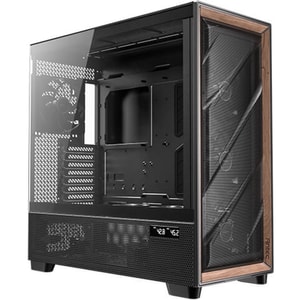
Case Size: Full Tower • Motherboard Support: E-ATX / ATX / Micro-ATX / Mini-ITX • Maximum GPU Length: 455 mm
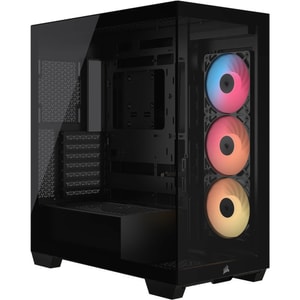
Case Size: Mid Tower • Motherboard Support: E-ATX / ATX / Micro-ATX / Mini-ITX • Maximum GPU Length: 425 mm
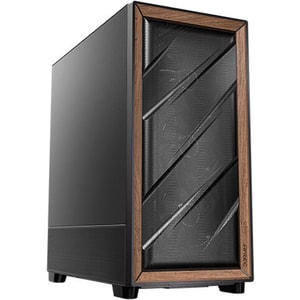
Case Size: Full Tower • Motherboard Support: E-ATX / ATX / Micro-ATX / Mini-ITX • Maximum GPU Length: 408 mm
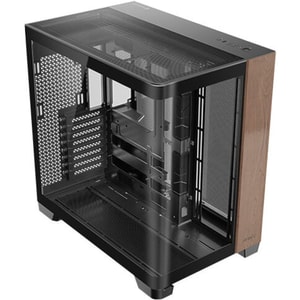
Case Size: Full Tower • Motherboard Support: E-ATX / ATX / Micro-ATX / Mini-ITX • Maximum GPU Length: 440 mm
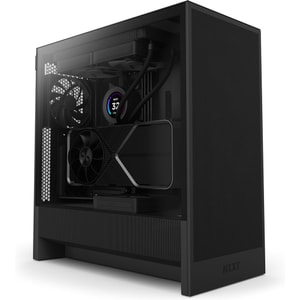
Case Size: Mid Tower • Motherboard Support: E-ATX / ATX / Micro-ATX / Mini-ITX • Maximum GPU Length: 410 mm
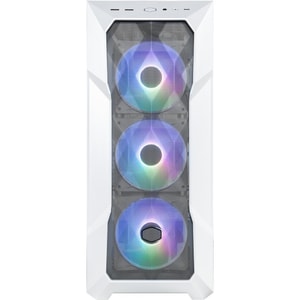
Case Size: Mid Tower • Motherboard Support: E-ATX / ATX / Micro-ATX / Mini-ITX • Maximum GPU Length: 410 mm
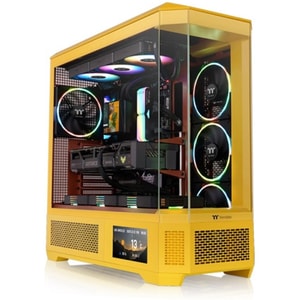
Case Size: Full Tower • Motherboard Support: E-ATX / ATX / Micro-ATX / Mini-ITX • Maximum GPU Length: 480 mm
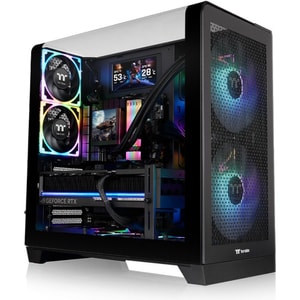
Case Size: Mid Tower • Motherboard Support: ATX / Micro-ATX / Mini-ITX • Maximum GPU Length: 420 mm
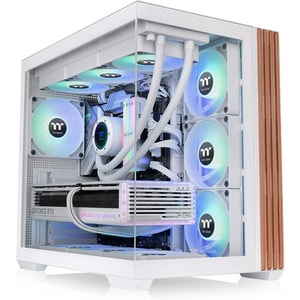
Case Size: Mid Tower • Motherboard Support: ATX / Micro-ATX / Mini-ITX • Maximum GPU Length: 415 mm
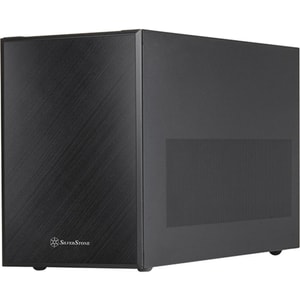
Case Size: Mini Tower • Motherboard Support: Micro-ATX / Mini-DTX / Mini-ITX • Maximum GPU Length: 400 mm
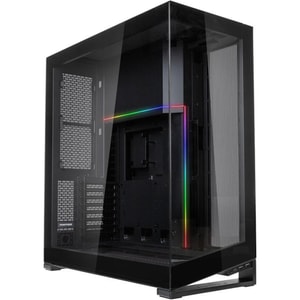
Case Size: Full Tower • Motherboard Support: E-ATX / ATX / Micro-ATX / Mini-ITX • Maximum GPU Length: 450 mm
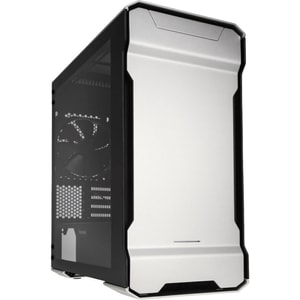
Case Size: Mini Tower • Motherboard Support: Micro-ATX / Mini-ITX • Maximum GPU Length: 319 mm
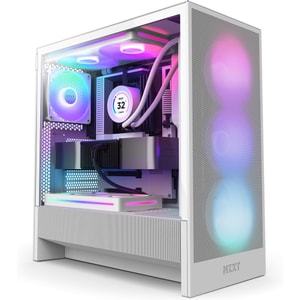
Case Size: Mid Tower • Motherboard Support: E-ATX / ATX / Micro-ATX / Mini-ITX • Maximum GPU Length: 410 mm
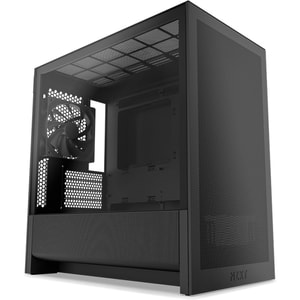
Case Size: Mid Tower • Motherboard Support: Micro-ATX / Mini-ITX • Maximum GPU Length: 377 mm
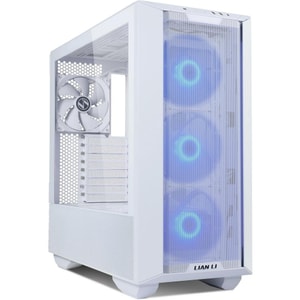
Case Size: Mid Tower • Motherboard Support: E-ATX / ATX / Micro-ATX / Mini-ITX • Maximum GPU Length: 435 mm
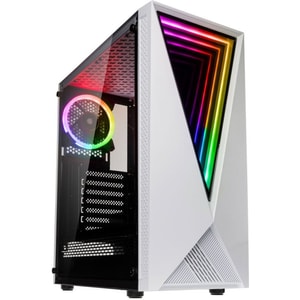
Case Size: Mid Tower • Motherboard Support: ATX / Micro-ATX / Mini-ITX • Maximum GPU Length: 310 mm
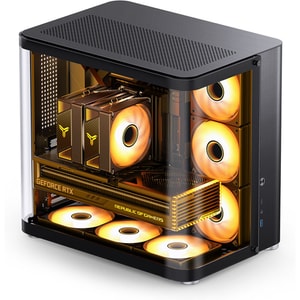
Case Size: Mid Tower • Motherboard Support: ATX / Micro-ATX / Mini-ITX • Maximum GPU Length: 405 mm
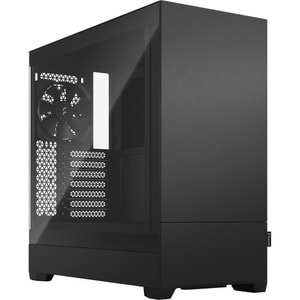
Case Size: Mid Tower • Motherboard Support: ATX / Micro-ATX / Mini-ITX • Maximum GPU Length: 380 mm
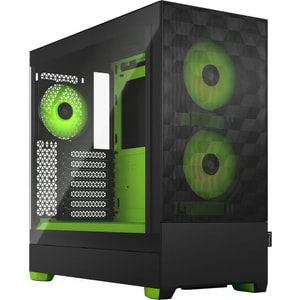
Case Size: Mid Tower • Motherboard Support: ATX / Micro-ATX / Mini-ITX • Maximum GPU Length: 405 mm
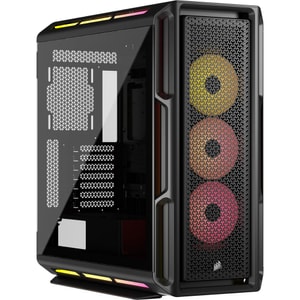
Case Size: Mid Tower • Motherboard Support: E-ATX / ATX / Micro-ATX / Mini-ITX • Maximum GPU Length: 450 mm
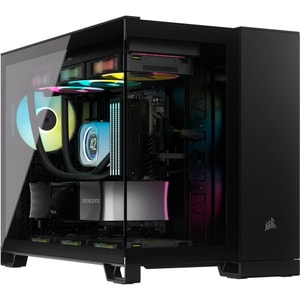
Case Size: Mid Tower • Motherboard Support: Mini-ITX, Micro-ATX • Maximum GPU Length: 400 mm
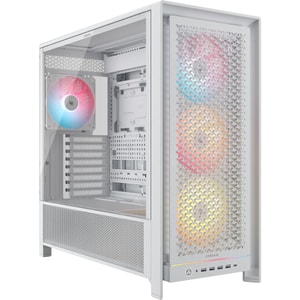
Case Size: Mid Tower • Motherboard Support: E-ATX / ATX / Micro-ATX / Mini-ITX • Maximum GPU Length: 450 mm
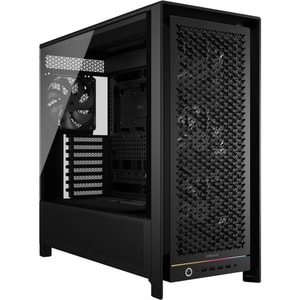
Case Size: Mid Tower • Motherboard Support: E-ATX / ATX / Micro-ATX / Mini-ITX • Maximum GPU Length: 450 mm
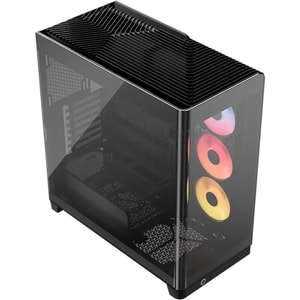
Case Size: Mid Tower • Motherboard Support: E-ATX / ATX / Micro-ATX / Mini-ITX • Maximum GPU Length: 460 mm
PC cases: the part that makes a build feel tidy, cool, and easy to live with
A PC case is more than a box. It decides whether your build is a calm, clean job or an awkward squeeze with cables everywhere and fans doing overtime. The right case keeps airflow simple, gives your parts room to breathe, and makes future upgrades feel doable rather than dreaded. Read More...
If you are choosing a gaming PC case, it is tempting to start with looks. It is smarter to start with fit. Get compatibility right first, then you can pick the style you actually want, whether that is a black mid tower case, a white PC case, or a tempered glass case that shows the build off.
Start with fit: motherboard size, desk space, and how big you want the build to be
A PC case should match your motherboard size and your space at home. This is where most “why does this not line up” problems begin, so it is worth getting it clear at the start.
ATX, micro ATX, and Mini-ITX in plain English
An ATX case suits full-size boards and usually gives you more room for airflow, cable routing, and future expansion. A micro ATX case is often a practical sweet spot, still easy to build in but more compact on the desk or under it. A Mini-ITX case is the small form factor option, brilliant for tight spaces, but it rewards careful planning.
The simplest approach is to match your computer motherboards form factor to the case, then check what else you want to fit around it.
Mid tower, full tower, and compact cases
A mid tower case is the mainstream choice because it balances space with practicality. It is usually large enough for modern graphics cards and sensible cooling, without turning the room into a workshop. A full tower case is for maximum room, extra drive space, large radiators, or builds where you want everything accessible. Compact and Mini-ITX cases are best when footprint matters most, but they can limit cooler height, GPU thickness, or cable routing space.
Airflow and cooling: the choices that decide noise and temperatures
Cooling is where a case becomes a daily experience. A well-ventilated case can keep fans slower and quieter, while a restricted case can push fans to work harder, especially with modern GPUs.
Mesh fronts, fan mounts, and the simple airflow path
An airflow case with a mesh front case design is popular because it makes the intake easy. The most reliable airflow setup is usually front-to-back: cool air in from the front, warm air out at the rear and top. Look for sensible fan mounting options, and consider whether the case supports 120mm fans, 140mm fans, or both. Bigger fans can often move air at lower speeds, which can reduce noise.
If you want to fine-tune temperatures, PC cooling choices matter just as much as the case shell, especially when you are balancing CPU heat, GPU heat, and overall noise.
Radiator support and realistic expectations
If you plan to use an AIO liquid cooler, check radiator support in the exact positions you want, plus clearance for motherboard heatsinks and top-mounted fans. Some cases look roomy but become tight once you add a radiator and push-pull fans. If you are using a large air cooler instead, the cooler height limit is the critical number.
Clearance checks that save you money: GPU length, card thickness, and cable space
This is the bit people forget until the delivery arrives. Modern GPUs can be long and thick, and the case needs to support that comfortably.
Graphics card clearance that accounts for real builds
GPU clearance is not just a single length number. Front fans, front radiators, and drive cages can all reduce usable space. Many newer cards are also thicker than two slots, so side panel clearance and airflow around the fans matter.
If you are choosing a case for a specific card, treat computer graphics cards as part of the case decision, not an afterthought, because fit and airflow go hand in hand.
PSU fit, connectors, and cable routing room
Power supplies vary in length, and modular cables need space to bend without being crushed. In compact builds, PSU length and cable thickness can matter as much as wattage. If you are planning a higher-end GPU, check whether your PSU cables are long enough and whether the case has space for clean routing behind the motherboard tray.
Choosing PSUs with the right connectors and sensible headroom is also part of keeping a build stable and tidy, especially when cable routing is tight.
Features you actually use: front USB-C, dust filters, and cable management
Once fit and cooling are right, quality-of-life features make the difference between a case you enjoy and one you tolerate.
Front I/O that matches your routine
Front ports matter more than people expect. If you regularly plug in external drives, headsets, or controllers, a good mix of USB-A and USB-C is useful. If your case has front USB-C, make sure your motherboard has the right internal header to support it, otherwise you end up with a port you cannot use.
Dust filters, cleaning, and the quiet kind of convenience
Dust builds up slowly and then one day you wonder why temperatures have crept up. Good dust filters make cleaning easier. Tool-less side panels and sensible interior layouts also help, because you are more likely to maintain the build if it is not a hassle.
Cable management is similar. A case with decent tie-down points, routing channels, and space behind the motherboard tray makes the build feel calmer and keeps airflow cleaner.
Style without regret: tempered glass, RGB, and the “showcase” trend
Looks matter. If you enjoy the build, you are more likely to keep it clean and upgrade it thoughtfully. Tempered glass cases and “fish tank” style layouts can look brilliant, but they are best when airflow is still taken seriously. If you want RGB, check whether the case includes a fan hub or controller, and whether it supports standard ARGB connections.
A white PC case can look striking, but think about where it sits and how often it will need a wipe down. A quiet PC case with solid panels can work well for lower-power builds, but once you add a hot GPU, airflow becomes the priority again.
A quick checklist before you buy a PC case
- Case supports your motherboard size: ATX, micro ATX, or Mini-ITX.
- Case has enough GPU clearance for length and thickness, including front fans or a radiator.
- Cooler support matches your plan: air cooler height or radiator size and placement.
- PSU length and cable space are comfortable, not cramped.
- Front ports suit your routine, especially if you want front USB-C.
- Dust filters and cable management features look easy to live with.
- Airflow layout makes sense for your hardware, so you are not relying on fans running flat out.
If you tick those boxes, your case becomes the easiest part of the build. It keeps everything organised, it stays cooler than you expect, and upgrades feel like a weekend job rather than a re-build.