
Computer Peripherals
Whether you are writing, designing, studying or gaming, peripherals help you tailor your setup to how you actually use it. From keyboards and mice to computer audio like headsets and microphones, it is all about comfort, control and clear sound, day after day.
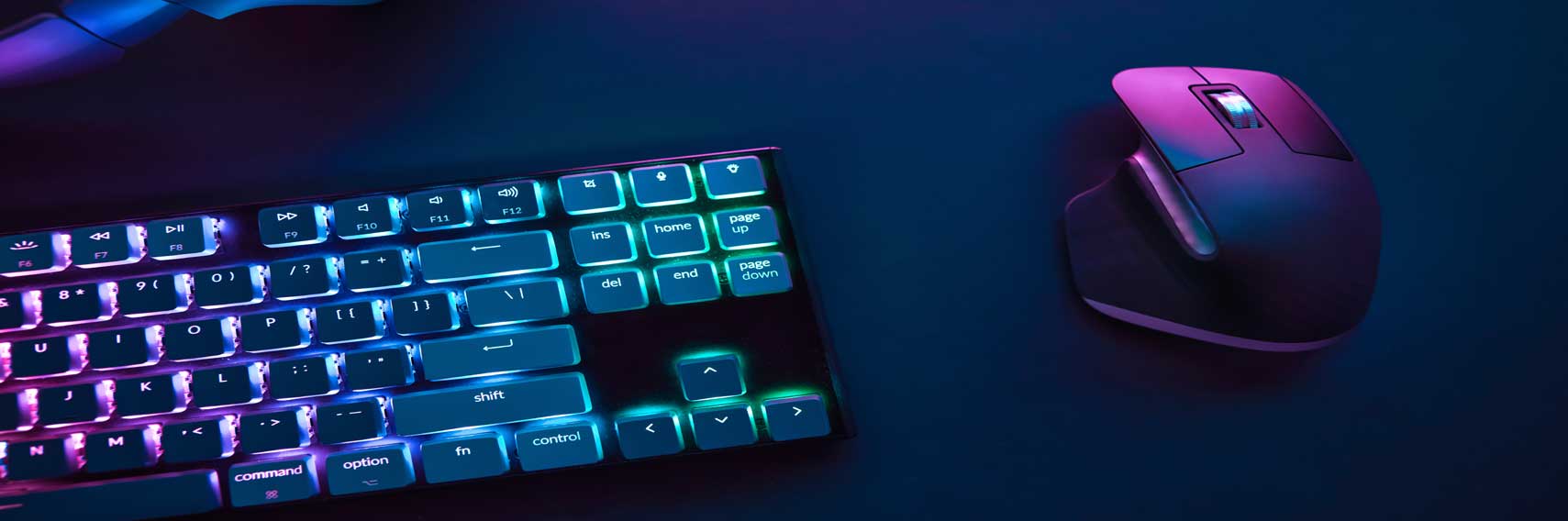
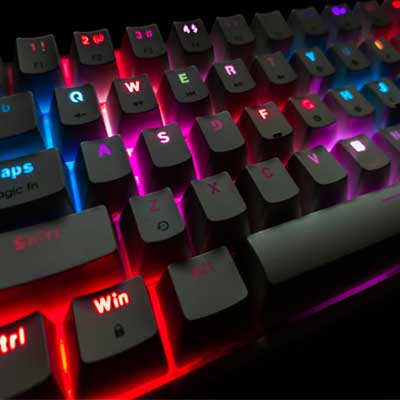
Computer peripherals: keyboards, mice and microphones that make your setup feel effortless
Picture this: you sit down at your desk and everything just works. The keyboard feels comfortable, the mouse moves with the right kind of control, and your voice comes through clearly on calls. Computer peripherals are the everyday tools that shape how smoothly you work and play, whether you are setting up a home office, refining a gaming desk, or building a simple creator setup for streaming and podcasts. Read More...
This category focuses on three essentials: keyboards, mice, and computer audio, with a particular emphasis on microphones. A useful way to choose is to start with your routine, then match features to what you actually do each day. That might mean a tidy wireless set for emails and spreadsheets, a responsive gaming mouse for faster reactions, or a USB microphone that makes meetings and chat sound noticeably cleaner.
Keyboards: mechanical vs membrane, sizes, and the layout that fits your desk
Keyboards are more personal than they look, because they are the tool you touch for hours. If you are choosing between a mechanical keyboard and a membrane keyboard, focus on feel and noise first. Mechanical designs use individual switches, which often creates a more defined key feel that typists and gamers enjoy, while membrane boards tend to be quieter and straightforward for everyday typing. If you type for long stretches, comfort becomes the priority, so it is worth paying attention to key travel, spacing, and whether you prefer a firmer or softer press.
Size and layout are the next big decisions. Full-size keyboards include a number pad, which suits admin work and data entry, while compact layouts like tenkeyless (TKL) and 60% keyboards free up space and can feel cleaner on smaller desks. If you switch between devices, a wireless keyboard with Bluetooth or a 2.4GHz dongle can reduce cable clutter, and backlit keys are a practical bonus if you work in the evening. For gaming keyboards, programmable keys and media controls can be genuinely handy, but only if they suit the way you work and play.
Mice: wireless freedom, gaming control, and comfort for long days
Mice should feel like an extension of your hand, whether you are moving between spreadsheets, editing photos, or playing fast-paced games. Many shoppers start with wired versus wireless, and the best choice is usually the one that suits your day. Wired mice are simple and consistent, while a wireless mouse keeps a desk tidy and travels well with laptops. It is also worth checking the wireless method, because Bluetooth is convenient when you want to keep USB ports free, while 2.4GHz receivers are often preferred when you want straightforward pairing and a consistently responsive feel.
Comfort matters just as much as features. An ergonomic mouse can suit longer working sessions, and vertical mice are often chosen by people who want a different wrist position. If you share a workspace or work late, silent clicks can be a small upgrade that feels surprisingly considerate. For gaming or detailed work, you will see DPI and sensor specs mentioned, and the practical takeaway is control: you want sensitivity that suits your screen and hand movement, plus buttons that genuinely save time, such as back and forward navigation or push-to-talk.
Audio and microphones: clearer calls, better streams, and a more confident sound
Microphones matter the moment you join a call or hit record, and you notice it quickly if your voice sounds thin or distant. A dedicated mic can lift everyday video calls, gaming chat, and content creation, and it is often the simplest way to sound more polished without changing anything else. A USB microphone is usually the easiest starting point because it plugs straight into your computer and tends to work with minimal setup. XLR microphones typically require an audio interface and an XLR cable, which suits more advanced setups where you want flexibility or multiple mics.
Mic type is worth a quick thought too. Condenser microphones are often chosen for detail and sensitivity, which can work well for podcasts and voiceovers in a quieter room, while dynamic microphones are commonly picked when you want to reduce background noise from keyboards, fans, or household sound. For most desk setups, a cardioid pickup pattern is a popular choice because it focuses on sound from the front, helping your voice stand out. Look for practical touches that improve day to day use, such as a mute button, gain control, headphone monitoring, and a stable stand.
Quick compatibility checks: small details that save time later
Before you buy, do a quick compatibility scan, because most frustrations come from simple mismatches. Check whether the connection is USB-A, USB-C, Bluetooth, or 2.4GHz, and make sure your device has the right port or adapter. If you prefer wireless, confirm how pairing works, because some products use Bluetooth, while others rely on a USB receiver that needs a free port. For microphones, check whether the listing is USB or XLR, and if it is XLR, plan for the extra interface hardware as part of the setup.
If you are building a tidy desk, it is also worth thinking about where the cable will run, whether you want a compact keyboard to create more mouse space, and whether your microphone will sit on the desk or work better on a boom arm. Those small decisions are what make a setup feel deliberate rather than cluttered, and they often matter more than headline specs.
Finish the setup: the screen and system that bring everything together
Peripherals rarely live alone, and the best setups feel cohesive. If you are refreshing your desk, Computer Monitors is a natural next step, because screen size, resolution and stand adjustment shape comfort just as much as a keyboard choice. If your setup revolves around portability, Laptops can help you shop for machines that play nicely with docks, USB-C displays and wireless accessories. If you are upgrading a desktop, Components and Storage are helpful next stops for parts and space upgrades. And if your upgrades are for play, Gaming is a useful place to explore controllers, headsets, and other kit that complements a keyboard and mouse.
The aim is simple: choose peripherals that fit your hands, your space and your habits, then let your setup fade into the background while you get on with what you actually came to do.