
Computer Keyboards
- Relevance
- Price: Low - High
- Price: High - Low
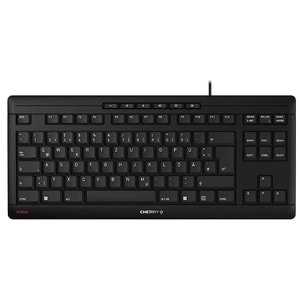
Keyboard Layout: UK (QWERTY) • Connectivity: Wired (USB-A) • Switches: Membrane (Cherry SX scissor)
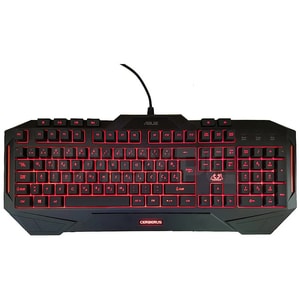
Keyboard Layout: UK (QWERTY) • Connectivity: Wired (USB-A) • Switches: Membrane
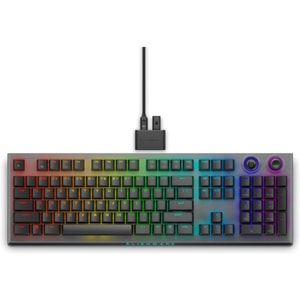
Keyboard Layout: US (QWERTY) • Connectivity: Tri-Mode: Wired USB, 2.4 GHz, Bluetooth 5.1 • Switches: Mechanical (Cherry MX Red)
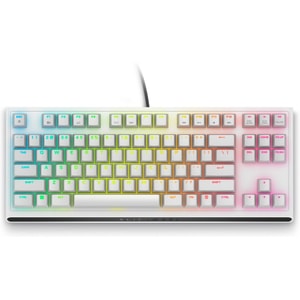
Keyboard Layout: US (QWERTY) • Connectivity: Wired (USB-A) • Switches: Mechanical (Cherry MX Red)
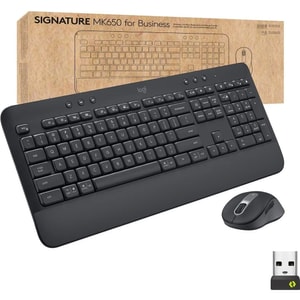
Keyboard Layout: UK (QWERTY) • Connectivity: Wireless (2.4 GHz + Bluetooth) • Switches: Membrane
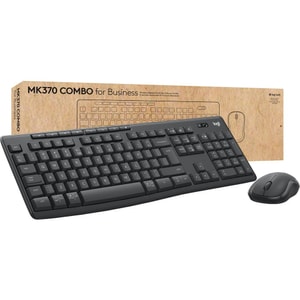
Keyboard Layout: UK (QWERTY) • Connectivity: Wireless (2.4 GHz + Bluetooth) • Switches: Membrane
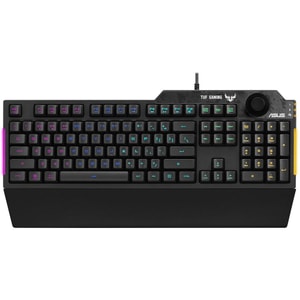
Keyboard Layout: UK (QWERTY) • Connectivity: Wired (USB-A) • Switches: Membrane
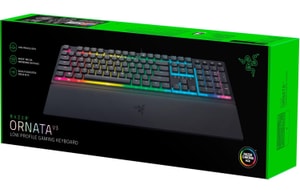
Keyboard Layout: UK (QWERTY) • Connectivity: Wired (USB-A) • Switches: Mecha-Membrane
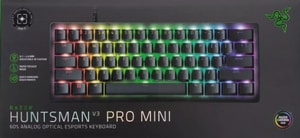
Keyboard Layout: UK (QWERTY) • Connectivity: Wired (USB-C) • Switches: Mechanical (Razer Analog Optical Switches Gen-2)
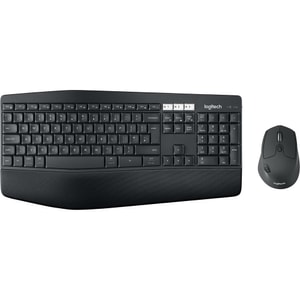
Keyboard Layout: UK (QWERTY) • Connectivity: Wireless (2.4 GHz + Bluetooth) • Switches: Membrane
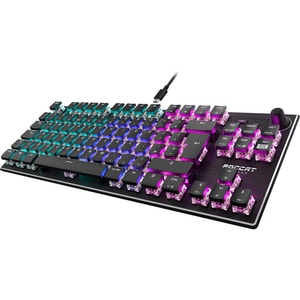
Keyboard Layout: UK (QWERTY) • Connectivity: Wired (USB-A) • Switches: Mechanical (Titan Linear)
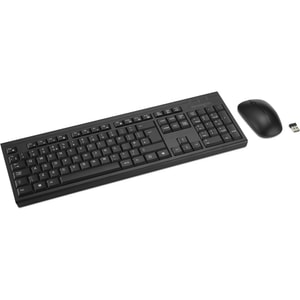
Keyboard Layout: UK (QWERTY) • Connectivity: Wireless (2.4 GHz + Bluetooth) • Switches: Membrane
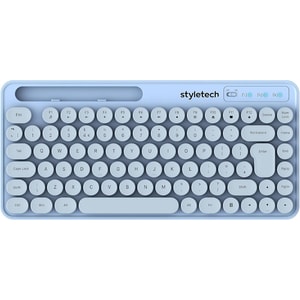
Keyboard Layout: UK (QWERTY) • Connectivity: Wireless (2.4 GHz) • Backlight: None
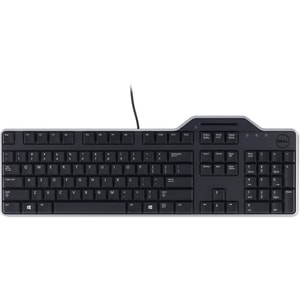
Keyboard Layout: UK (QWERTY) • Connectivity: Wired (USB-A) • Switches: Mechanical
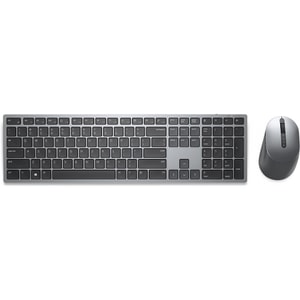
Keyboard Layout: UK (QWERTY) • Connectivity: Wireless (2.4 GHz + Bluetooth) • Form Factor: Full-size (100%)
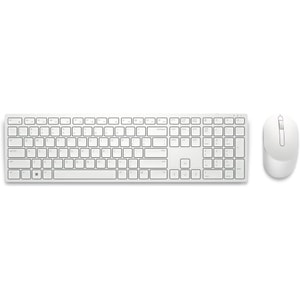
Keyboard Layout: UK (QWERTY) • Connectivity: Wireless (2.4 GHz) • Switches: Membrane
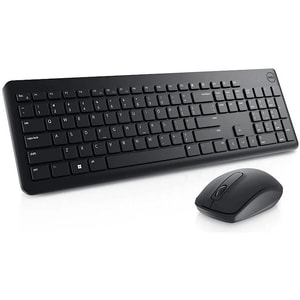
Keyboard Layout: UK (QWERTY) • Connectivity: Wireless (2.4 GHz) • Switches: Membrane
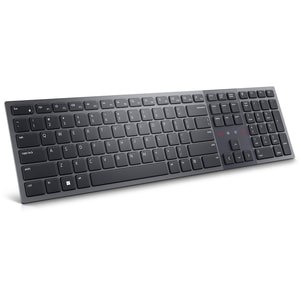
Keyboard Layout: UK (QWERTY) • Connectivity: Wireless (2.4 GHz + Bluetooth) • Switches: Membrane
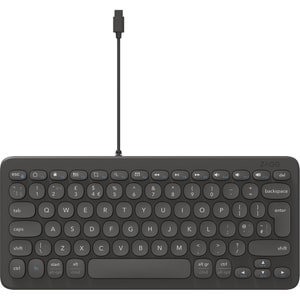
Keyboard Layout: UK (QWERTY) • Connectivity: Wired (USB-C) • Switches: Membrane
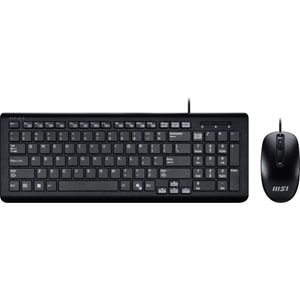
Keyboard Layout: UK (QWERTY) • Connectivity: Wired (USB-A) • Switches: Membrane
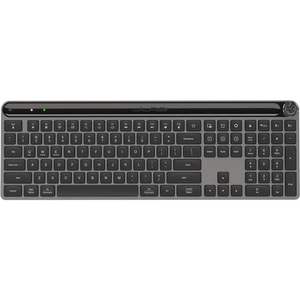
Keyboard Layout: UK (QWERTY) • Connectivity: Wireless (2.4 GHz + Bluetooth) • Switches: Membrane
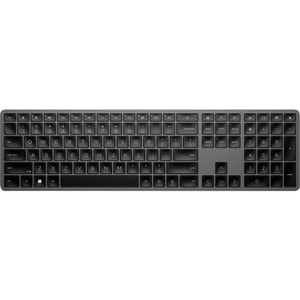
Keyboard Layout: UK (QWERTY) • Connectivity: Wireless (2.4 GHz + Bluetooth) • Switches: Scissor
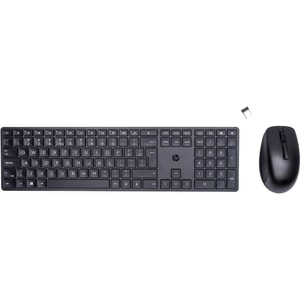
Keyboard Layout: UK (QWERTY) • Connectivity: Wireless (2.4 GHz) • Switches: Membrane
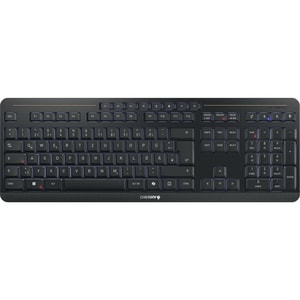
Keyboard Layout: UK (QWERTY) • Connectivity: Wireless (2.4 GHz + Bluetooth) • Switches: Mecha-Membrane
Computer keyboards: the upgrade your hands notice first
A keyboard looks like a simple bit of kit, but it’s the thing you touch for hours. When it feels right, you type faster, make fewer mistakes, and your desk just feels calmer. When it feels wrong, it is a constant little irritation: cramped hands, noisy keys, or a wireless connection that picks the worst possible moment to act up. Read More...
The good news is you do not need to learn a new language to buy a good keyboard. Start with how you use your computer day to day, pick the size and layout that fits your desk, then choose the feel you enjoy. After that, everything else is just finishing touches.
Start with your day: work, gaming, shared spaces, or travel
Home office and typing comfort
If you type a lot, comfort and consistency matter more than flashy extras. You want a keyboard that feels steady under your fingers, with keys that are easy to hit accurately and a layout that does not force your hands into awkward stretches. For long writing sessions, look for a quiet, stable key feel and a solid base that does not slide around.
This is also where your setup as a whole comes into play. If you spend hours at a desk, computer monitors set your posture and your viewing distance, and your keyboard should match that “sit down and get on with it” rhythm.
Gaming and fast inputs
For gaming, you want responsiveness and predictable key presses. This is where a mechanical keyboard can shine, simply because the switches tend to feel more defined and consistent. Features like anti-ghosting and n-key rollover matter most when you are pressing multiple keys at once, such as moving, strafing, and hitting abilities in quick succession.
The key is not buying “gaming” as a label. It is buying a keyboard that feels fast, comfortable, and reliable for the games you actually play.
Quiet setups and shared rooms
If you share a space, noise becomes the main event. A clicky keyboard can be fun for the person using it, and very much not fun for everyone else. For quieter setups, consider membrane boards, silent mechanical switches, or lower-profile designs that reduce the clack. A desk mat can also soften sound, but the switch and keycap choice is the real difference.
Portable and multi-device use
If you move between devices, a wireless keyboard with multi-device switching can be a tidy solution. It is particularly handy for working between a desktop and laptops without constantly swapping cables. For travel, slim designs and dependable battery life matter more than RGB lighting and heavy metal frames.
Size and layout: full-size, compact, and the UK layout question
When you actually need a number pad
A full-size keyboard includes the number pad. It is brilliant if you regularly work with figures, spreadsheets, invoicing, or data entry. If you rarely touch the number pad, you might prefer a smaller keyboard that brings the mouse closer and keeps your shoulders more relaxed.
The compact layouts people actually buy
Compact layouts are popular because they save desk space and keep your hands in a more natural position.
- Tenkeyless is the classic “no number pad” option. A TKL board keeps the arrow keys and navigation cluster, but trims the bulk.
- 75% and 65% layouts usually keep arrow keys, but tighten spacing and reduce extra keys.
- 60% is the smallest common layout. It is portable and tidy, but it relies more on function layers for arrows and navigation, so it suits people who are happy to learn a few shortcuts.
The right size is the one that fits your desk and your habits. If you use arrow keys constantly, do not buy a layout that hides them just because it looks neat in photos.
UK layout, ISO and ANSI in plain English
For UK buyers, layout is not just a detail. Many keyboards sold in the UK use the ISO style layout, while some enthusiast models use ANSI. The differences affect key shapes and where certain symbols live, so it is worth checking before you buy. If you want familiar UK legends and the punctuation you use every day, look for a UK layout specifically. Major keyboard brands and UK retailers commonly explain these differences as ISO vs ANSI.
Switch feel without the jargon: mechanical, membrane, and low-profile
Feel and sound, explained like a normal person
Switch type is simply the “feel” of the key press.
- Mechanical switches usually feel more distinct. Some are smooth, some are tactile, and some are deliberately clicky.
- Membrane keyboards tend to feel softer and quieter, and they can be great for everyday typing, especially on a budget.
- Low-profile boards sit flatter and can feel faster for some people, especially if you are coming from a laptop keyboard.
If you are unsure, a safe approach is to prioritise comfort and noise level first, then worry about the finer details later. Many people discover they care less about the switch name and more about whether the keyboard makes them feel productive.
Keycaps and build quality basics
Keycaps affect both feel and long-term wear. Some plastics shine and smooth out faster, while more durable caps hold their texture for longer. If you see PBT keycaps mentioned, that is often a positive sign for longevity. Stabilisers also matter on bigger keys like Space and Enter. Good stabilisers reduce rattle and make the keyboard sound more solid.
Hot-swappable keyboards can be appealing if you like the idea of changing switches later without committing to one feel forever, but it is absolutely not required for a great everyday keyboard.
Wireless done properly: Bluetooth vs 2.4GHz
Wireless keyboards are now genuinely good, but connection type still matters. Bluetooth is convenient for multi-device use and travel. Dedicated 2.4GHz dongle connections are often chosen for responsiveness and stability, particularly for gaming. If you want wireless without the “will it drop out?” worry, look for reputable wireless implementations and a keyboard that matches your use case. Many guides and reviews still frame 2.4GHz as the better choice for latency-sensitive play compared with Bluetooth. :contentReference[oaicite:4]{index=4}
If you are mainly working, Bluetooth is often perfectly fine. If you are competitive gaming, a 2.4GHz dongle or wired connection is typically the safer bet.
Comfort and ergonomics: avoid the sore wrists problem
Comfort is not just about fancy shapes. It is about keeping your wrists neutral, your shoulders relaxed, and your hands positioned naturally. An ergonomic keyboard can help if you type for long stretches, especially if you find yourself tensing up or bending your wrists inward. Split and angled designs are often used to encourage a more neutral posture, but they do take a short adjustment period.
Also, do not underestimate the simple wins: a keyboard at the right height, a gentle typing touch, and pairing with computer mice that fit your grip. If your mouse and keyboard heights are mismatched, your arm ends up doing extra work all day.
A simple checklist to avoid buying the wrong keyboard
- Choose the size first: full-size if you need the number pad, or a compact layout if desk space and comfort are priorities.
- Confirm the layout: UK layout if you want familiar legends and symbol placement.
- Decide on sound: quiet if you share a space, or clicky only if you genuinely love it.
- Pick wired or wireless based on routine: Bluetooth for convenience, 2.4GHz or wired for the most consistent gaming feel.
- Look for build cues that age well: stable base, decent keycaps, and reliable connectivity.
If you do those checks, you end up with a computer peripheral, a keyboard, that feels like it belongs on your desk, not one you tolerate until the next upgrade.