
Computer Mice
- Relevance
- Price: Low - High
- Price: High - Low
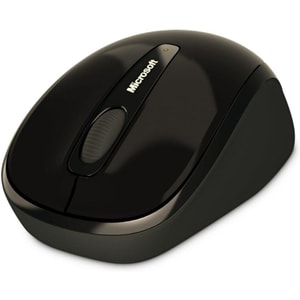
Connectivity: Wireless (2.4 GHz) • DPI (Max): 1000 DPI • Tracking Type: Optical
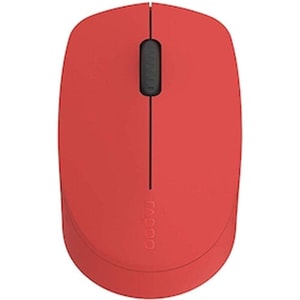
Connectivity: Wireless (2.4 GHz + Bluetooth) • DPI (Max): 1300 DPI • Tracking Type: Optical
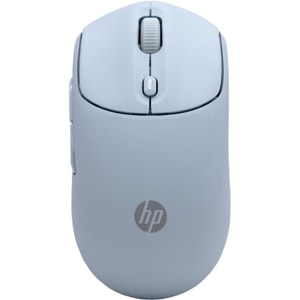
Connectivity: Wireless (2.4 GHz + Bluetooth) • DPI (Max): 6000 DPI • Tracking Type: Multi surface tracking
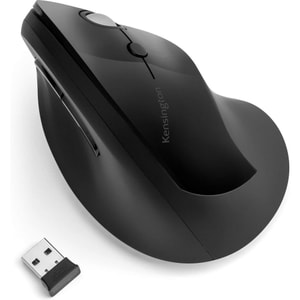
Connectivity: Wireless (2.4 GHz) • DPI (Max): 1600 DPI • Tracking Type: Optical
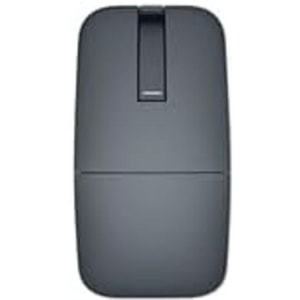
Connectivity: Wireless (Bluetooth) • DPI (Max): 4000 DPI • Tracking Type: Optical
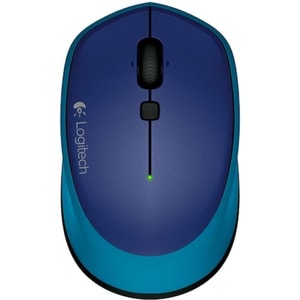
Connectivity: Wireless (2.4 GHz) • DPI (Max): 1000 DPI • Tracking Type: Optical
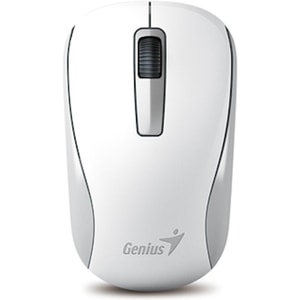
Connectivity: Wireless (2.4 GHz) • DPI (Max): 1200 DPI • Tracking Type: Optical
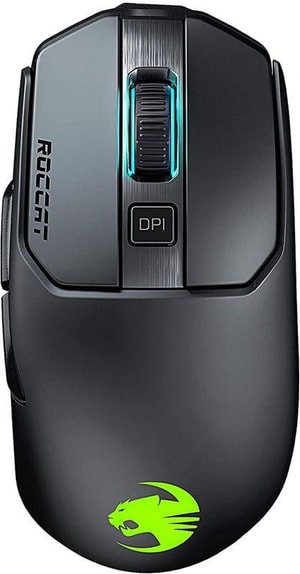
Connectivity: Wireless (2.4 GHz) • DPI (Max): 16000 DPI • Tracking Type: Optical
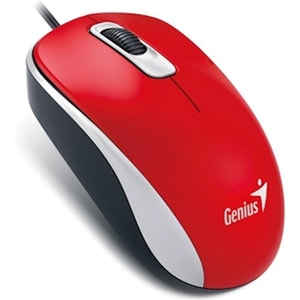
Connectivity: Wired (USB) • DPI (Max): 1200 DPI • Tracking Type: Optical
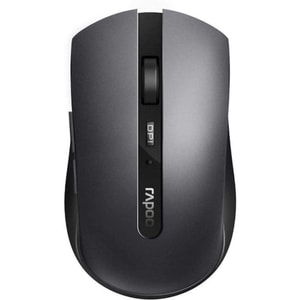
Connectivity: Wireless (2.4 GHz + Bluetooth) • DPI (Max): 1600 DPI • Tracking Type: Optical
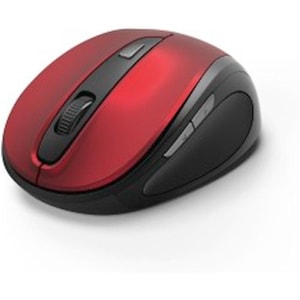
Connectivity: Wireless (2.4 GHz) • DPI (Max): 1600 DPI • Tracking Type: Optical
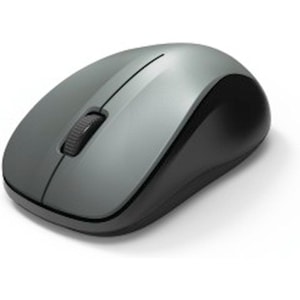
Connectivity: Wireless (2.4 GHz) • DPI (Max): 1200 DPI • Tracking Type: Optical
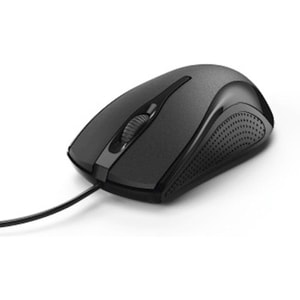
Connectivity: Wired (USB-A) • DPI (Max): 1000 DPI • Tracking Type: Optical
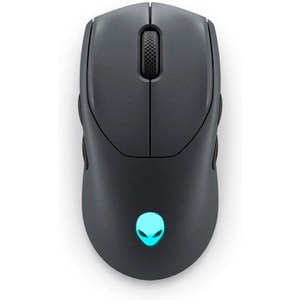
Connectivity: Wireless (2.4 GHz + Bluetooth) • DPI (Max): 26000 DPI • Tracking Type: Optical
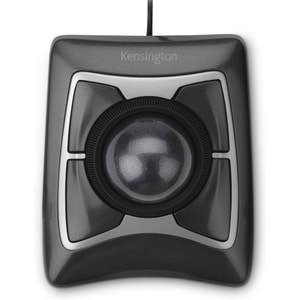
Connectivity: Wired (USB) • DPI (Max): 400 DPI • Tracking Type: Optical
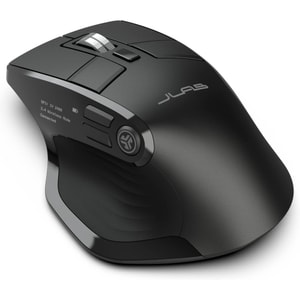
Connectivity: Wireless (2.4 GHz + Bluetooth) • DPI (Max): 2400 DPI • Tracking Type: Optical
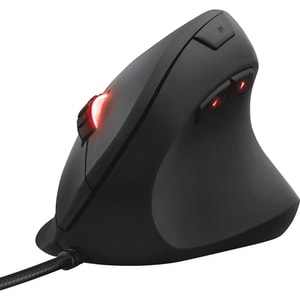
Connectivity: Wired (USB) • DPI (Max): 10000 DPI • Tracking Type: Optical
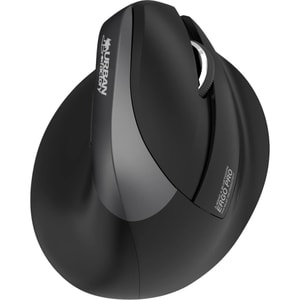
Connectivity: Wireless (2.4 GHz + Bluetooth) • DPI (Max): 4000 DPI • Tracking Type: Optical
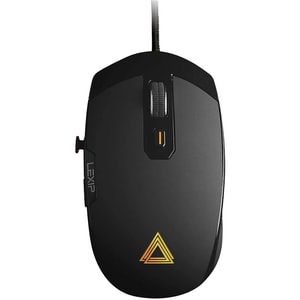
Connectivity: Wired (USB) • DPI (Max): 12000 DPI • Tracking Type: Laser
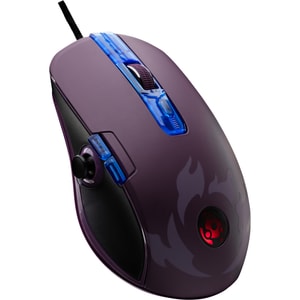
Connectivity: Wired (USB) • DPI (Max): 12000 DPI • Tracking Type: Optical
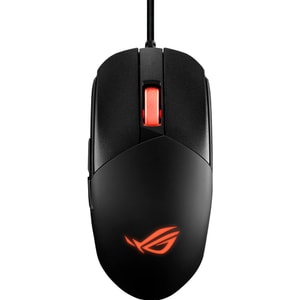
Connectivity: Wired (USB-A) • DPI (Max): 12000 DPI • Tracking Type: Optical
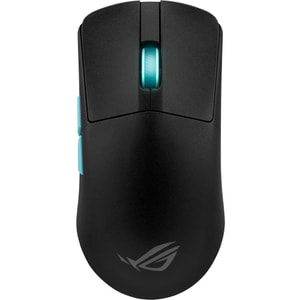
Connectivity: Wireless (2.4 GHz + Bluetooth) and Wired (USB) • DPI (Max): 36000 DPI • Tracking Type: Optical
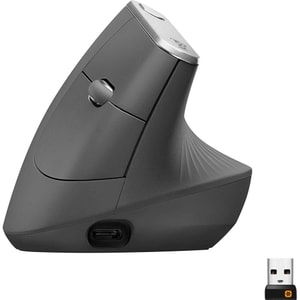
Connectivity: Wireless (2.4 GHz + Bluetooth) • DPI (Max): 4000 DPI • Tracking Type: Optical
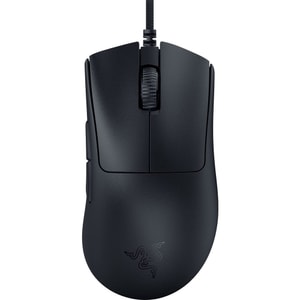
Connectivity: Wired (USB) • DPI (Max): 30000 DPI • Tracking Type: Optical
Computer mice: the small upgrade your wrist notices all day
A mouse is a small purchase that can make a big difference. When it suits your hand and your routine, work feels smoother, clicks feel lighter, and you stop thinking about the hardware completely. When it does not suit you, it shows up as little daily annoyances: a scroll wheel that fights you, a shape that makes your hand tense, or wireless that drops out right when you are trying to finish something quickly. Read More...
The best mouse is not “the best mouse on paper”. It is the one that matches how you use your computer: what you do most often, how much you travel, whether you share a room, and how many hours you spend at the desk. Start there, then look at connection type, comfort, and the few specs that genuinely matter.
Start with your day: office, gaming, travel, or shared spaces
Home office and everyday work
For everyday work, comfort and control beat flashy extras. A good office mouse should glide smoothly, feel stable under the palm, and let you click without a heavy, stiff press. Back and forward side buttons can be a small quality-of-life upgrade for browsers and spreadsheets, especially if you are in documents all day. If you type for hours, it is worth thinking of your setup as a pair: computer keyboards and a comfortable mouse should work together, not fight each other.
If you work on long documents, pay attention to the scroll wheel. A consistent scroll with a clear “step” can make reading and proofing feel calmer. If you do lots of copying and pasting, extra buttons can save time, but only if they land naturally under your thumb and do not force a cramped grip.
Gaming and precision
A gaming mouse is really about predictability. You want tracking that feels consistent, buttons that respond the same way every time, and a shape that suits your grip when things get fast. Weight is personal. Some people want a lightweight mouse for quick flicks, while others prefer something with a bit more substance for steady control.
For most players, a good sensor and comfortable shape will matter more than extreme numbers. Focus on how it feels over a long session: does your hand stay relaxed, do you overshoot when you aim, and does the mouse feel easy to lift and reposition? If you play competitively, connection consistency matters too, because you do not want to second-guess whether the mouse is the issue.
Travel and multi-device setups
If you move between devices, a compact mouse that pairs reliably can make life easier. A Bluetooth mouse is often popular for travel because it can connect without taking up a USB port. A small receiver stored inside the mouse can also be handy if you want a simple plug-in connection on the go. For many people, the ideal travel mouse is the one that disappears into a bag and just works with laptops without any fuss.
Multi-device switching is also worth considering if you jump between a work machine and a personal device. If you do that daily, a mouse that can swap between two or three devices can save you from re-pairing and cable swapping.
Quiet clicks for shared rooms
If you share a space, noise is not a minor detail. A clicky mouse can be surprisingly loud in a quiet room, especially late at night. A silent mouse or quiet-click design is one of the most considerate upgrades you can make, and it is often more pleasant for you as well. Pair that with a smooth glide and you get a calmer desk experience overall, which is exactly what many home office buyers want.
Wired vs wireless mice: what matters now
Bluetooth vs 2.4GHz wireless receiver
Wireless mice generally fall into two camps: Bluetooth, and a 2.4GHz receiver (a small USB dongle). Bluetooth is built for convenience. It is ideal when you want to keep ports free and connect to multiple devices. A 2.4GHz receiver is often chosen when you want a more consistent, immediate feel, particularly for gaming, because it is designed around a dedicated connection rather than a general-purpose wireless stack.
Independent testing often finds wired mice and wireless models with proprietary USB receivers have lower click latency than Bluetooth, which is why Bluetooth is usually positioned as best for office convenience rather than competitive play.
Neither is “always better”. If you mainly work and value portability, Bluetooth can be spot on. If you want the safest bet for responsiveness, a 2.4GHz receiver or a wired mouse is usually the calmer choice.
Battery life, charging, and grab-and-go reliability
Wireless is only convenient if you trust it. Some mice use AA or AAA batteries and can last a long time, which suits people who do not want another device to charge. Others are rechargeable, often over USB-C, which is handy if you already charge other accessories at your desk. Think about how you actually work. If you would hate a dead mouse mid-call, choose something with clear battery indicators and sensible power saving.
Also consider where you will use it. A rechargeable mouse is brilliant at a desk with a charger nearby. A battery-powered travel mouse can be better for commuting and hot-desking because you can carry a spare battery and avoid hunting for a cable.
Shape and comfort: grip styles, hand size, and ergonomic mice
A mouse can have great specs and still feel wrong if the shape does not suit your hand. Start with the basics: do you hold your mouse with your whole hand (palm grip), with fingertips and a raised palm (claw grip), or mostly with fingertips (fingertip grip)? A fuller, taller shape often suits palm grip. Smaller, lower shapes often suit fingertip control and travel use.
If you are left-handed, check whether a mouse is truly left-handed, ambidextrous, or right-handed only. “Ambidextrous” often means a symmetrical shape, but side buttons can still be placed for right-hand use, so it is worth a quick check before you buy.
Vertical mice and a different wrist position
A vertical mouse changes the wrist angle and is often chosen by people who want a more neutral-feeling hand position during long workdays. It is not a magic fix, but it can feel more comfortable for some people, especially if a flat mouse makes them feel twisted or tense. If you are curious, choose a model with a shape that supports the whole hand rather than forcing a pinch grip, because comfort is the point of the exercise.
Trackball mice for small desks and steady control
If your desk is tight on space, a trackball mouse can be a surprisingly tidy solution because the device stays still and your thumb or fingers do the moving. Some people also like trackballs for steady, precise cursor control on spreadsheets and detailed work, because you are not constantly repositioning the mouse. They are not for everyone, but if you like the idea of less arm movement and a more planted feel, a trackball is worth a look.
Simple desk comfort checks you can do in 30 seconds
A few practical checks can make almost any mouse feel better:
- Keep the mouse within easy reach so you are not stretching your arm forward.
- Aim for a straight wrist position rather than bending the wrist outwards.
- Let the forearm rest lightly on the desk instead of holding the arm up all day.
- Avoid gripping the mouse too tightly. A light touch reduces fatigue over time.
These are the same sort of practical points the HSE highlights for display screen equipment comfort at work and at home.
Specs worth reading: DPI, polling rate, buttons, and scroll wheel feel
DPI is often marketed heavily, but the practical point is simple: it affects how far the pointer moves when you move the mouse. If you use large screens or multiple displays, higher DPI can help you cross the desktop with less effort. If you work on big computer monitors, especially higher-resolution displays, a mouse with adjustable DPI lets you find a comfortable speed without relying on extreme settings.
Polling rate is mainly relevant for gaming. Higher polling rates can feel more responsive, but comfort and consistency still matter more for most people. Extra buttons can be genuinely useful for gaming, editing, and productivity shortcuts, but only if they land naturally. More buttons are not automatically better if they lead to accidental presses.
Finally, do not ignore the scroll wheel. For work, a controlled, predictable wheel is often nicer than a very light free-spin wheel. For creative work and long documents, the best wheel is the one that feels steady and accurate in your hand.
Tracking is not just the sensor, it is also the surface. Some mice behave better on a proper mouse mat than on a glossy desk, and if you work on glass you will want to check compatibility rather than assuming. Mouse feet matter too. Smooth glide reduces friction and makes fine control feel easier, especially over long days. If a mouse feels scratchy, it can be the feet or the surface, not your hand.
A quick checklist to avoid buying the wrong mouse
Before you commit, run through these quick decisions:
- Choose your use case first: office comfort, gaming precision, travel portability, or quiet shared spaces.
- Pick wired or wireless based on your routine: Bluetooth for convenience, 2.4GHz receiver for consistency, wired for simplicity.
- Choose a shape that fits your grip and hand size, not just the photos.
- Decide whether you want silent clicks, extra buttons, or an ergonomic shape.
- If you work on large screens, prioritise adjustable DPI and a smooth, predictable scroll wheel.
If you do those checks, you end up with a mouse that feels like it belongs on your desk. And if you are refreshing the whole setup, computer peripherals like keyboards, headsets, and webcams can round it out without making things complicated.