
Xbox One Games
- Relevance
- Price: Low - High
- Price: High - Low
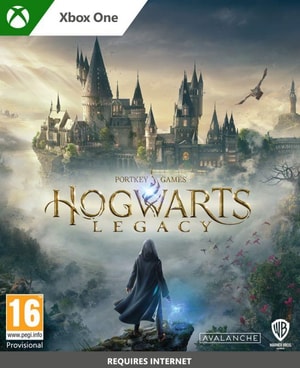
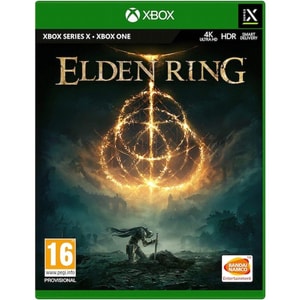
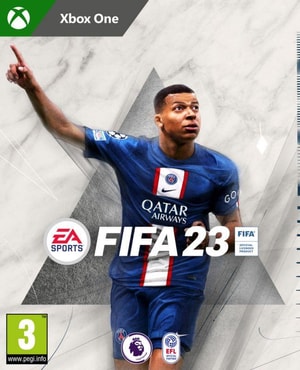
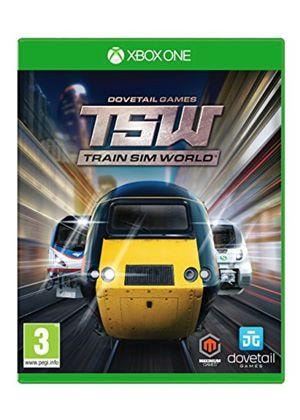
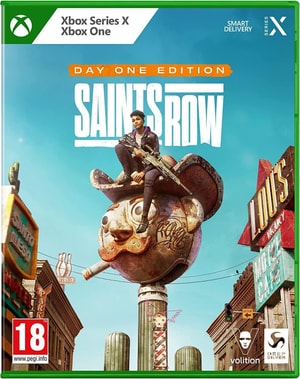
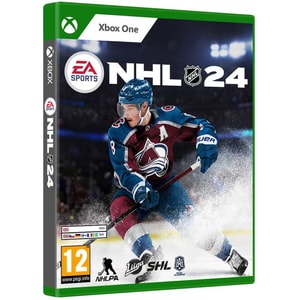
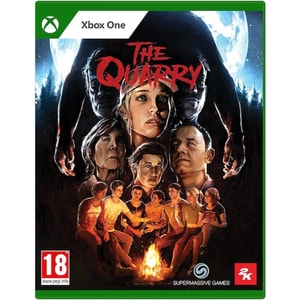
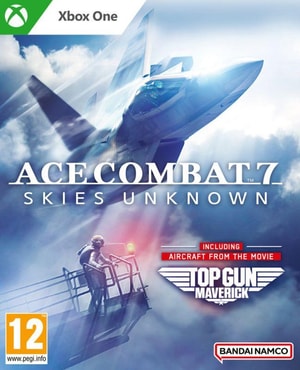
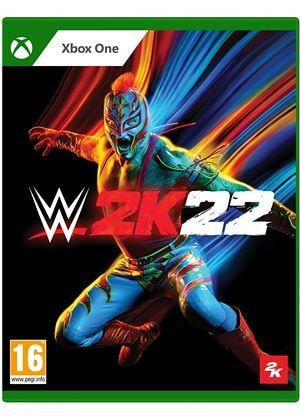
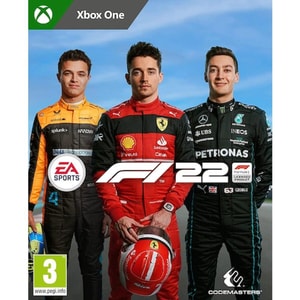
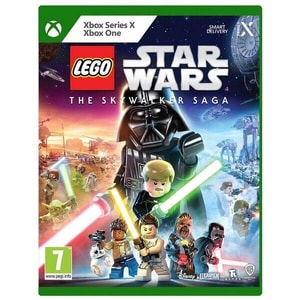
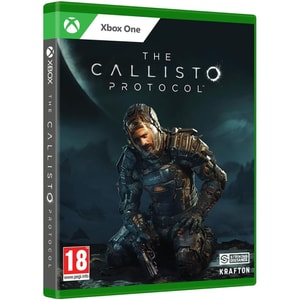
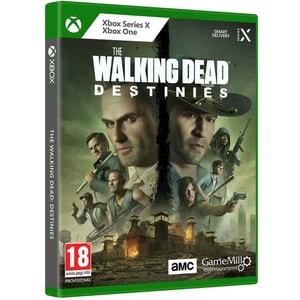
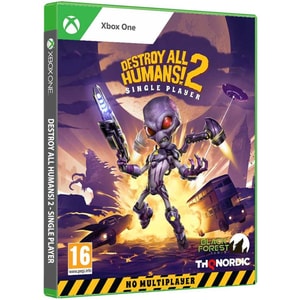
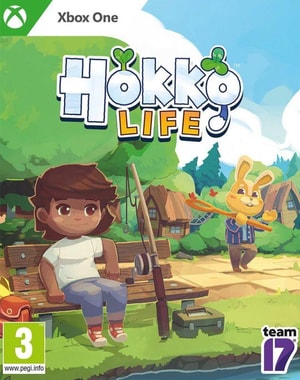
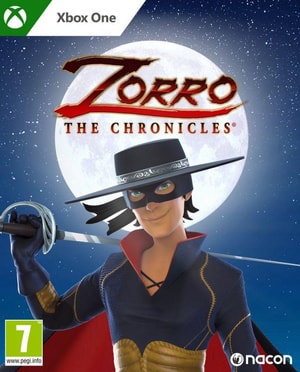
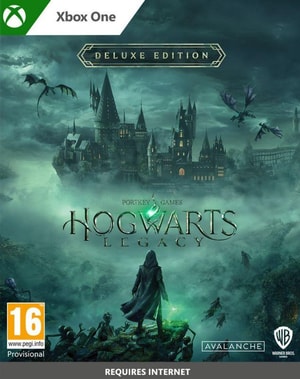
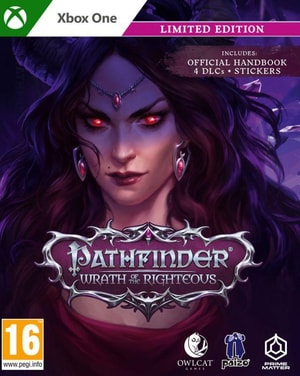
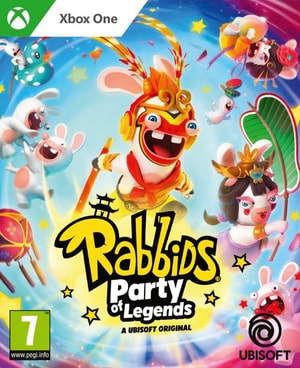
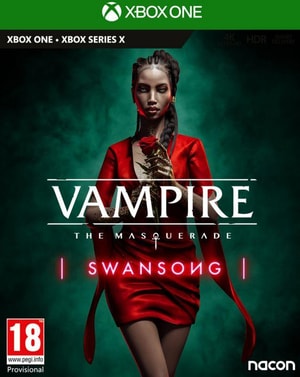
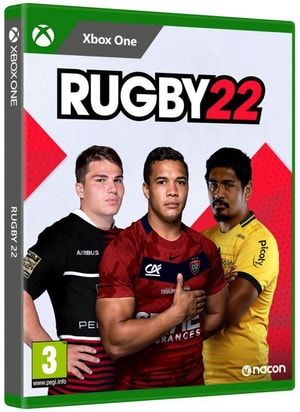
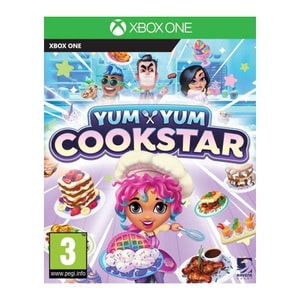
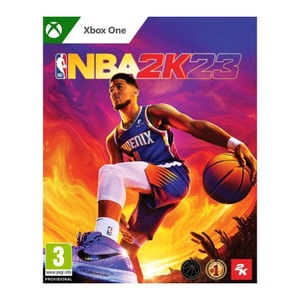
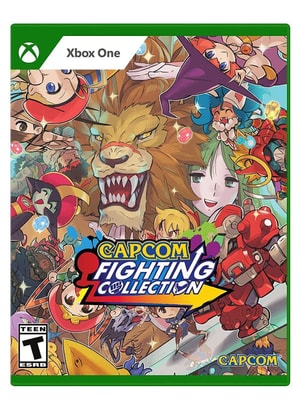
Xbox One games: a deep library that is still easy to enjoy
Xbox One games remain popular because the catalogue is huge and covers every kind of session, from long single-player adventures to quick sports matches. Many people are also searching for cheap Xbox One games or Xbox One game deals, because the back catalogue offers a lot of value, especially if you are building a library from scratch or buying for a second console in the house. Read More...
The easiest way to choose well is to start with how you play. Do you want a story you can sink into, an Xbox One co-op game for the sofa, or an Xbox One multiplayer game you will return to each week? Once you know that, check the practical details: disc or digital, edition, and age rating.
Choose by play style: story, sport, co-op, and quick sessions
If you prefer longer evenings, open-world games, action adventures and RPGs tend to reward time and patience. If you want something that fits shorter windows, racing, sports, fighters and puzzle games can work better because you can jump in quickly and still feel progress. If you are buying as a gift, matching the player’s habits usually matters more than choosing the newest release. If you use Xbox Game Pass, it can also be worth checking whether a game is already included before you buy it outright.
Local co-op and split screen: games that work on the sofa
Local co-op Xbox One games and split screen Xbox One games are often the most-used purchases in a household because they turn spare time into shared play without extra setup. Look for “local co-op” if you want two people on one console, rather than “online co-op” that assumes separate consoles.
If two people will play regularly, a second controller is the add-on that changes the experience most. Game Controllers is a useful place to find a compatible extra pad for couch play without guesswork.
Online multiplayer and voice chat: what to confirm before you buy
Online features vary by game. Many paid titles require an Xbox membership that includes online console multiplayer, while free-to-play games can be an exception, so treat this as a quick per-game check. If the game is built around matchmaking, ranked modes, or seasonal updates, it is worth confirming what is required before you buy.
For regular online sessions, comfort and microphone clarity matter. Gaming Headsets can help you choose a mic and fit that stays comfortable for longer play.
Disc or digital: choosing the format that fits your home
Xbox One games are sold on disc and as digital downloads, and the best choice is mostly about convenience. Discs suit collections and lending, and they are handy if you like swapping between games. Digital is tidy and instant once downloaded, and it can be ideal if you prefer not to store boxes or you want quick switching.
Before you buy, check whether a listing is a boxed disc, a digital download code, or an edition that includes extra content. That single check prevents the most common disappointment, especially when buying for someone else.
Buying for Xbox One or upgrading: Series X|S playability and Smart Delivery
If you are planning an upgrade, Xbox backward compatibility means you can play many Xbox One games you already own on Xbox Series X|S. Some games may also run with enhancements on newer hardware, depending on the title.
Some cross-generation releases support Smart Delivery, which is designed to deliver the best version of a game you own for the console you are playing on. It is not universal, so treat it as a feature to confirm on the listing rather than an assumption. If you are buying specifically for current-generation hardware, Xbox Series X Games can be a simpler starting point so you are not guessing which version you need. If you are also shopping for the hardware, Games Consoles is the natural place to compare Xbox models and bundles.
Editions, add-ons, and age ratings: details that avoid disappointment
Many Xbox One listings use edition labels such as standard, deluxe, ultimate, or definitive edition. The difference is usually extra content, for example DLC, expansions, cosmetic items, or a season pass, so it is worth scanning the listing for what is included and whether any bonus content is provided as a code.
Age suitability is also worth checking. PEGI ratings and descriptors give a quick read on whether a game is appropriate, which is especially useful when buying for children or mixed ages.
Related categories to explore next
If you are starting from scratch, a balanced library often works best: one longer story-led game, one quick-play favourite, and one co-op or multiplayer title. That mix covers most moods and makes the console feel useful more often.
If you want to compare across platforms, Console Games keeps the different console libraries separate so compatibility stays clear.