
Printers
- Relevance
- Price: Low - High
- Price: High - Low
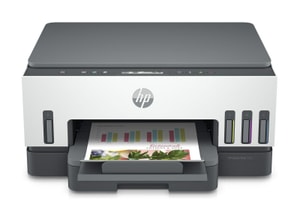
Printing technology: Colour inkjet • Functions: Print, Scan, Copy • Print Speed: 15 ppm mono / 9 ppm colour
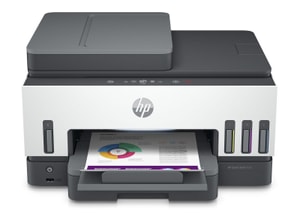
Printing technology: Colour inkjet • Functions: Print, Scan, Copy, Fax • Print Speed: 15 ppm mono / 9 ppm colour
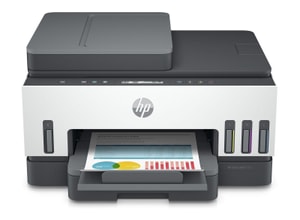
Printing technology: Colour inkjet • Functions: Print, Scan, Copy • Print Speed: 15 ppm mono / 9 ppm colour
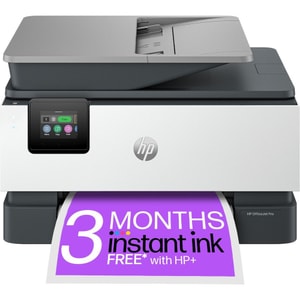
Printing technology: Colour inkjet • Functions: Print, Scan, Copy, Fax • Print Speed: 22 ppm mono / 18 ppm colour
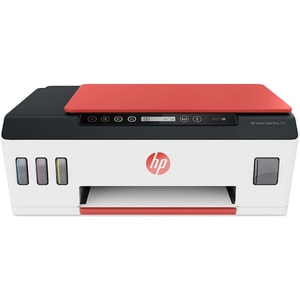
Printing technology: Colour inkjet • Functions: Print, Scan, Copy • Print Speed: 11 ppm mono / 5 ppm colour
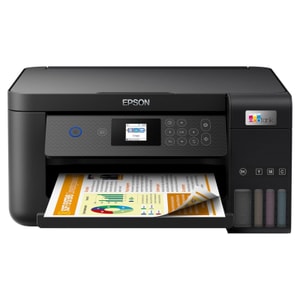
Printing technology: Colour inkjet • Functions: Print, Scan, Copy • Print Resolution: 5760 x 1440 dpi
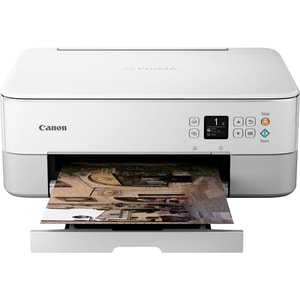
Printing technology: Colour inkjet • Functions: Print, Scan, Copy • Print Speed: 13 ipm mono / 6.8 ipm colour
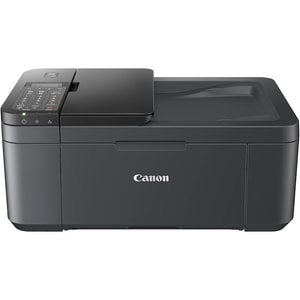
Printing technology: Colour inkjet • Functions: Print, Scan, Copy, Fax • Print Speed: 8.8 ipm mono / 4.4 ipm colour
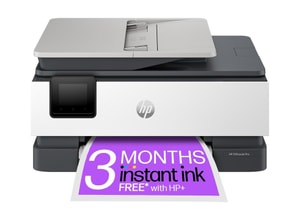
Printing technology: Colour inkjet • Functions: Print, Scan, Copy, Fax • Print Speed: 20 ppm mono / 10 ppm colour
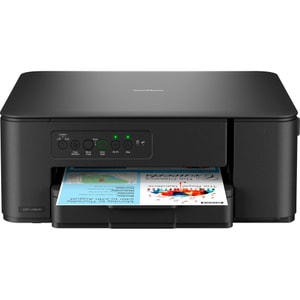
Printing technology: Colour inkjet • Functions: Print, Scan, Copy • Print Speed: 16 ppm mono / 9 ipm colour
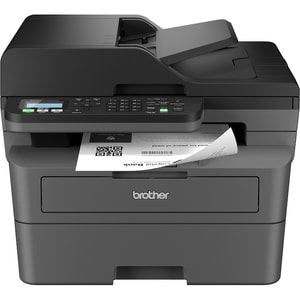
Printing technology: Mono laser • Functions: Print, Scan, Copy, Fax • Print Speed: 32 ppm
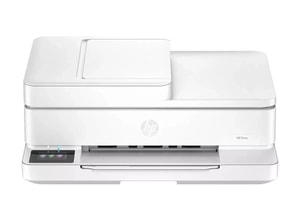
Printing technology: Colour inkjet • Functions: Print, Scan, Copy, Fax • Print Speed: 10 ppm mono / 7 ppm colour
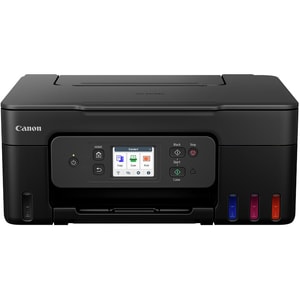
Printing technology: Colour inkjet • Functions: Print, Scan, Copy • Print Speed: 11 ipm mono / 6 ipm colour
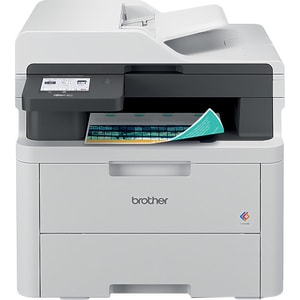
Printing technology: Colour laser • Functions: Print, Scan, Copy, Fax • Print Speed: 18 ppm mono / 18 ppm colour
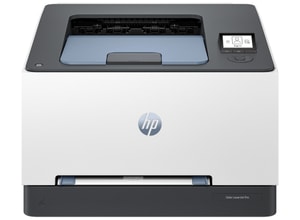
Printing technology: Colour laser • Functions: Print • Print Speed: 25 ppm mono / 25 ppm colour
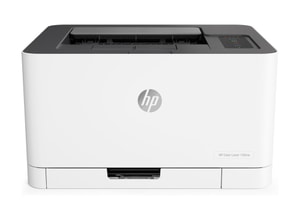
Printing technology: Colour laser • Functions: Print • Print Speed: 18 ppm mono / 4 ppm colour
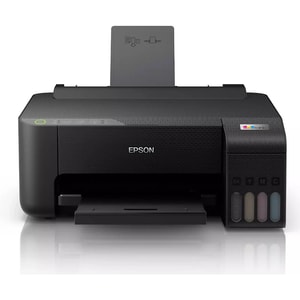
Printing technology: Colour inkjet • Functions: Print • Print Speed: 10 ppm mono / 5 ppm colour
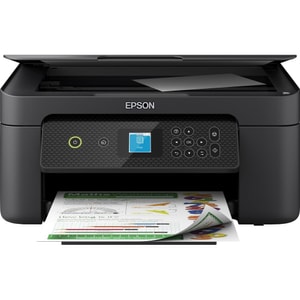
Printing technology: Colour inkjet • Functions: Print, Scan, Copy • Print Speed: 10 ppm mono / 5 ppm colour
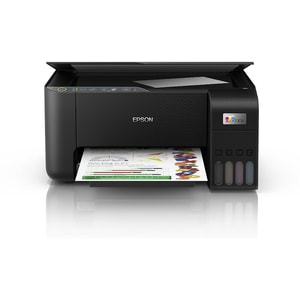
Printing technology: Colour inkjet • Functions: Print, Scan, Copy • Print Speed: 33 ppm mono / 15 ppm colour
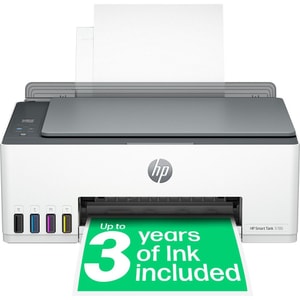
Printing technology: Colour inkjet • Functions: Print, Scan, Copy • Print Speed: 12 ppm mono / 5 ppm colour
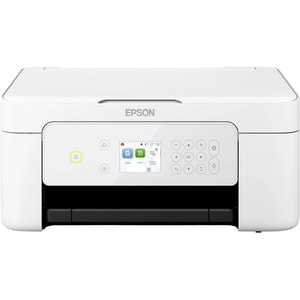
Printing technology: Colour inkjet • Functions: Print, Scan, Copy • Print Speed: 10 ppm mono / 5 ppm colour
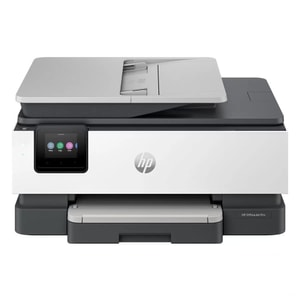
Printing technology: Colour inkjet • Functions: Print, Scan, Copy • Print Speed: 20 ppm mono / 10 ppm colour
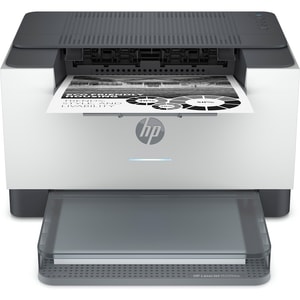
Printing technology: Mono laser • Functions: Print • Print Speed: 29 ppm mono
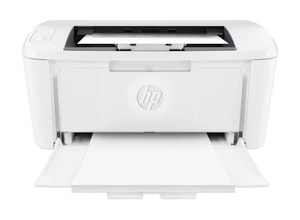
Printing technology: Mono laser • Functions: Print • Print Speed: 20 ppm mono
Printers: pick the one that behaves when you need it
A printer is one of those things you ignore until you really need it. It is the school form at 9pm, the returns label before a post office run, the invoice you promised to send, or the boarding pass you suddenly decide you want on paper. The right printer makes all of that feel easy. The wrong one turns it into a faff with paper jams, patchy wireless, and ink that runs out at the worst possible moment. Read More...
When you are comparing printers online, it helps to start with your habits. What do you print, how often, and is it mostly text or colour? Once you know that, choosing the right printer type is straightforward, and you can focus on features that genuinely save time and money.
Start with your printing habits, not the price tag
Most people start with one of three simple wants: a home printer for occasional jobs, a home office printer that can cope with regular paperwork, or a wireless all-in-one printer that covers printing, scanning and copying without drama. If you know which of those you are aiming for, you can ignore a lot of noise and get to the models that fit.
Occasional home printing and homework
If you print now and then, look for something simple and compact that connects reliably. A wireless all-in-one suits many homes because scanning and copying still pop up regularly, especially for paperwork and school bits. For occasional use, do not overpay for speed figures you will never notice. Prioritise easy setup, dependable wireless, and sensible consumable costs.
One small detail that matters: check how the inks are supplied. If the printer uses separate colour inks, you replace only the colour that runs out. If it uses a combined colour cartridge, you may replace the whole thing even when one colour is empty.
Home office and small business volume
If you print regularly, the purchase price matters less than the running costs. This is where many buyers choose a laser printer for fast, crisp text, or a refillable ink tank model if they print a lot of colour pages and want fewer consumable changes.
This is also where the “workflow” features show their value. Automatic double-sided printing saves paper and keeps documents tidy. A decent paper tray stops you reloading constantly. A scanner that does not feel like hard work becomes important if you deal with admin, receipts, and forms.
If you print spreadsheets, contracts, or anything you proof carefully, computer monitors can make reviewing and proofing far easier before you hit print.
Labels, parcels, and organisation
If your main need is labels, a label printer designed for shipping labels and storage labels can be a better fit than a general home printer. It is usually faster and less wasteful for that one job. Check the label size you use most, and confirm how it connects, especially if it will sit near your router or in a home office corner.
Inkjet vs laser vs ink tank printers: the practical differences
Inkjet printers for colour and flexibility
Inkjet printers are often the most flexible choice for general home use. They handle colour documents well and can produce decent photos on the right paper. They are also common in smaller all-in-one designs, which is handy for families and students.
The trade-off is usually ink management. If you print infrequently, ink can dry out, and cleaning cycles can waste ink. That is not a dealbreaker, but it is worth being honest about how often you print.
Laser printers for sharp text and consistent speed
Laser printers suit people who want clean, crisp text and fewer interruptions. Mono laser printers are popular for black and white documents, while colour laser models suit offices that print charts, handouts, and colour-heavy pages.
Laser printers use toner rather than liquid ink, and they are often chosen for predictable performance on document work. If most of what you print is text, laser can be the calm, dependable option.
Refillable ink tank printers for lower running costs
If you print a lot and feel like cartridges are doing your head in, an ink tank printer can be a sensible move. These use refillable tanks and are designed for higher page volumes. They suit busy households, home offices, and anyone who prints in bursts for school, work, and admin.
They can cost more up front, but many buyers choose them because the ongoing cost per page is often lower. They are at their best when you print regularly rather than leaving them idle for months.
Features worth paying for: duplex, ADF, and reliable connectivity
Automatic double-sided printing
Automatic double-sided printing is one of the most useful features for paperwork. It saves paper, keeps pages in order, and stops you manually flipping sheets. Many listings mention duplex, so check whether it is automatic rather than manual. That difference is what you notice in real life.
ADF for multi-page scanning and copying
An automatic document feeder matters if you scan or copy more than one page at a time. Flatbed scanning is fine for a single page, but it gets old fast when you have forms and multi-page documents. If you deal with admin regularly, an ADF makes the printer feel like it belongs in a home office.
If paperwork is a big part of your life, look out for models that support duplex scanning as well. Some ADFs can scan both sides of the page automatically, which saves time and avoids missed pages.
Wireless, Ethernet, and mobile printing that actually works
Wireless printing is brilliant when it is stable. If your home Wi-Fi is busy, an Ethernet connection can be a quiet win for reliability. Some models also support Wi-Fi Direct, which can help when you want to print without joining a network.
For mobile printing, keep it simple. If you print from an iPhone or iPad, AirPrint support is the straightforward option. For Android devices and mixed environments, Mopria certification is a useful signal because it is designed around driverless printing across many printer brands.
One important note: older guides sometimes mention Google Cloud Print. It is no longer supported, so you want modern options like AirPrint, Mopria, or the manufacturer’s current mobile printing app.
If you print from laptops most days, it is worth checking what ports and wireless standards your laptops support.
Running costs and the “cheap ink” reality check
The biggest mistake people make is buying a cheap printer without checking ink or toner costs. A printer can look like a bargain, then cost far more over the first year because consumables are expensive or low-yield.
A practical way to think about it is cost per page. If you mostly print text, check the black cartridge or toner yield and whether “XL” or high-yield options exist. If you print colour, check whether the printer uses separate colour consumables or a combined colour cartridge. Also consider how often you print. Infrequent printing can be a hidden cost for some inkjets, as cleaning cycles and dried nozzles waste ink.
You may also see ink subscription plans included with some printers. They can suit predictable monthly printing, but they are not for everyone. The safest approach is to match the printer type to your volume first, then treat subscriptions as an optional extra rather than the main reason to buy.
If you scan paperwork, having a simple backup plan in storage can save you hassle later.
How to compare models without buying the wrong variant
Printers are famous for lookalike model names. Two listings can both say “wireless all-in-one” and still differ on paper capacity, duplex support, ADF presence, and mobile printing features. Small suffixes in model numbers can also indicate different bundles.
A simple, sensible checklist is:
- Confirm the exact model number, not just the brand family name.
- Confirm your must-haves: duplex, ADF, paper tray size, and mobile printing support.
- Check whether you need A3 or wide-format printing for home office work.
- Check what consumables it uses and whether high-yield options are available.
- Check warranty and returns, especially if the printer is for business-critical use.
If you do those checks, you end up with a printer that fits your routine and does not surprise you later, which is exactly what most people want.
And if you are setting up a proper desk, computer peripherals can make the whole routine feel smoother.